
 Image 1 of 4
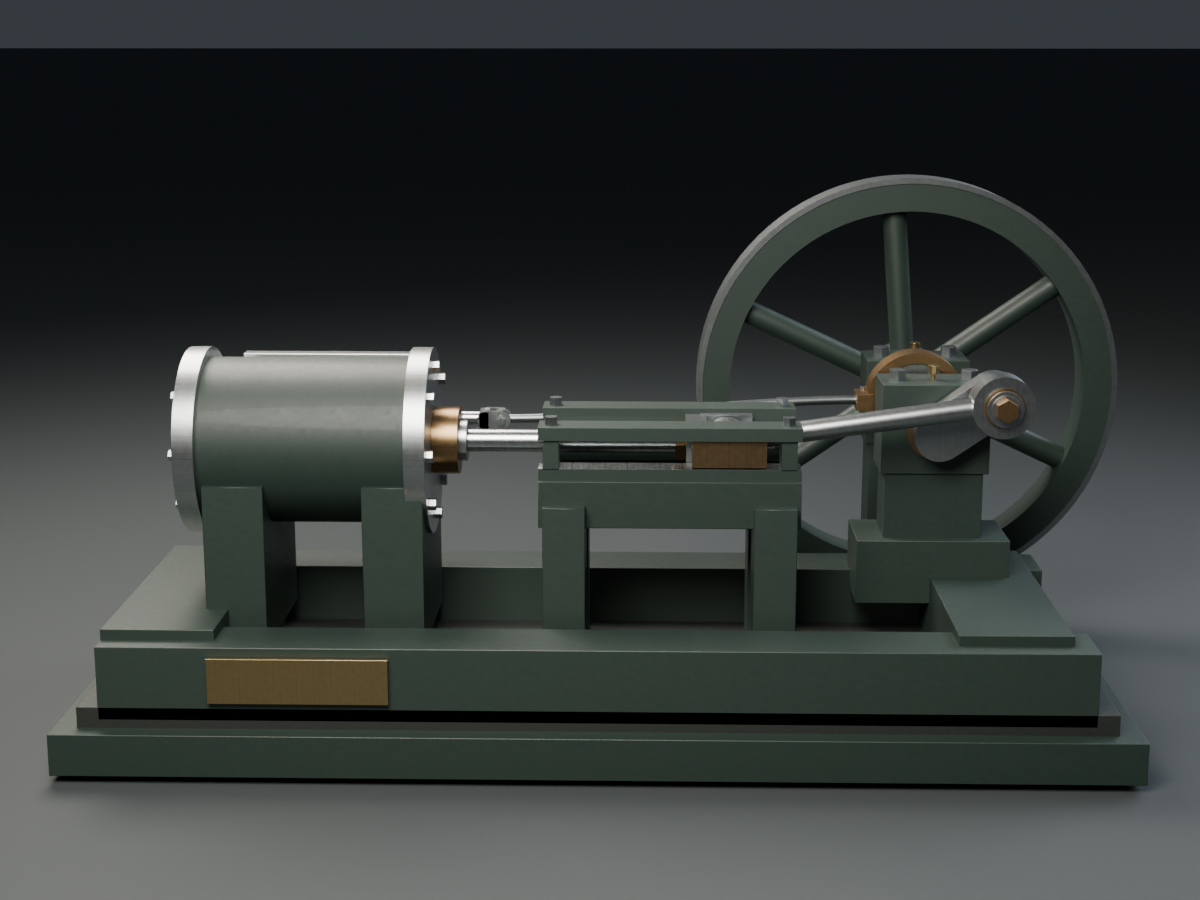 Image 2 of 4
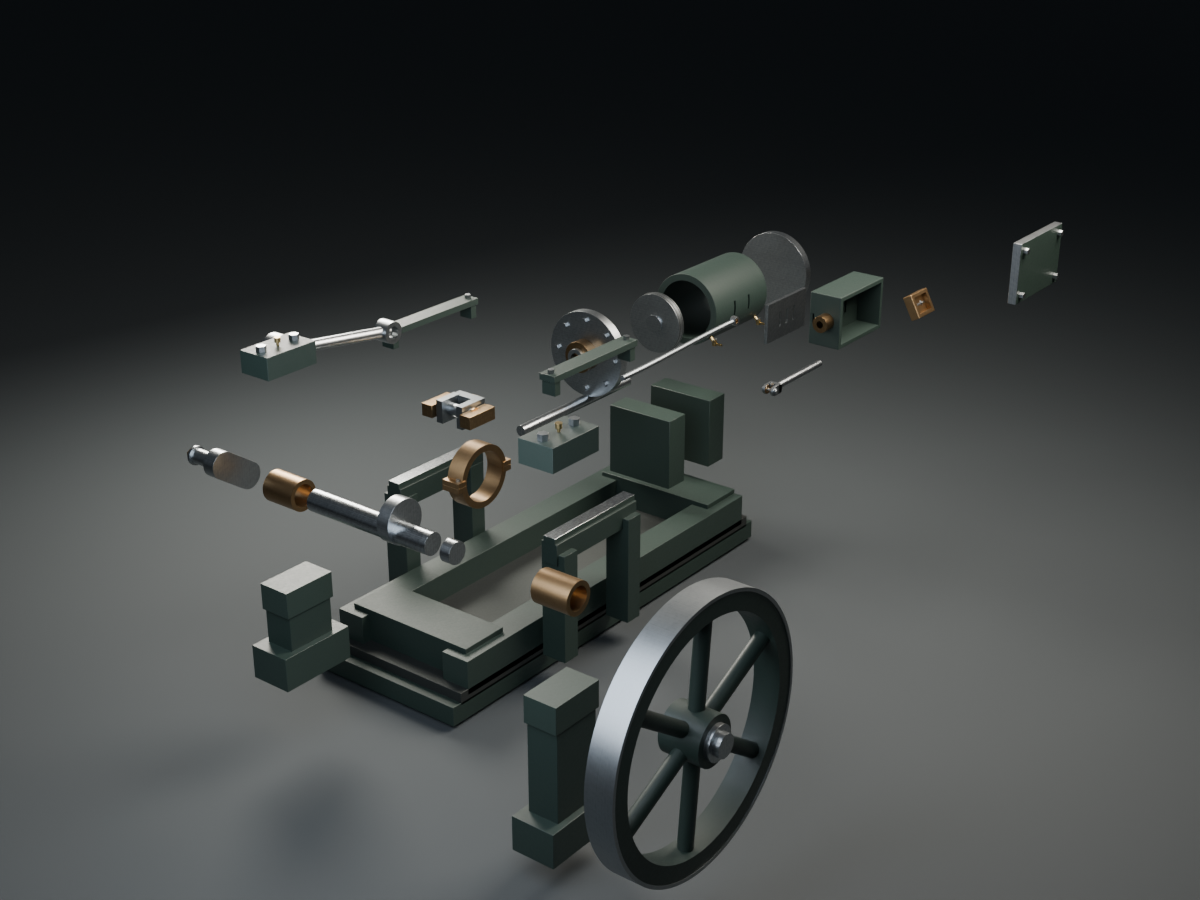 Image 3 of 4
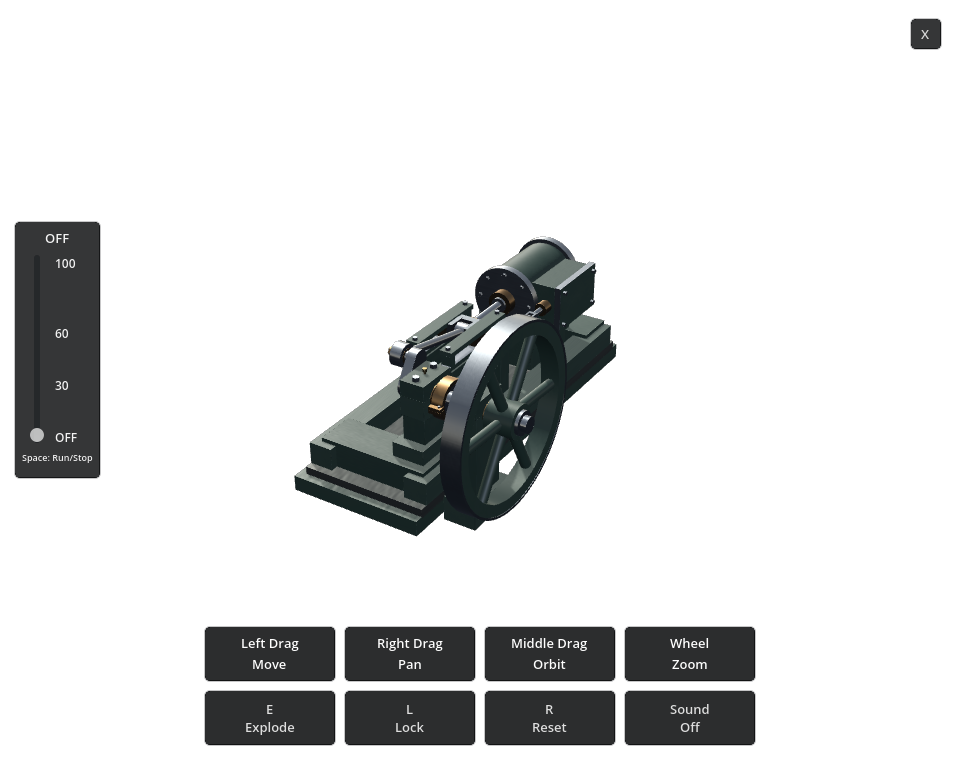 Image 4 of 4
PRODUCTS / DESKTOP APPS / WINDOWS
Horizontal Steam Engine
Mechanical motion, made visible.
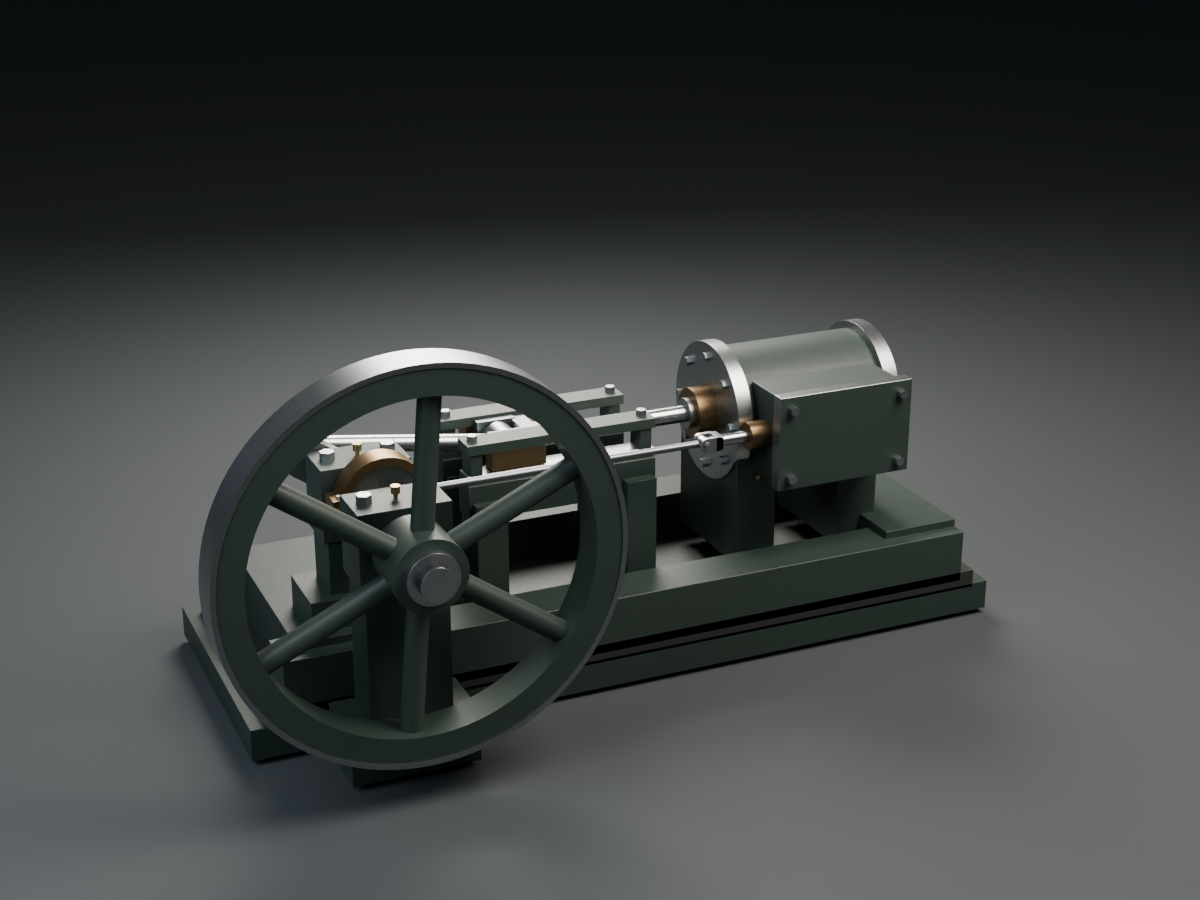
Explore a traditional horizontal slide-valve stationary steam engine as an interactive 3D Windows desktop model. Follow the exposed piston rod, crosshead, connecting rod and crank, and watch the eccentric-driven valve gear move in step.
Windows desktop app · Horizontal Steam Engine · v1.0Adjustable motion from 0–100 RPM · Exploded view · Transparent desktop presentation
Version 1.0 · Windows 10/11 x64 · 39.72 MB ZIP.
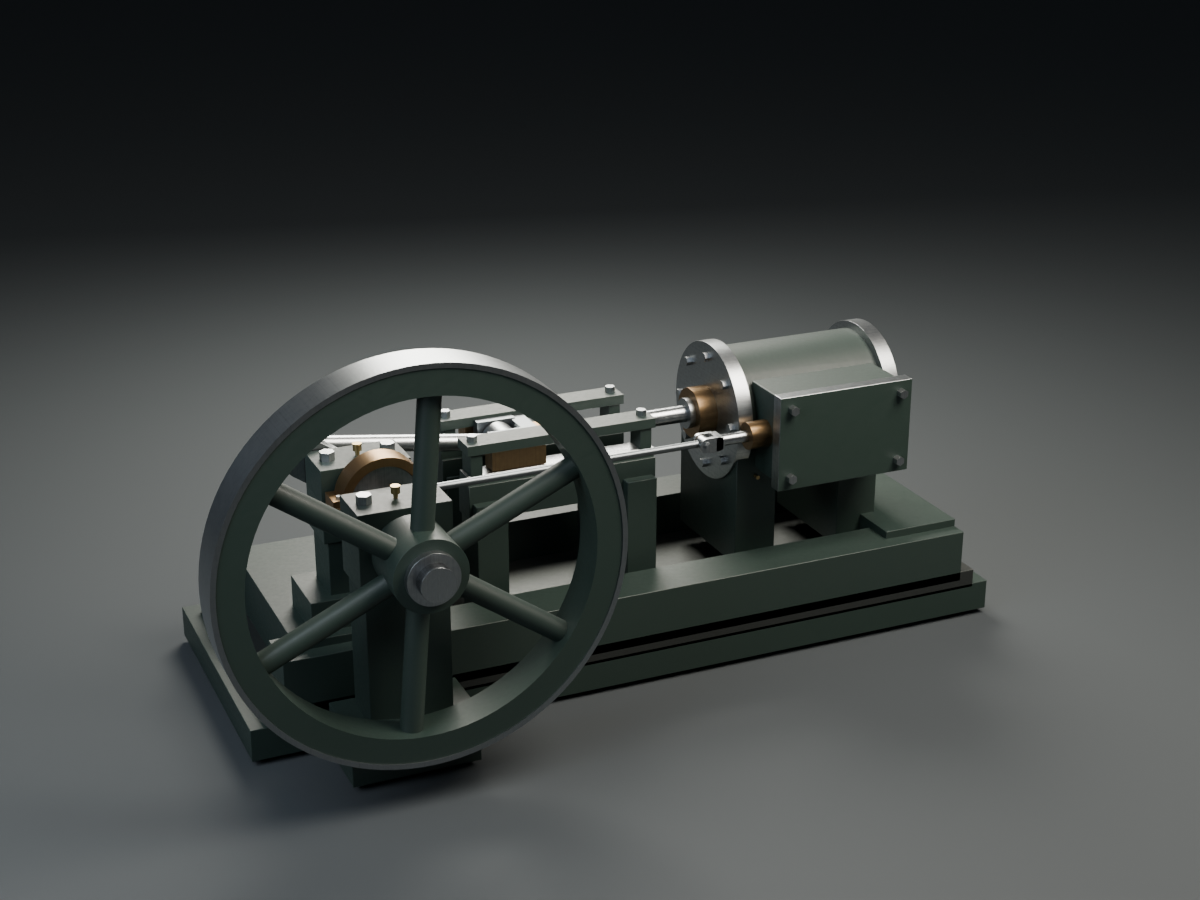
THE ENGINE AT A GLANCE
See how the motion works.
Follow the piston rod through the guided crosshead and connecting rod to the crank and flywheel. The eccentric drives the valve gear in step with the crankshaft.
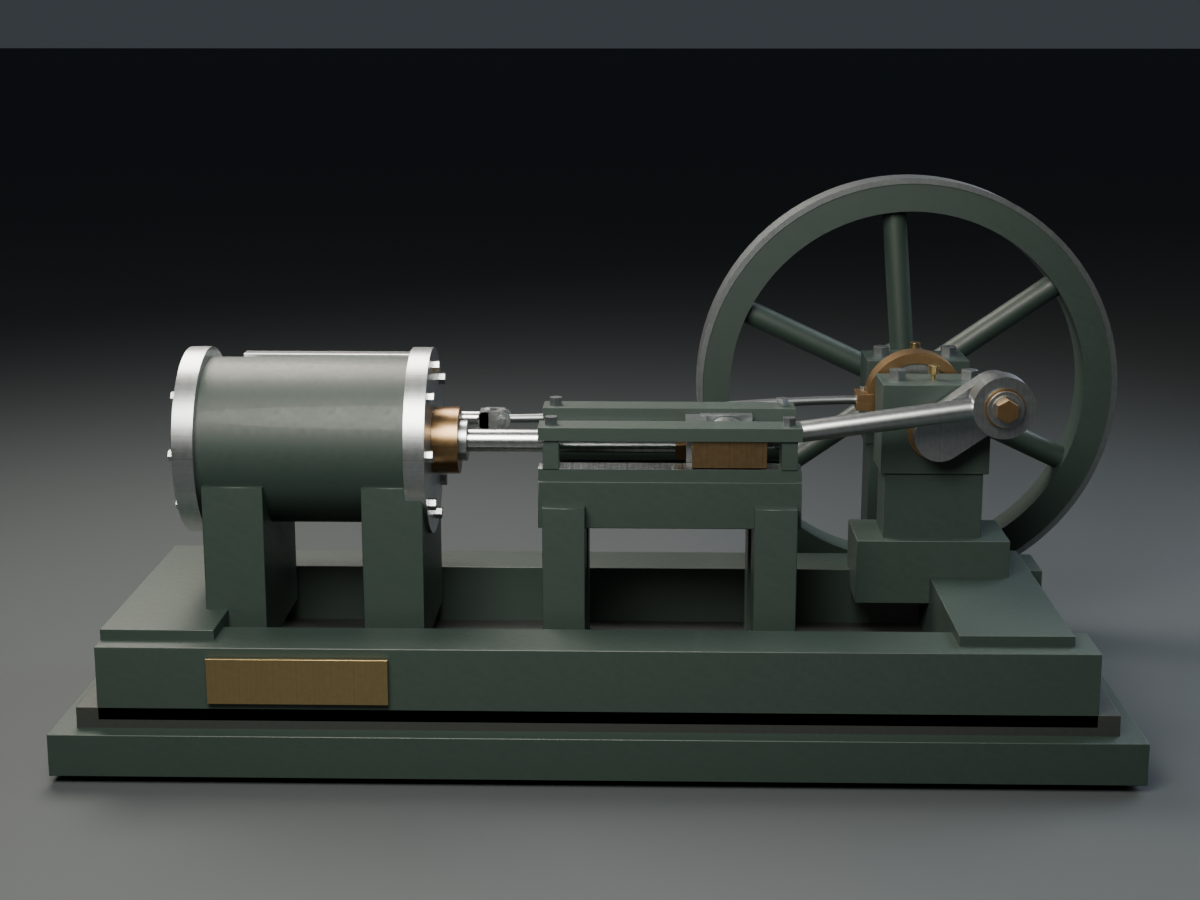
VISIBLE MECHANICS / HORIZONTAL STEAM
A traditional mechanism, opened up for exploration.
Horizontal Steam Engine brings the fixed-cylinder layout to your desktop, with the working motion exposed and an exploded view that separates the whole engine.
- Animated horizontal D-slide-valve mechanism
- Transparent Windows desktop presentation
- Exposed piston rod, crosshead, connecting rod and crank
- Visible eccentric-driven valve gear
- 0–100 RPM speed control and Space stop/resume
- Synchronized steam-engine sound
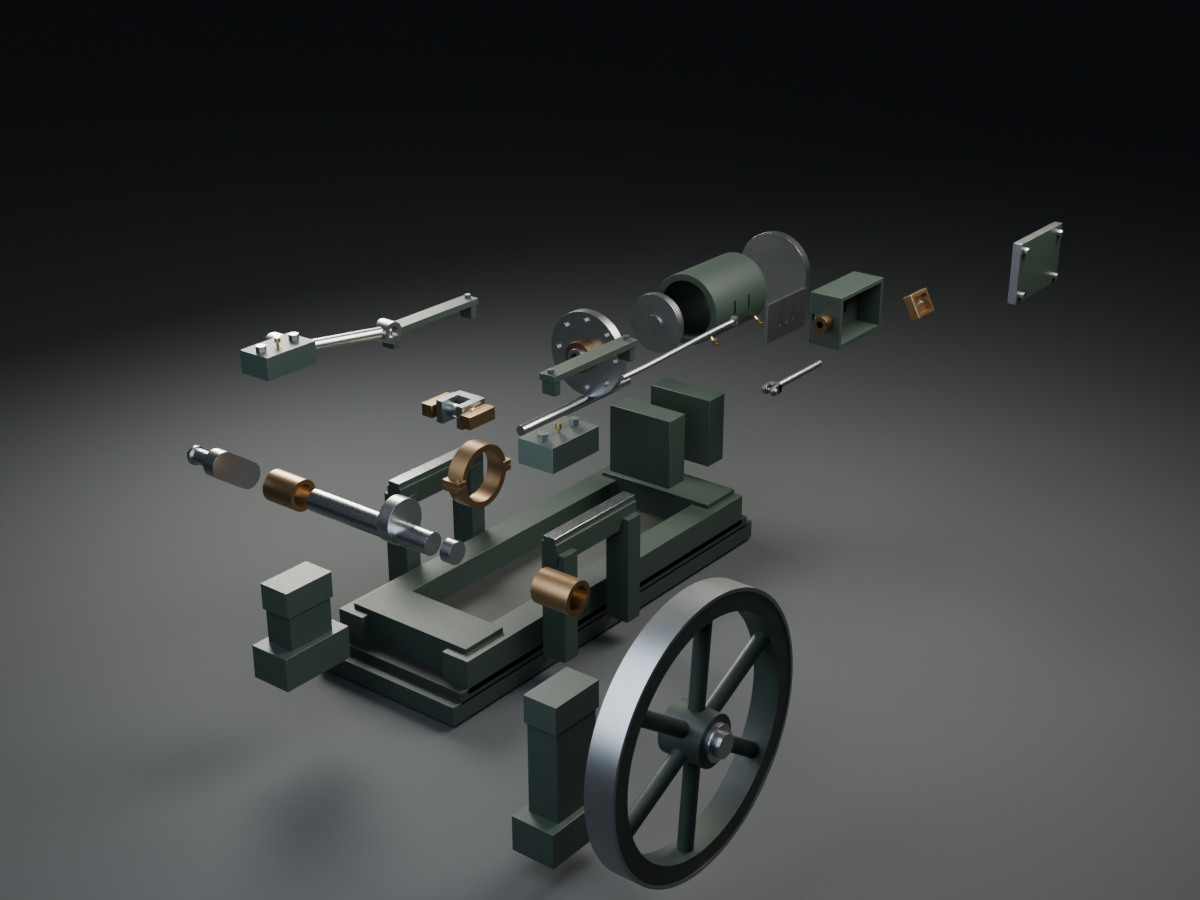
- Full-engine exploded view and reassembly
- Orbit, pan, zoom, move, reset and lock
- Remembered position, size, view, lock and sound state
- Click-to-show controls and close X
INSIDE HORIZONTAL STEAM ENGINE
Follow the motion.
Explore the assembled engine, then separate its components to inspect the cylinder, valve gear, crankshaft and flywheel. The mechanism pauses during the exploded view and reassembles as one engine.
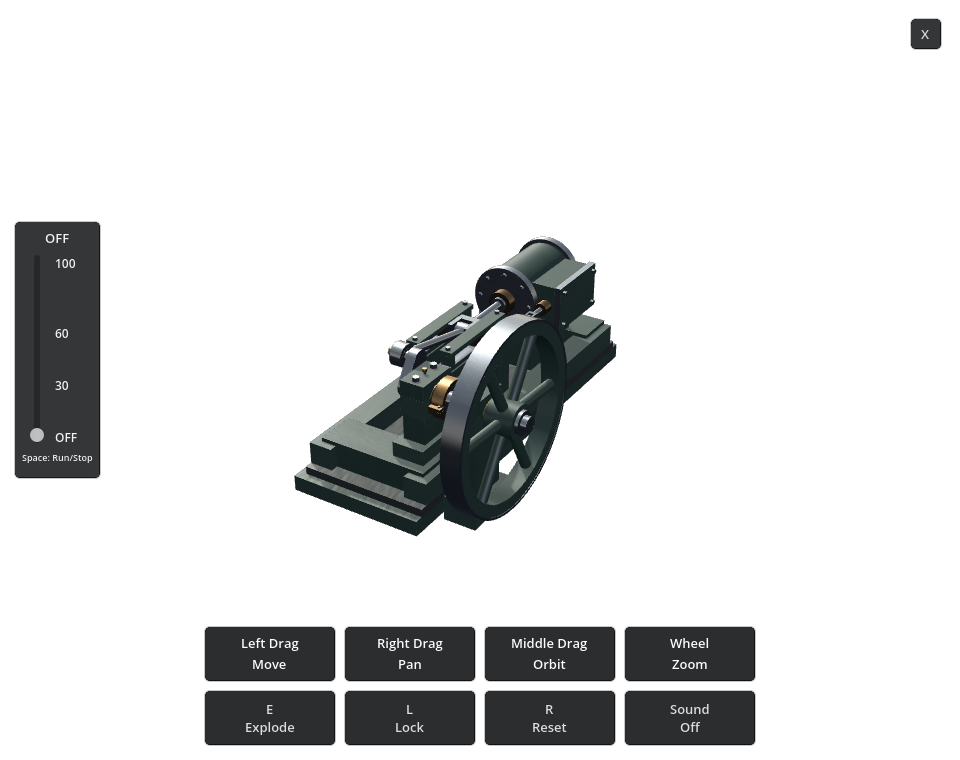
INTERACTIVE WINDOWS MODEL
Controls
- Speed and motion
- Set 0–100 RPM with the slider. Space stops or resumes the engine.
- View and position
- Middle drag to orbit; right drag to pan; wheel to zoom; left drag to move.
- Assembly
- E toggles the full-engine exploded view and reassembly.
- Reset and lock
- R resets the view. L toggles lock.
- Sound
- S toggles synchronized steam-engine sound.
- Controls and close
- Click the engine to show controls. Use X to close.
- Remembered state
- Position, size, view, lock and sound state are remembered.
HORIZONTAL STEAM ENGINE / VERSION 1.0
Release details
Version 1.0 · $4.99 USD · 39.72 MB ZIP download.
Windows 10/11 x64. OpenGL 3.3 compatible graphics with current drivers. You do not need Blender or Godot installed.
Extract all files to one folder and launch Horizontal Steam Engine.exe. Keep the EXE, PCK and DesktopEngineHost.exe together.
This is a digital model for interactive exploration, not a fabrication plan or certification for pressure service, manufacturing or a physical engine.
Read the Horizontal Slide-Valve Stationary Steam Engine article →