 Image 1 of 7
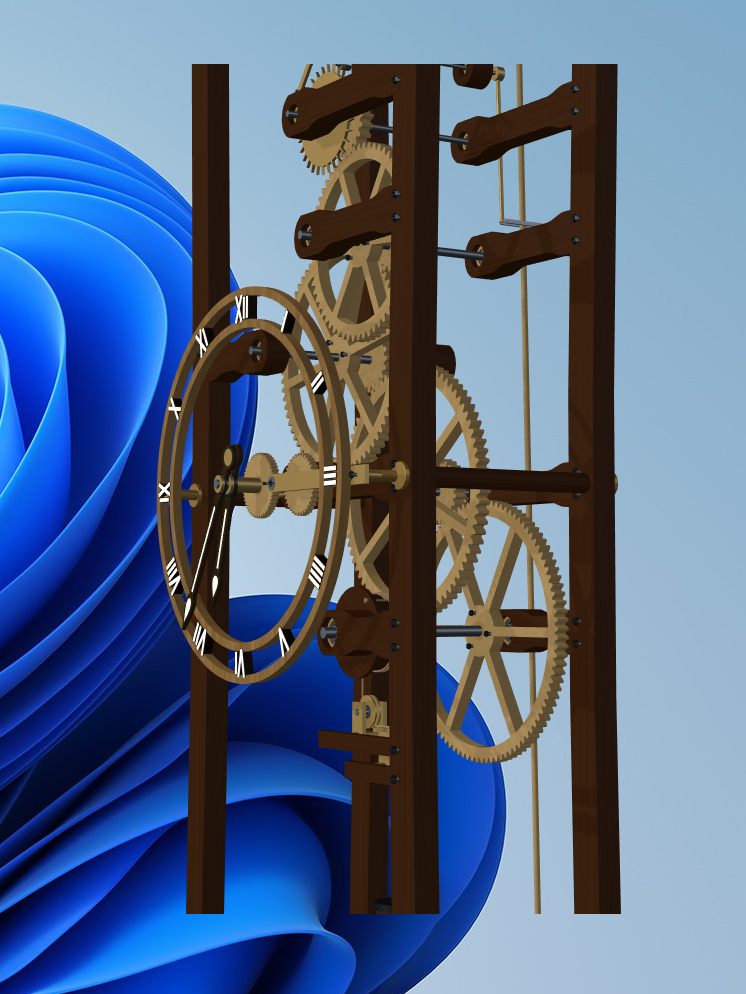 Image 2 of 7
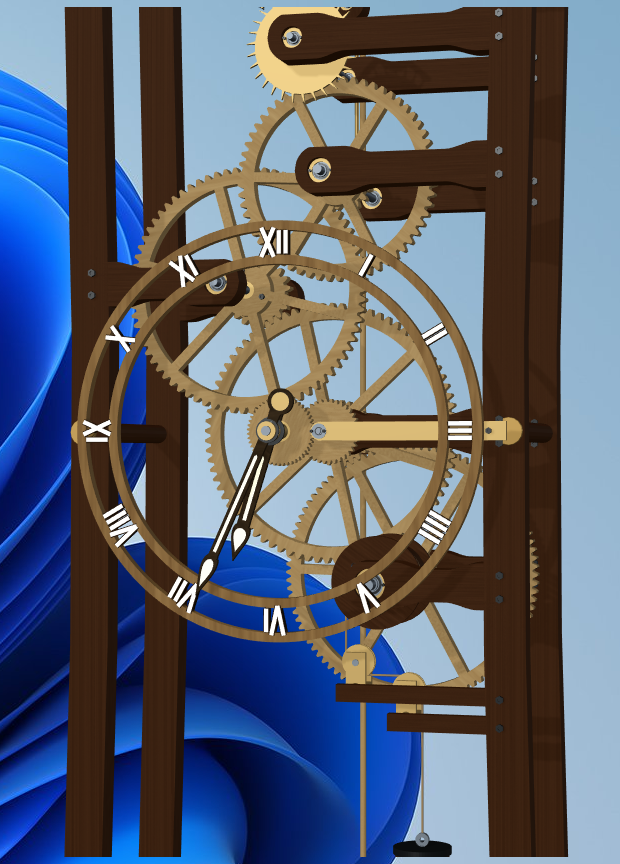 Image 3 of 7
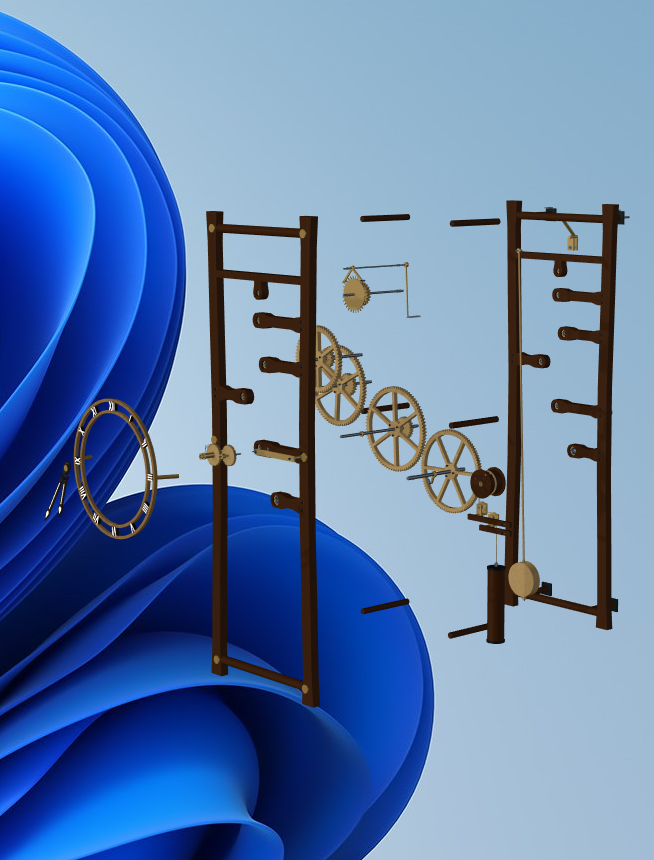 Image 4 of 7
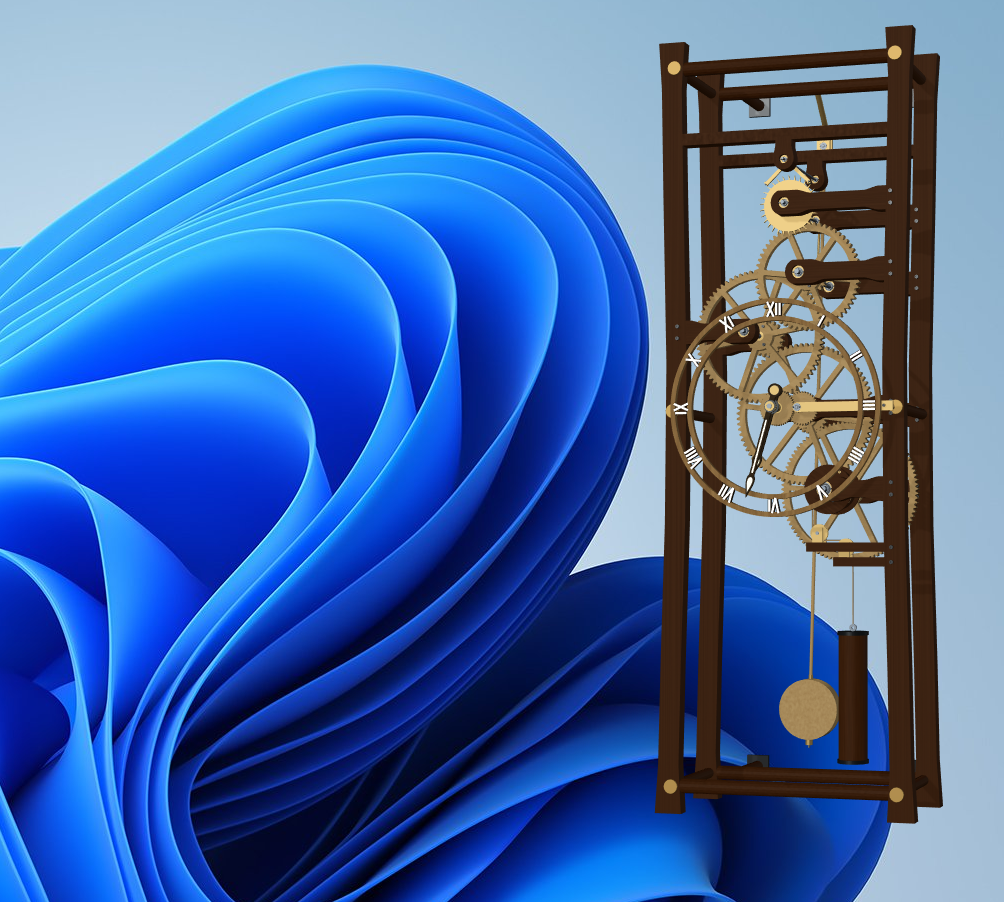 Image 5 of 7
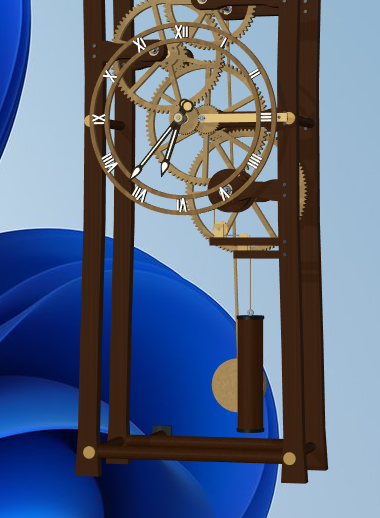 Image 6 of 7
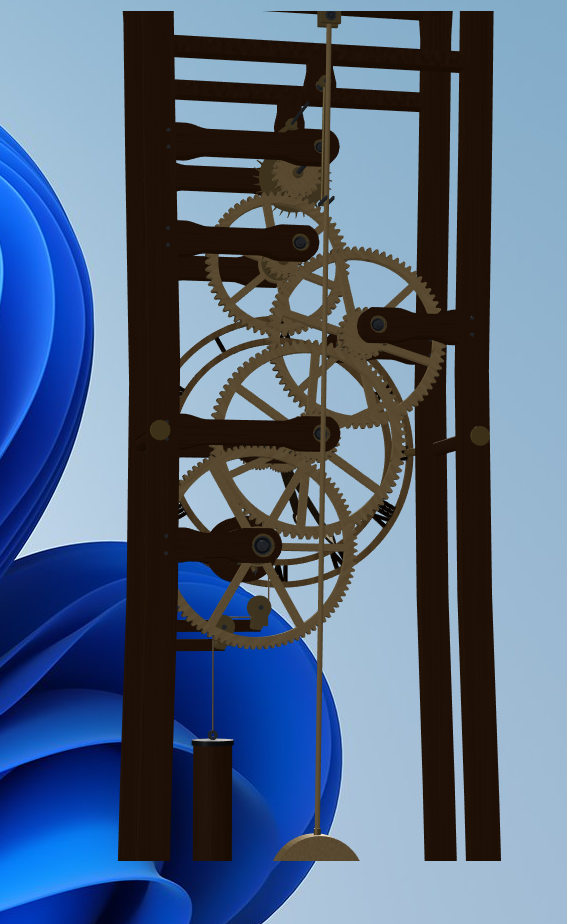 Image 7 of 7
PRODUCTS / DESKTOP APPS / WINDOWS
Open Frame Clock 02
Mechanical motion. On your desktop.
An interactive 3D mechanical desktop clock for Windows. Watch wooden gears, a pendulum and an escapement in motion while the hands follow your computer’s local system time. Place it on your desktop, turn it to inspect the mechanism, or open the exploded view to see how the parts fit together.
Windows desktop app · Open Frame Clock 0249.14 MB download
No Blender or Godot installation required.
Windows desktop application.
Use Add to Cart below. Your installer is delivered after a successful purchase.
ON YOUR WINDOWS DESKTOP
See the mechanism in motion.
Watch the clock turn and open into an exploded view. Explore the wooden frame, gear train and pendulum from different angles.
The clock sits directly on your Windows desktop. Left-drag to place it where you want, and use the mouse controls to pan, rotate and zoom.
12-second preview · Loops automatically with sound muted.
Open Frame Clock 02 in motion.
VISIBLE MECHANICS / EVERYDAY TIME
A working mechanism, always in view.
- Animated wooden gear train, pendulum and escapement presentation
- Transparent desktop presentation with a moveable clock
- Rotate, pan and zoom to explore the mechanism
- Interactive exploded view with one-key reassembly
- Manual winding with W and an approximately 48-hour visual weight descent, including time while closed
- Synchronized mechanical ticking with sound on/off
- Clickable on-screen controls
- Remembers desktop placement, view, sound preference and weight state between launches
The weight is a visual winding feature. The clock continues keeping local system time when the weight reaches the bottom.
INSIDE OPEN FRAME CLOCK 02
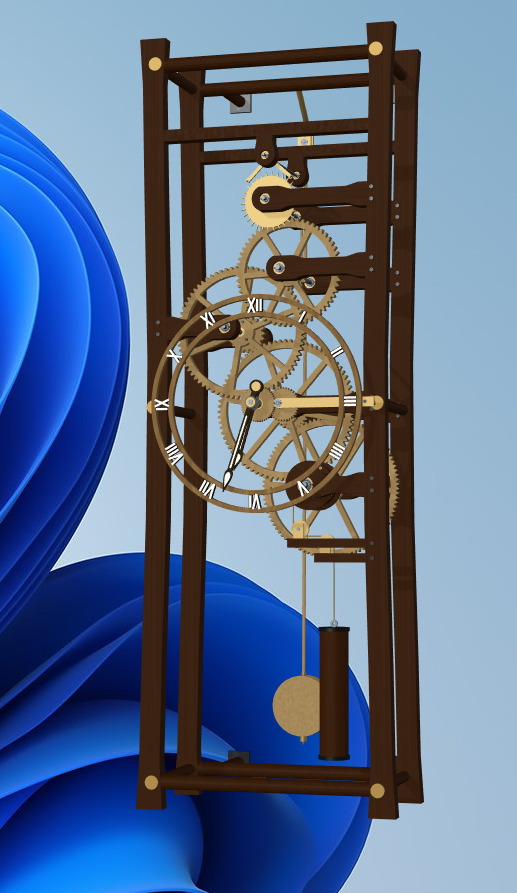
The complete clock.
See the wooden frame, dial, hanging weight and pendulum together. The open construction keeps the mechanism visible.
INSIDE OPEN FRAME CLOCK 02
Explore the mechanism.
Rotate, pan and zoom to see the depth between the frame, gears and shafts. Find the view that works best on your desktop.
INSIDE OPEN FRAME CLOCK 02
Mechanical detail.
Look closely at the exposed gear train, clock hands and supporting structure while the mechanism moves.
INSIDE OPEN FRAME CLOCK 02
See how the parts fit.
Press E or use the on-screen Explode control to separate the assembly. Use the same control to bring the clock back together.
INSIDE OPEN FRAME CLOCK 02
A different perspective.
View the frame and mechanism from below. Mouse controls let you explore the clock from your preferred angle.
INSIDE OPEN FRAME CLOCK 02
See the other side.
Rotate around the clock to inspect the rear frame and the mechanism behind the dial.
MAKE IT YOUR OWN
Controls
- Left-drag
- Move the clock around your desktop
- Right-drag
- Pan the 3D view
- Middle-mouse drag
- Rotate the clock
- Mouse wheel
- Zoom in or out
- E
- Explode / assemble
- W
- Wind the clock
- R
- Reset the view
- Sound
- Turn sound on / off
Click the clock to reveal the controls. The lower on-screen Explode, Wind, Reset and Sound controls are also clickable. Click X to close the clock; reopen it from the desktop or Start Menu shortcut.
BEFORE YOU INSTALL
System requirements
Windows PC with 64-bit x64 support and graphics capable of running the 3D desktop display. Minimum processor, memory and graphics specifications have not been established across a range of computers; performance varies with hardware and display size.
No Blender or Godot installation is required. No internet connection is required for normal clock operation. The clock uses the computer’s local system time.
Installer download: 49.14 MB (49,143,489 bytes).
WINDOWS DESKTOP APPLICATION
Installation
Download Open_Frame_Clock_02_Setup.exe.
Run the installer.
Follow the installation prompts. Keep the desktop-shortcut option selected if you want a desktop icon.
Launch Open Frame Clock 02 from the desktop or Start Menu shortcut.
The application installs for your Windows account; administrator access is not required.
This installer is not digitally signed. Windows may show an unknown-publisher or SmartScreen warning. Verify that your download came from Wolfgang Engineering and compare its SHA-256 checksum. If unsure, cancel and contact Wolfgang Engineering. Do not disable Windows security.
SHA-256: 34001ba8f6f35b91681c4205bef86990dbd66dc1e46ef307a20e13d06843be52