
 Image 1 of 6
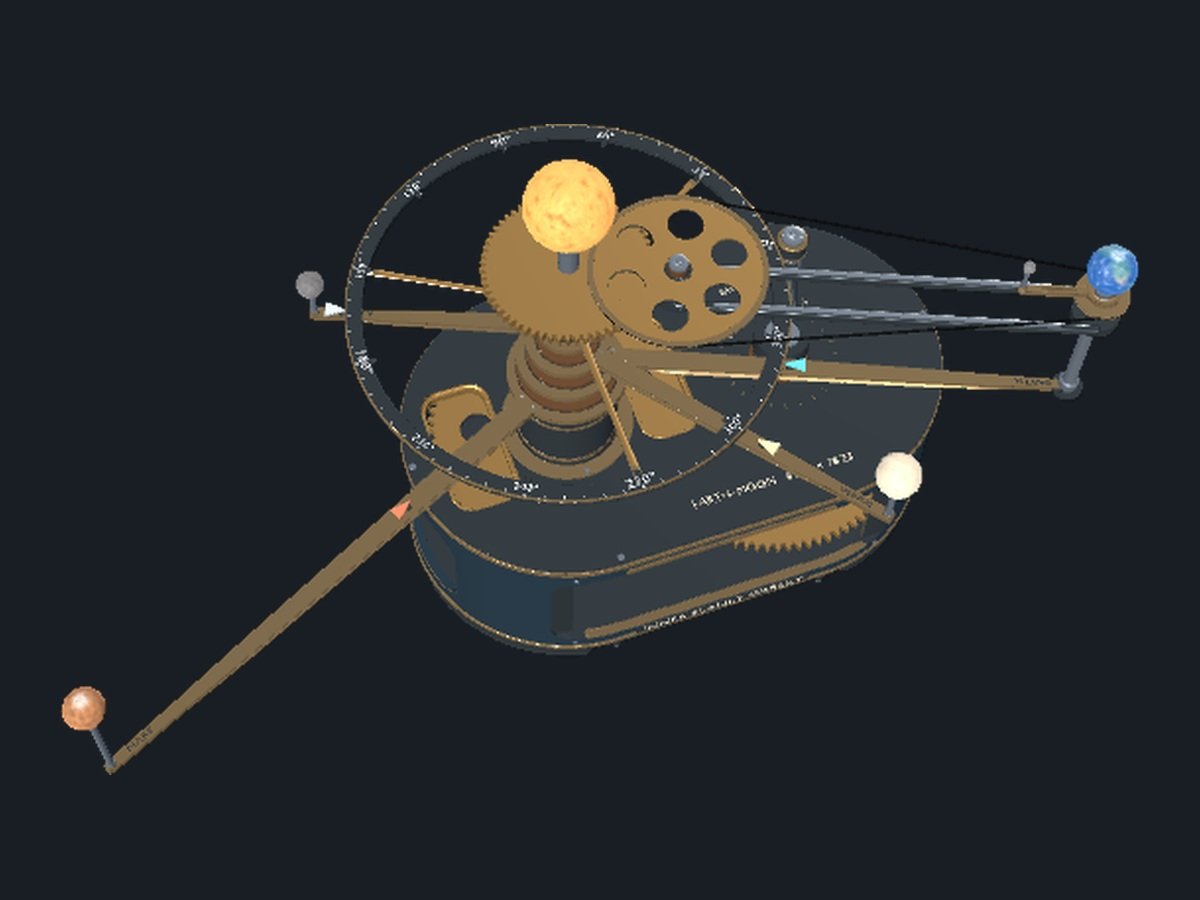 Image 2 of 6
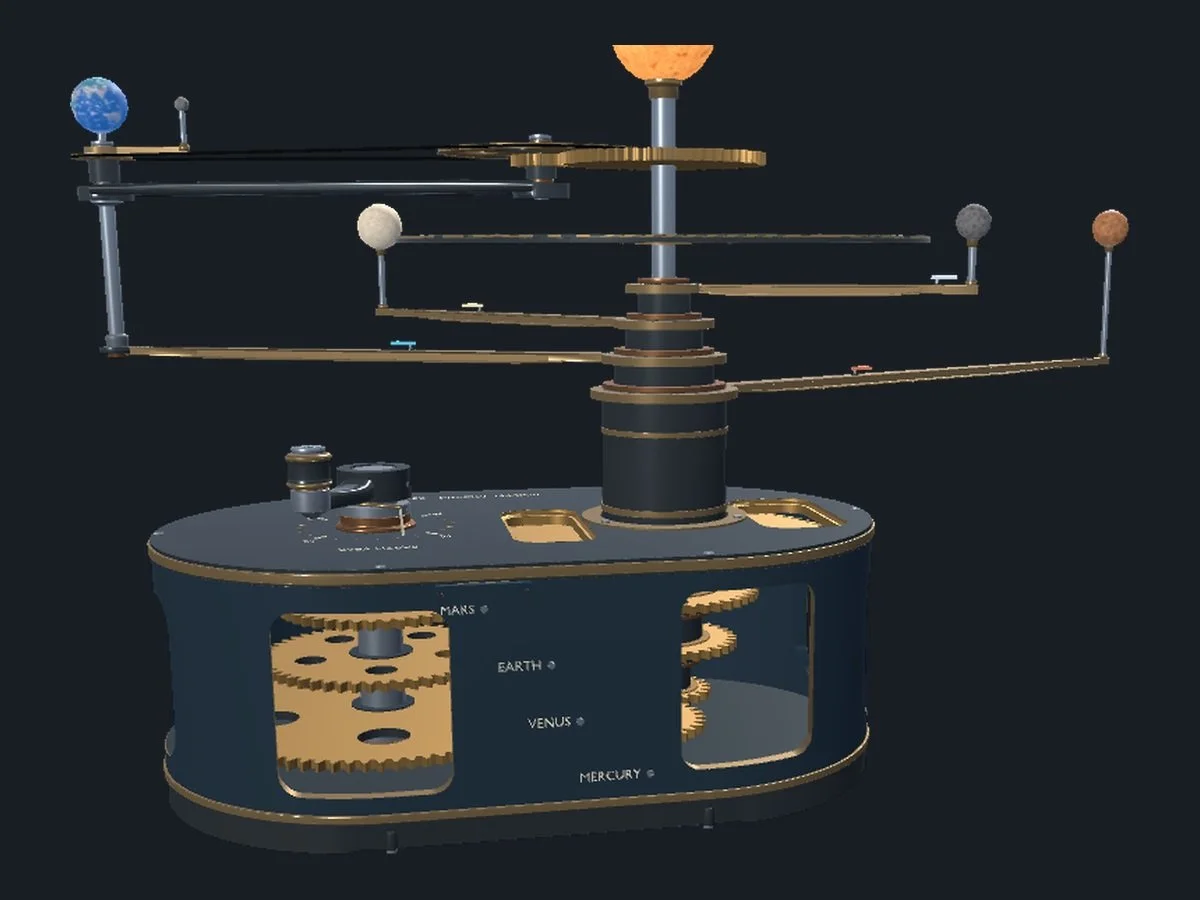 Image 3 of 6
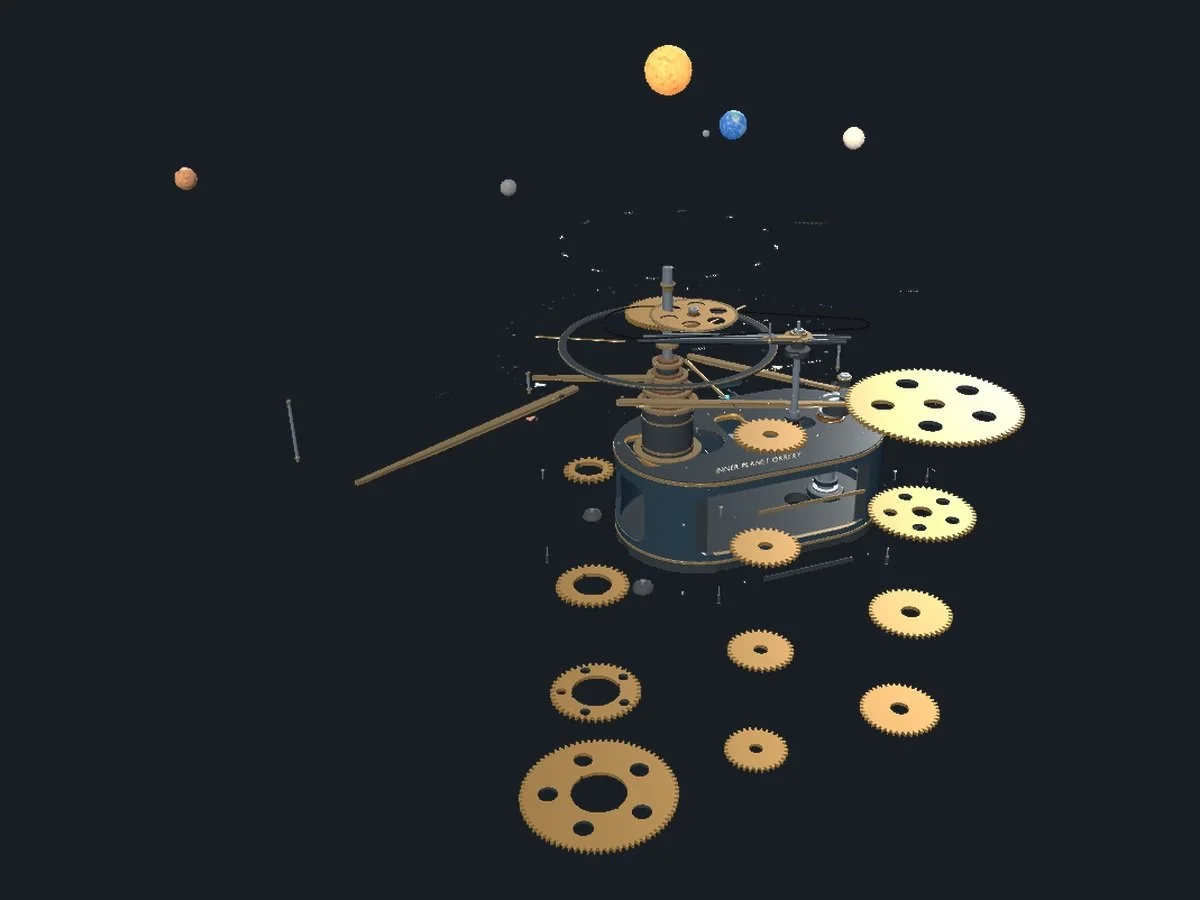 Image 4 of 6
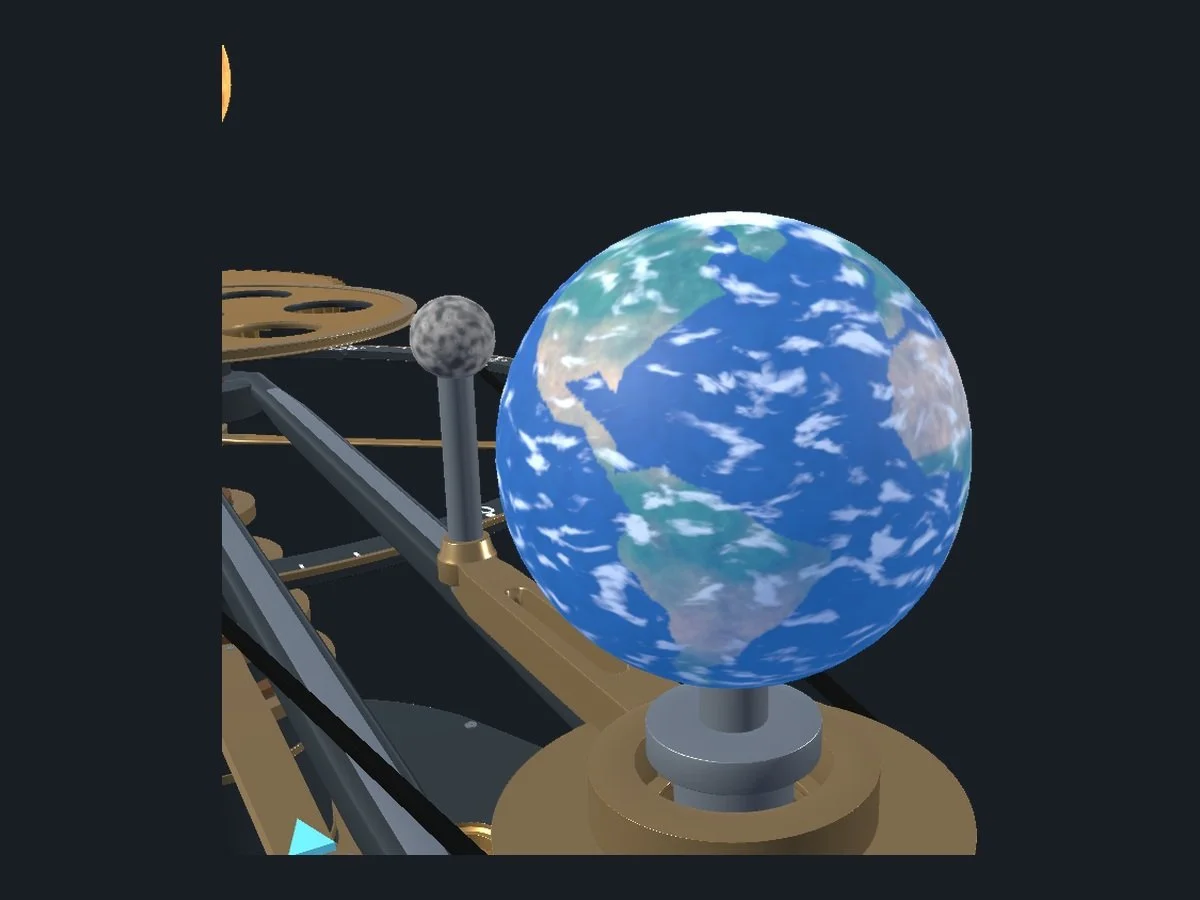 Image 5 of 6
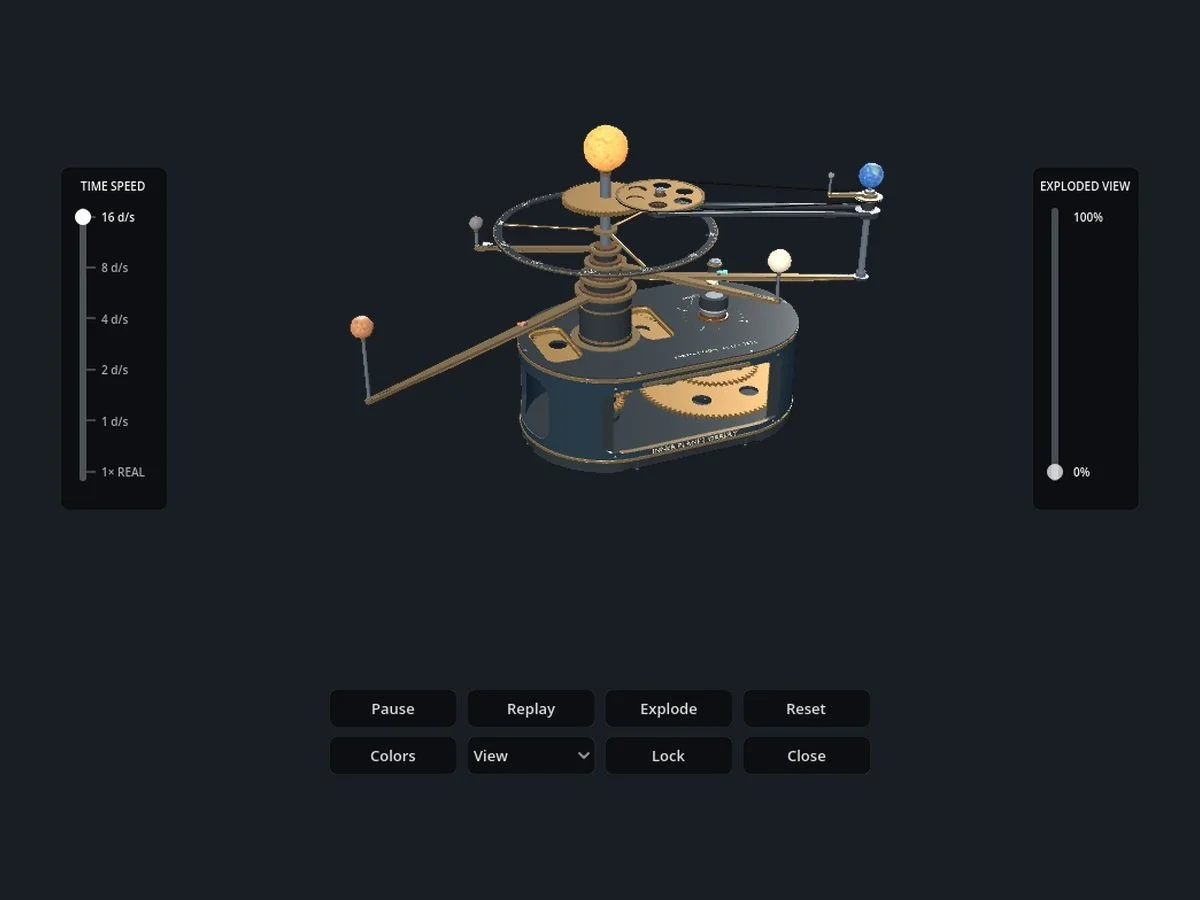 Image 6 of 6
Follow four different orbital speeds
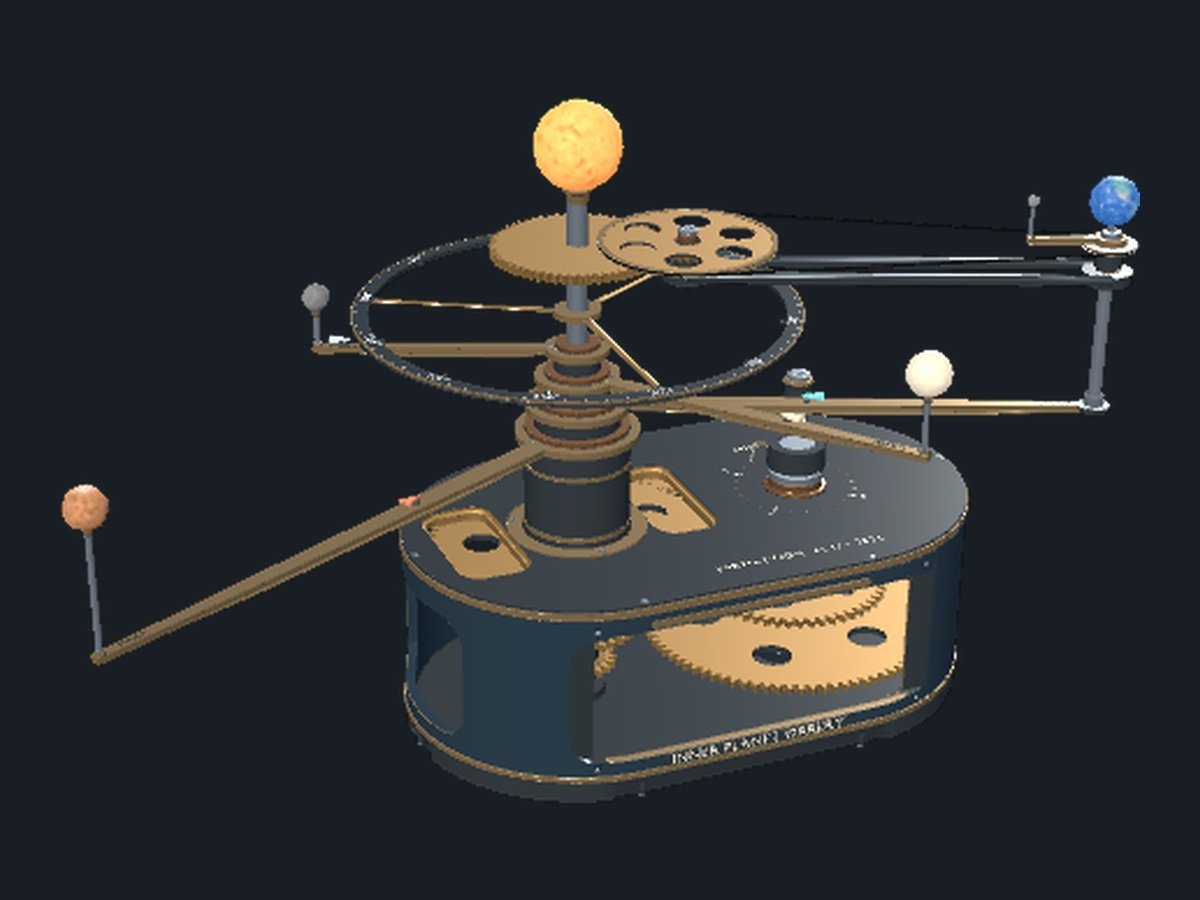
The overhead view makes it easy to see each arm sweep around the Sun. Set the Time Speed slider to a few simulated days per second and compare Mercury’s short circuit with Mars’s much slower progress. Earth and the Moon travel together on the same carrier while the Moon moves around Earth.
Look through the sides of the case
The low view puts the drive at eye level. Four gear trains sit on separate levels inside the housing. Follow an input gear across its idler to the output, then look up the central column to see where those outputs meet the planet carriers.
Bring the gears out where you can see them
Use the right-hand slider to open the assembly gradually. At 100%, all twelve transmission gears move out in front of the housing into separate positions, so the input, idler and output gears are easier to compare. Slide back to 0% to put the parts back in their assembled positions.
Look closer at Earth and the Moon
Zoom in on Earth to see continents, oceans and clouds as the globe turns. The Moon sits beside it on a separate arm, and a belt drive connects its motion to the Earth carrier. At 1×, Earth takes 24 hours to turn. In demonstration mode, that movement is easier to see.
Set the pace on your desktop
Use the left slider to choose real time or one of five demonstration speeds. Use the right slider to open up the mechanism, and the View menu to switch camera angles. Orbit, pan and zoom for a closer look, or choose a finish that gives the gears more contrast against the case.
Before you download
What is included?
A portable Windows x64 application in a ZIP. Extract all files into one folder and open ORR001_Inner_Planet_Orrery_R03.exe. Keep the accompanying PCK and DesktopEngineHost.exe beside it. A graphics driver with OpenGL 3.3 support is required. No separate editor is needed.
Where is the window after launch?
The transparent orrery sits behind ordinary windows. Minimize the windows in front of it, then move the pointer over the orrery to show the controls.
What do the orbital positions mean?
The motion follows the model’s gear ratios. Globe sizes, distances and initial positions are illustrative.
Questions? Visit Product Support or Contact Wolfgang Engineering.