GRAND MECHANICAL ORRERY

$19.00

Follow the planets. See the gears that move them.

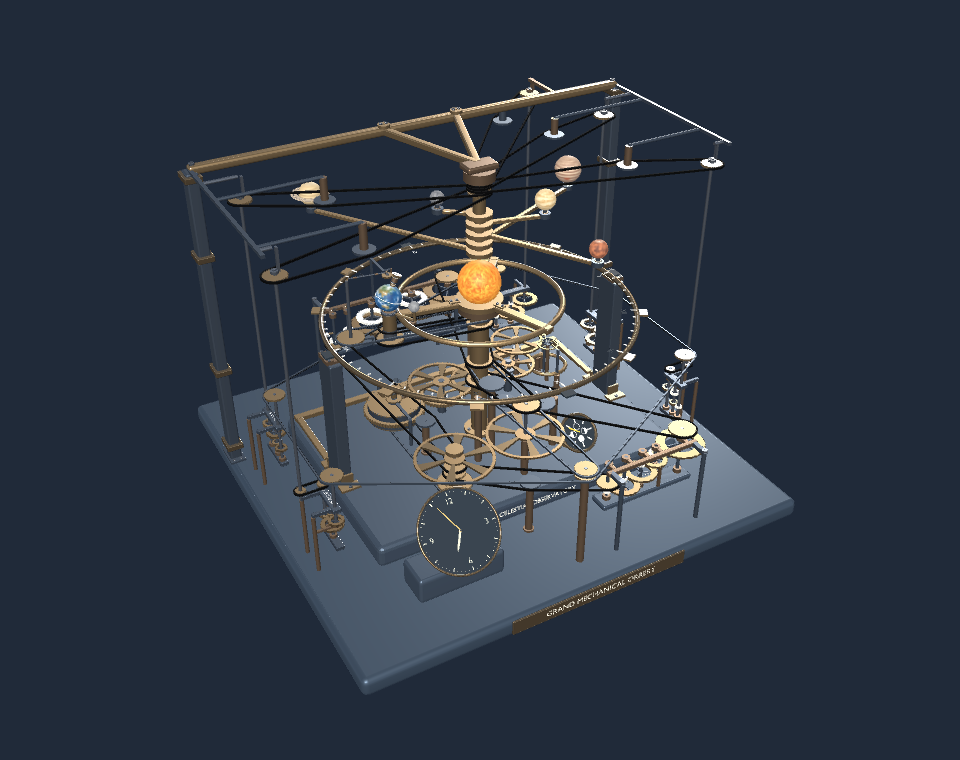
Grand Mechanical Orrery is an interactive 3D mechanical simulation for your Windows desktop. Follow Mercury, Venus, Earth, Mars, Jupiter and Saturn around the Sun. Watch Earth turn on its tilted axis and the Moon travel around it, then look through the open frame to see the gear trains and clock movement.

Read the clock in Real Time or speed up planetary motion with the Days / Second control. Orbit and zoom to examine the shafts, gears and carrier arms. Move the progressive exploded-view slider to separate the assemblies, then bring them back together. Choose metallic presets for the gears and frame independently. The transparent desktop window lets the instrument sit over your desktop, with quiet clock audio in Real Time.

The simulation uses illustrative orbital relationships, with planet sizes and spacing adapted for desktop viewing.

Windows x64 desktop app, version 1.0.0. Tested on Windows 11. The 56 MB installer adds desktop and Start menu shortcuts. It runs independently of Blender and Godot.

Follow the planets. See the gears that move them.

Grand Mechanical Orrery is an interactive 3D mechanical simulation for your Windows desktop. Follow Mercury, Venus, Earth, Mars, Jupiter and Saturn around the Sun. Watch Earth turn on its tilted axis and the Moon travel around it, then look through the open frame to see the gear trains and clock movement.

Read the clock in Real Time or speed up planetary motion with the Days / Second control. Orbit and zoom to examine the shafts, gears and carrier arms. Move the progressive exploded-view slider to separate the assemblies, then bring them back together. Choose metallic presets for the gears and frame independently. The transparent desktop window lets the instrument sit over your desktop, with quiet clock audio in Real Time.

The simulation uses illustrative orbital relationships, with planet sizes and spacing adapted for desktop viewing.

Windows x64 desktop app, version 1.0.0. Tested on Windows 11. The 56 MB installer adds desktop and Start menu shortcuts. It runs independently of Blender and Godot.

Queen Caroline’s Grand Orrery on display at the Science Museum in London
Photo by Daderot, Wikimedia Commons, CC0 1.0.

A mechanical model of the solar system

Long before digital simulations, an orrery used gears and rotating arms to show how bodies move around the Sun. The Grand Orrery owned by Queen Caroline was modified by Thomas Wright in 1733. Its nested arms and central mechanism made planetary motion visible on a tabletop.

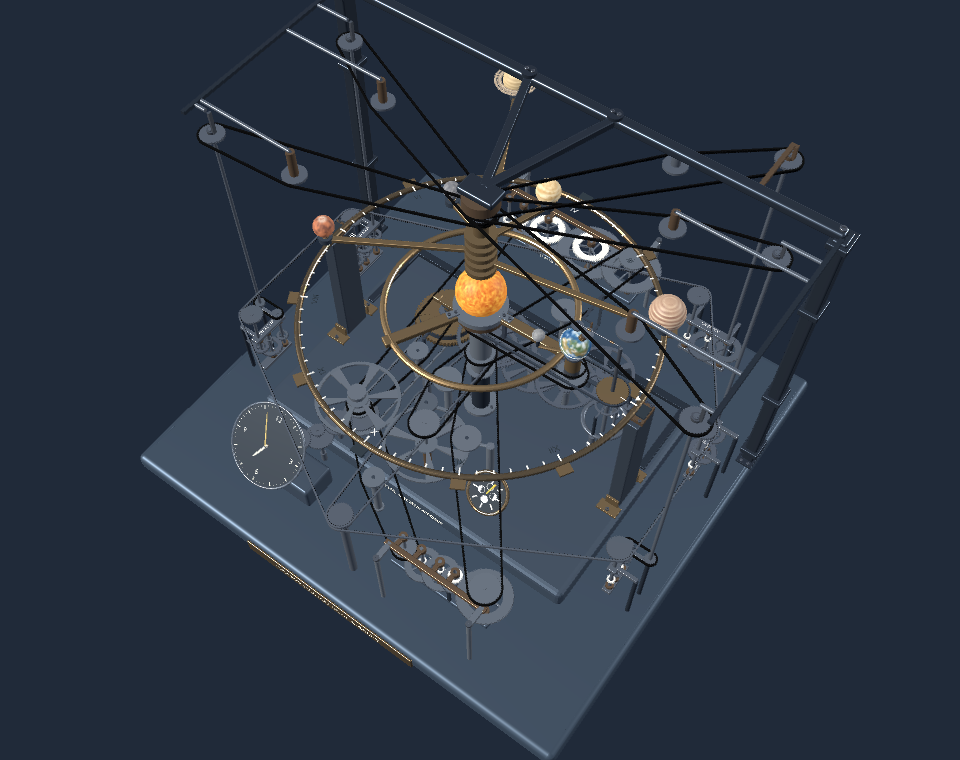
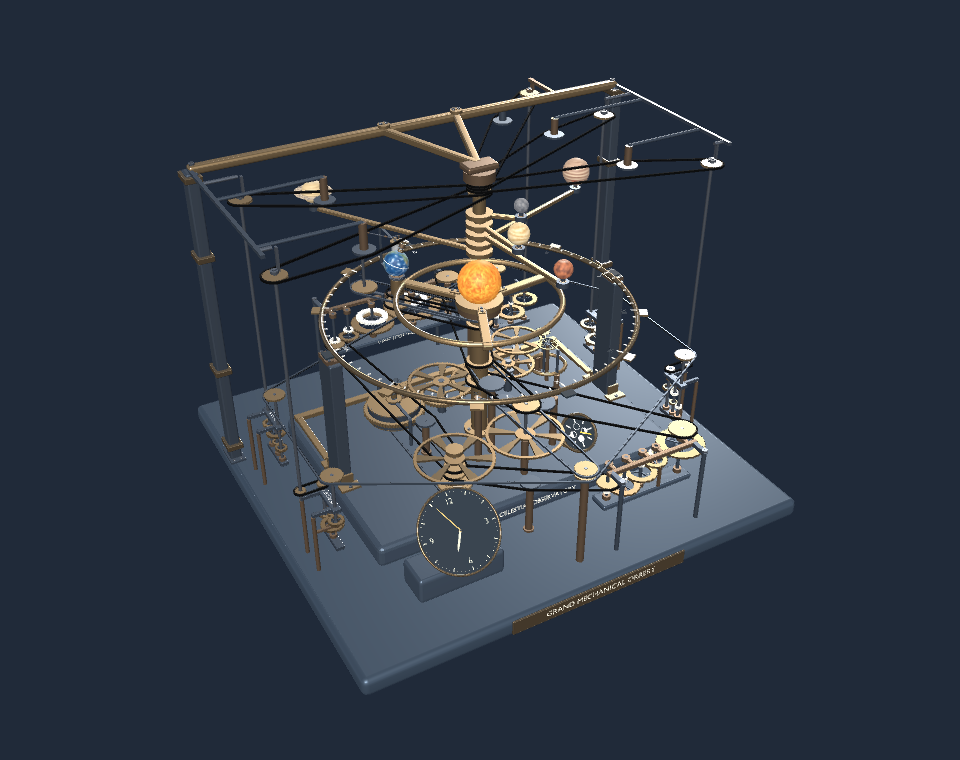
Planetary arms and exposed gear trains in the Grand Mechanical Orrery app

Follow the planets and the gears

Follow six planets from Mercury through Saturn, and watch the Moon travel around Earth. Use Real Time to read the clock or increase Days / Second to watch the planetary motion unfold more quickly. Orbit and zoom to see the carrier arms and exposed gears from different angles.

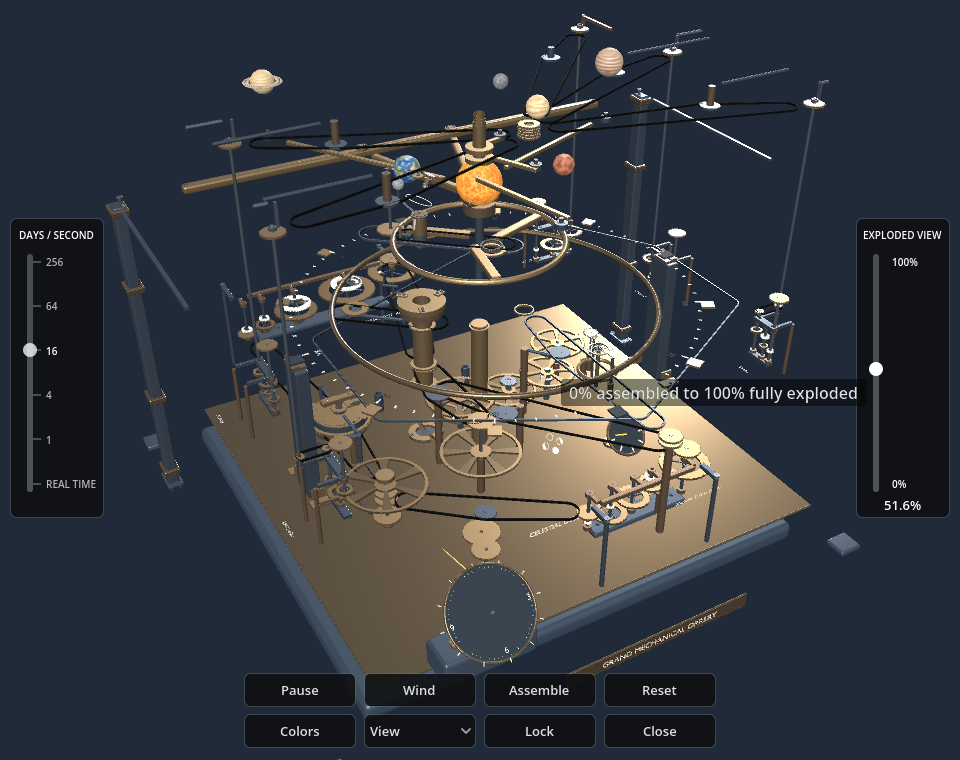
Partly exploded Grand Mechanical Orrery model

Separate the assemblies at your own pace

Move the exploded-view slider a little to open up the structure, or continue to full separation. Trace the relationship between the frame, shafts and gear trains, then slide everything back into its assembled position.

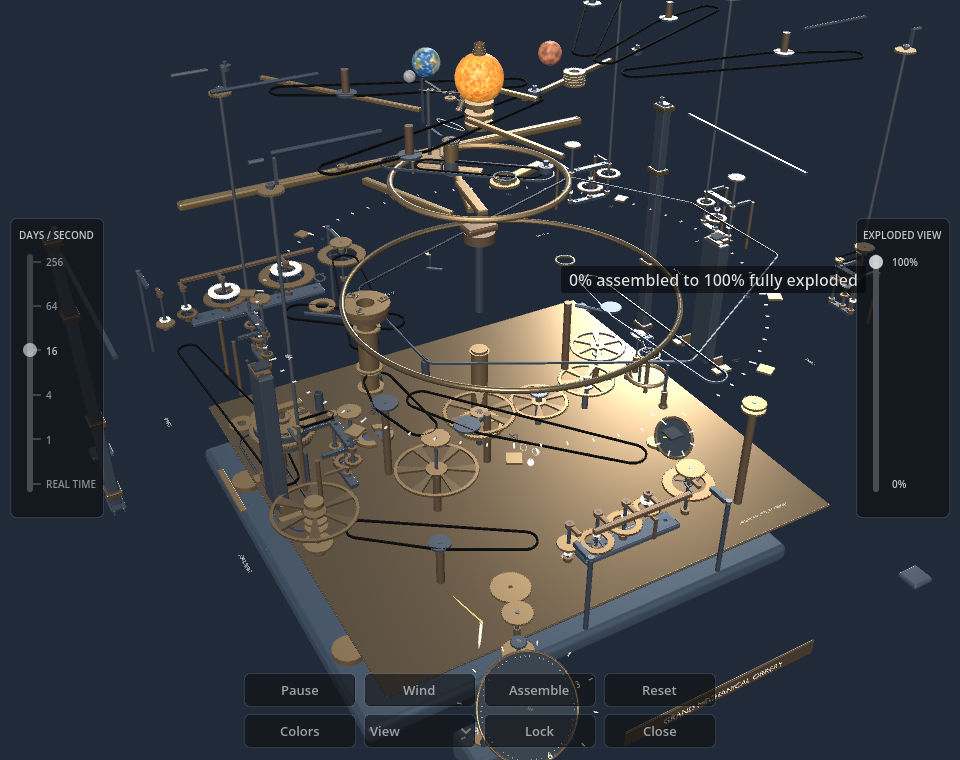
Fully exploded inspection view of the Grand Mechanical Orrery

Look through the full mechanism

The full exploded view gives the gear trains, shafts and planetary assemblies room to be seen individually. Rotate the camera to inspect how the layers fit together.

Orrery app with silver gears and a gunmetal frame

Choose the gear and frame finishes

Apply metallic presets to the gears and frame independently. The planets keep their original textures, so the finishes change the instrument’s appearance while preserving a clear view of the planetary display.

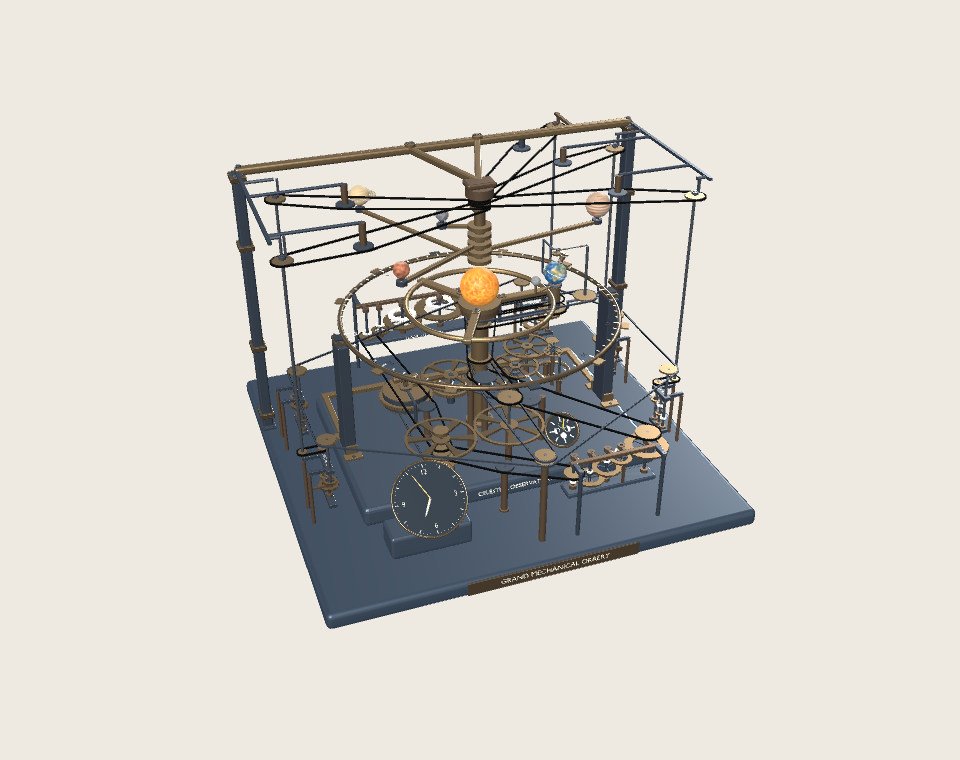
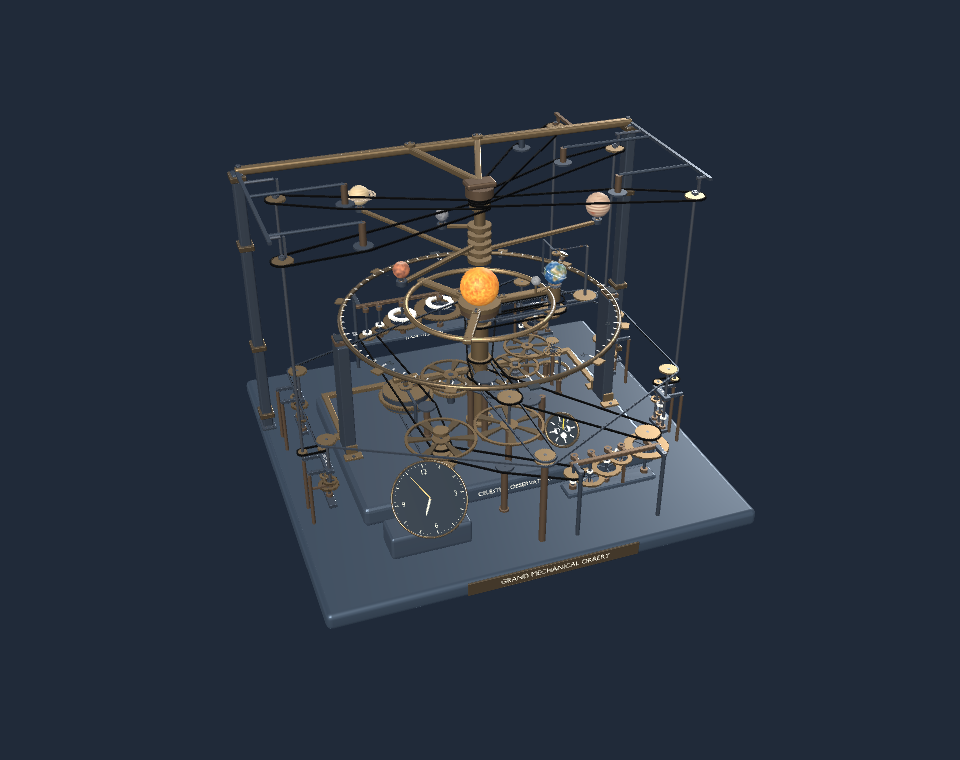
Grand Mechanical Orrery on a light Windows desktop background

Run the orrery on your desktop

The transparent presentation lets the orrery sit over your Windows desktop. Leave it in Real Time with quiet clock audio, or use the time-lapse controls for a demonstration. The app is a digital simulation with illustrative orbital spacing and planet sizes.

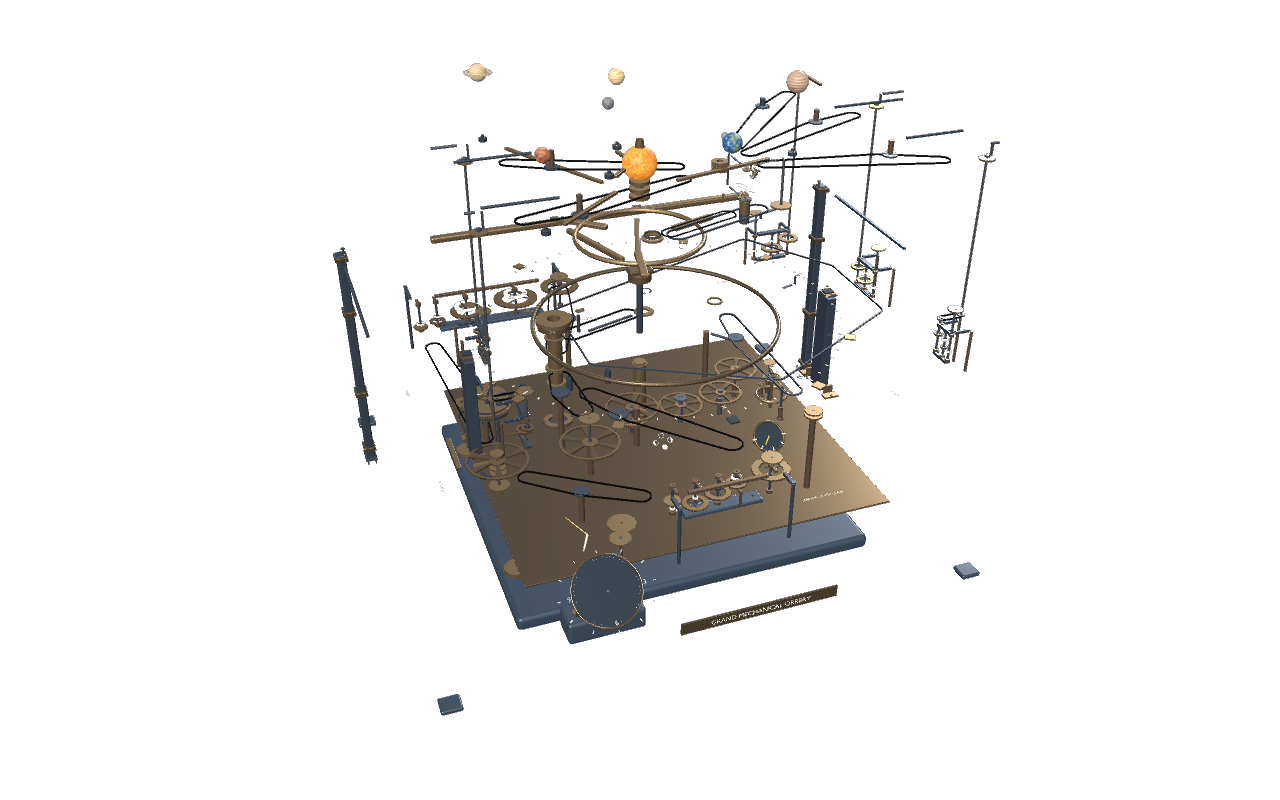
The frame and mechanism separated at full explosion

Compare full separation and reassembly

At the end of the slider, the assemblies move apart for inspection. Return the slider to its starting position to see the complete instrument again.

The instrument reassembled after using the exploded-view slider

Bring the mechanism back together

The same slider returns the mechanism to its assembled state, so you can move between inspection and the complete desktop instrument.

Physical orrery designed by William Pearson and made by Robert Fidler
Photo by Jaron Chubb / Science Museum Group, Wikimedia Commons, CC BY-SA 4.0. Displayed proportionally without cropping.

Another approach to planetary motion

William Pearson designed this orrery, made by Robert Fidler between 1813 and 1822. Its arrangement offers another example of how makers turned planetary motion into a mechanism that could be studied and demonstrated.

Grand Mechanical Orrery in motion