
 Image 1 of 5
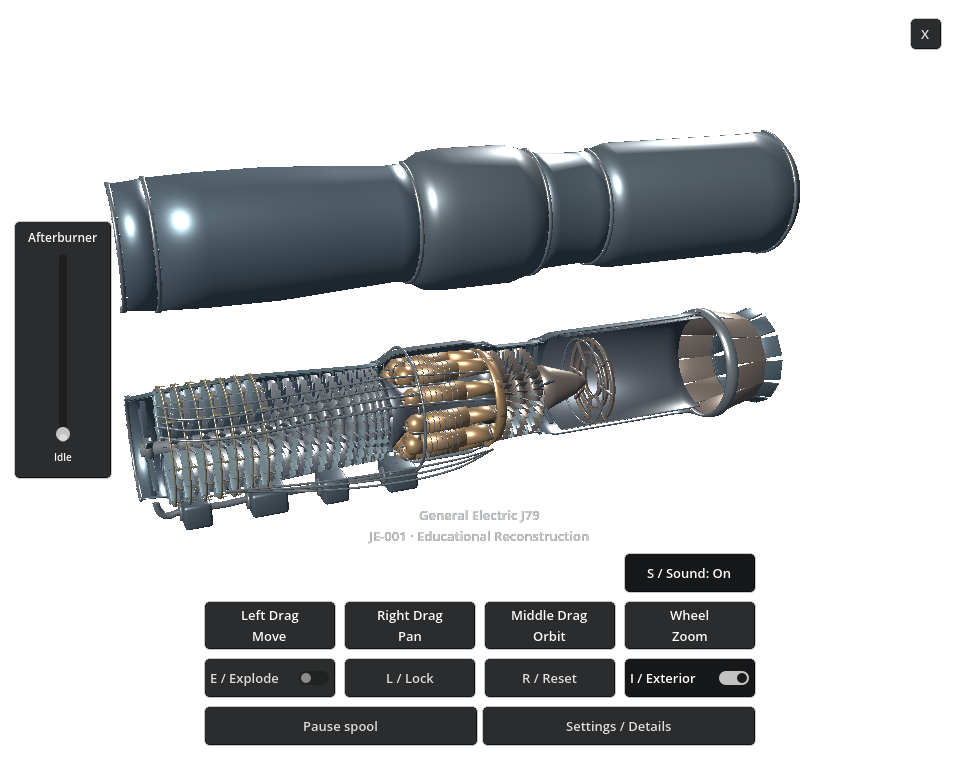 Image 2 of 5
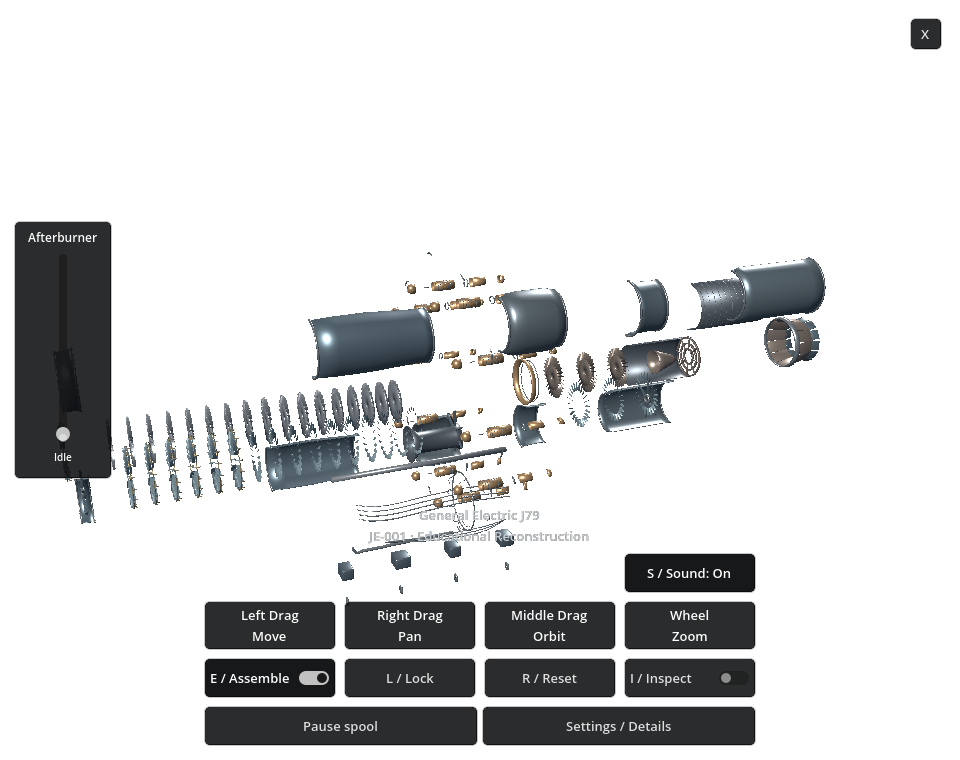 Image 3 of 5
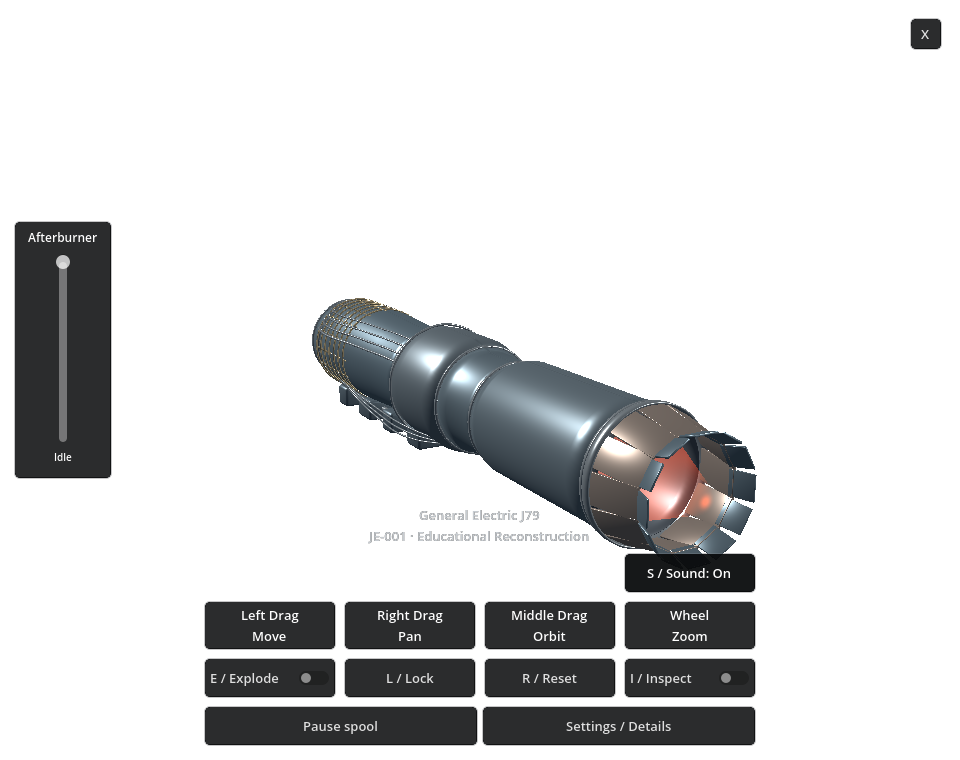 Image 4 of 5
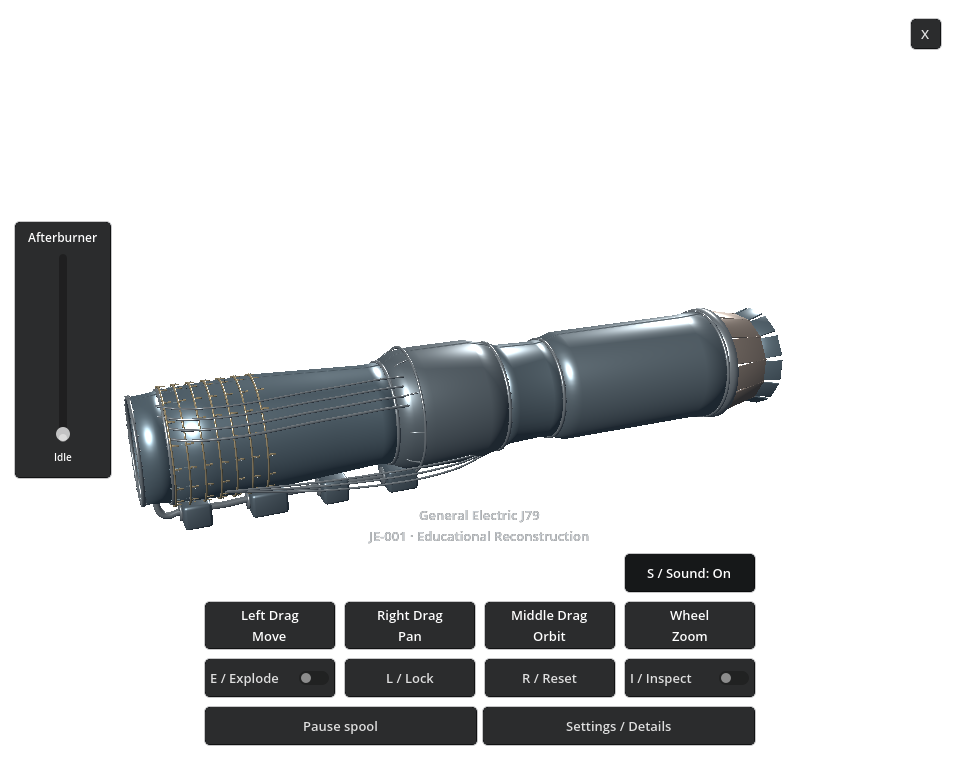 Image 5 of 5
PRODUCTS / DESKTOP APPS / WINDOWS
General Electric J79 Jet Engine
Jet-engine motion, made visible.
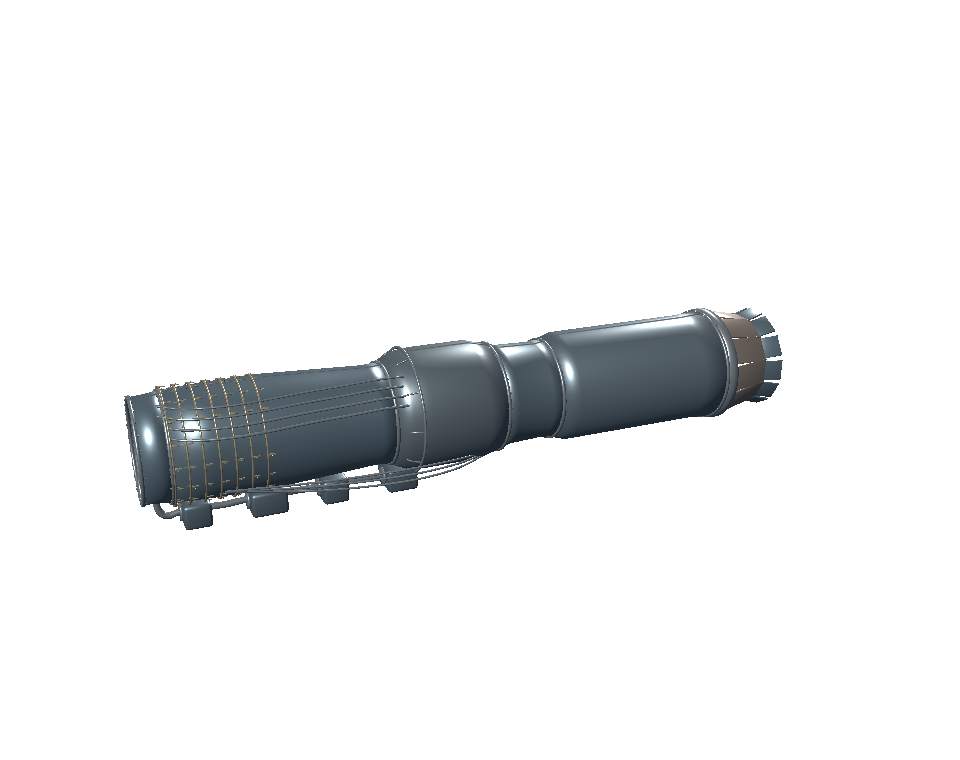
Explore a J79-inspired jet-engine reconstruction as an interactive 3D Windows desktop model. Open the casing, separate the major assemblies and follow the compressor, combustion and turbine layout.
Windows desktop app · General Electric J79 · v1.0Idle-to-Afterburner power control · Section and exploded views · Transparent desktop presentation
Version 1.0 · 64-bit Windows · 34.70 MB installer.
VISIBLE MECHANICS / JETS AND TURBINES
A jet engine, opened up for exploration.
Move between exterior, section and exploded views. Use the power slider to bring the illustrative spool motion, exhaust glow and engine audio from Idle toward Afterburner.
- Interactive educational J79-inspired reconstruction
- Transparent, borderless Windows desktop presentation
- Section / Exterior casing views
- Major-component Explode / Assemble views
- Idle-to-Afterburner power slider
- Animated compressor/spool and high-power exhaust glow
- Responsive jet-engine audio with Sound On/Off
- Rotate, pan, zoom, move, Reset and Lock
- Saved desktop placement
- Click-to-show bottom controls and close X
INSIDE THE J79 RECONSTRUCTION
Follow the layout.
Look inside the casing, then separate the assemblies to inspect the intake and compressor rows, combustion chambers, turbine and exhaust components.
IDLE TO AFTERBURNER
See and hear the power change.
The left-side power slider controls animated spool motion, responsive jet-engine audio and the contained high-power exhaust glow. Sound can be turned on or off independently.
Power, motion, sound and glow are illustrative. They are not certified operating measurements.
ON YOUR WINDOWS DESKTOP
A model you can work alongside.
Move the transparent model to a comfortable desktop position, lock it in place and let ordinary application windows cover it while you work. Click the engine when you want the compact bottom controls.
INTERACTIVE WINDOWS MODEL
Controls
- Power and motion
- Move the left-side slider from Idle to Afterburner.
- View and position
- Middle drag to orbit; right drag to pan; wheel to zoom; left drag to move.
- Inside the engine
- Use Inspect for Section / Exterior. Use Explode / Assemble to separate and rejoin the major assemblies.
- Reset and Lock
- Reset returns the model and view in place. Lock protects placement.
- Sound
- Use Sound On/Off above Wheel Zoom, or press S.
- Controls and close
- Click the engine to show the bottom controls. Use X to close; reopen from the Start Menu or Desktop shortcut.
- Remembered placement
- Your desktop placement is saved. A second launch brings the existing instance forward.
- More details
- Open Settings / Details for the model’s additional options and educational disclosures.
GENERAL ELECTRIC J79 / VERSION 1.0
Release details
Version 1.0 · $8.99 USD · 34.70 MB Windows installer (33.09 MiB). Digital download; no physical product.
Requires 64-bit Windows and compatible OpenGL graphics drivers. You do not need Blender, Godot or developer tools installed.
Run the downloaded Windows installer, then launch General Electric J79 Jet Engine from the Start Menu or optional Desktop shortcut. Uninstall through Windows Installed Apps. The included README explains controls.
Validated frozen-build reference: approximately 59.7 FPS at 960 × 760 on Intel UHD 630. Performance varies with your computer and display.
Wolfgang Engineering educational reconstruction for visualization and exploration. Not a manufacturing, maintenance or flight-safety tool; not endorsed or sponsored by General Electric.