
 Image 1 of 8
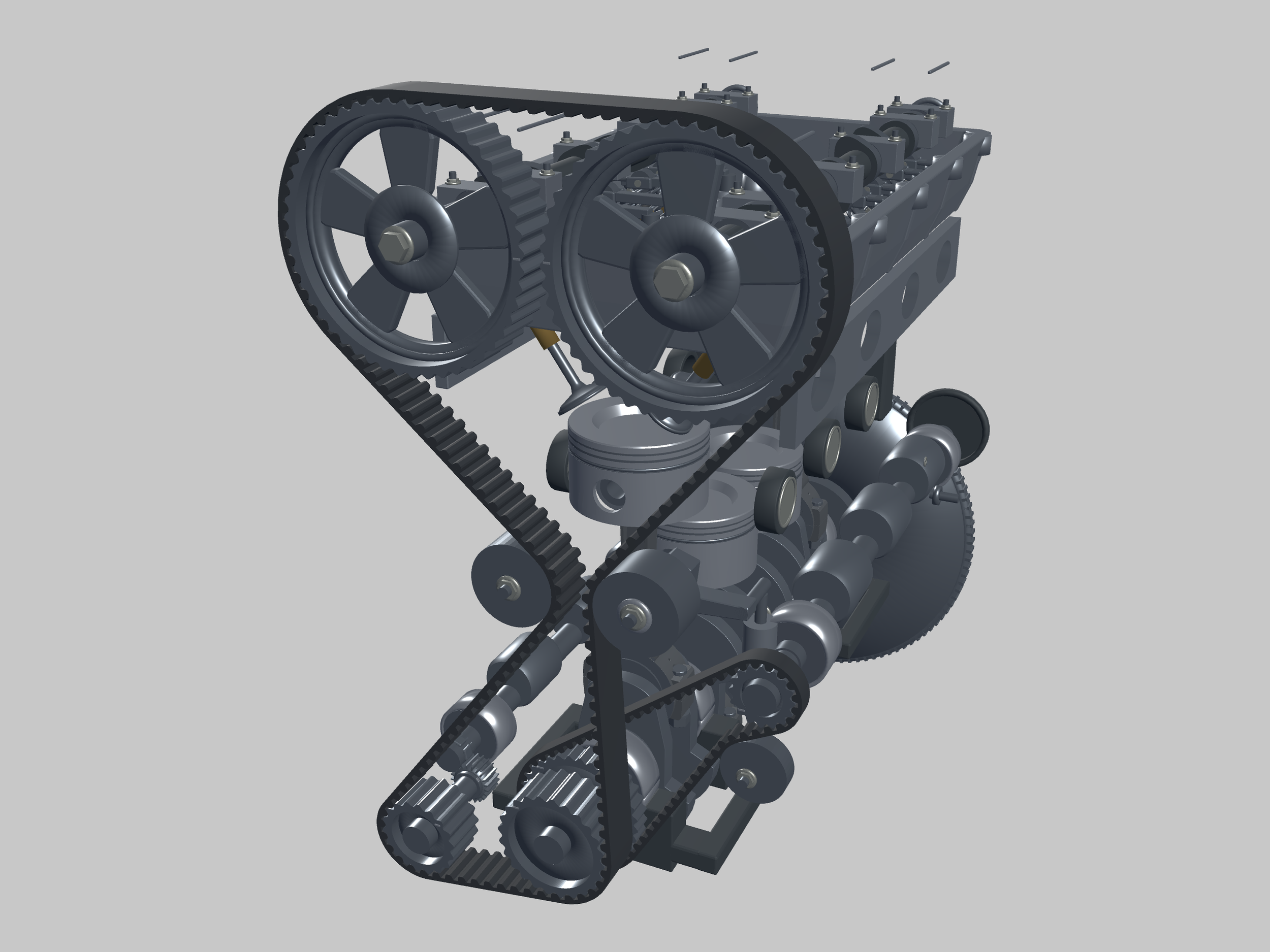 Image 2 of 8
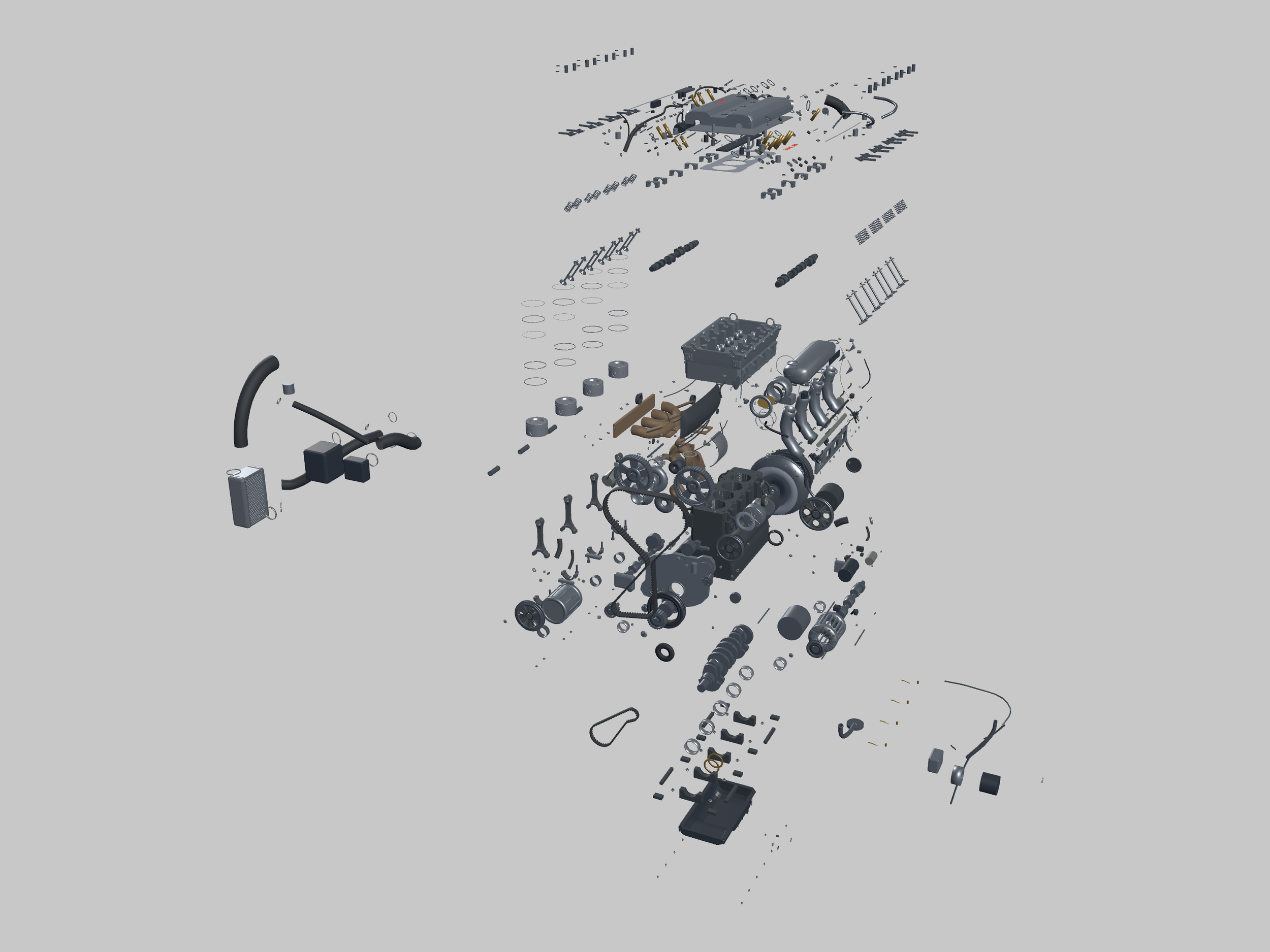 Image 3 of 8
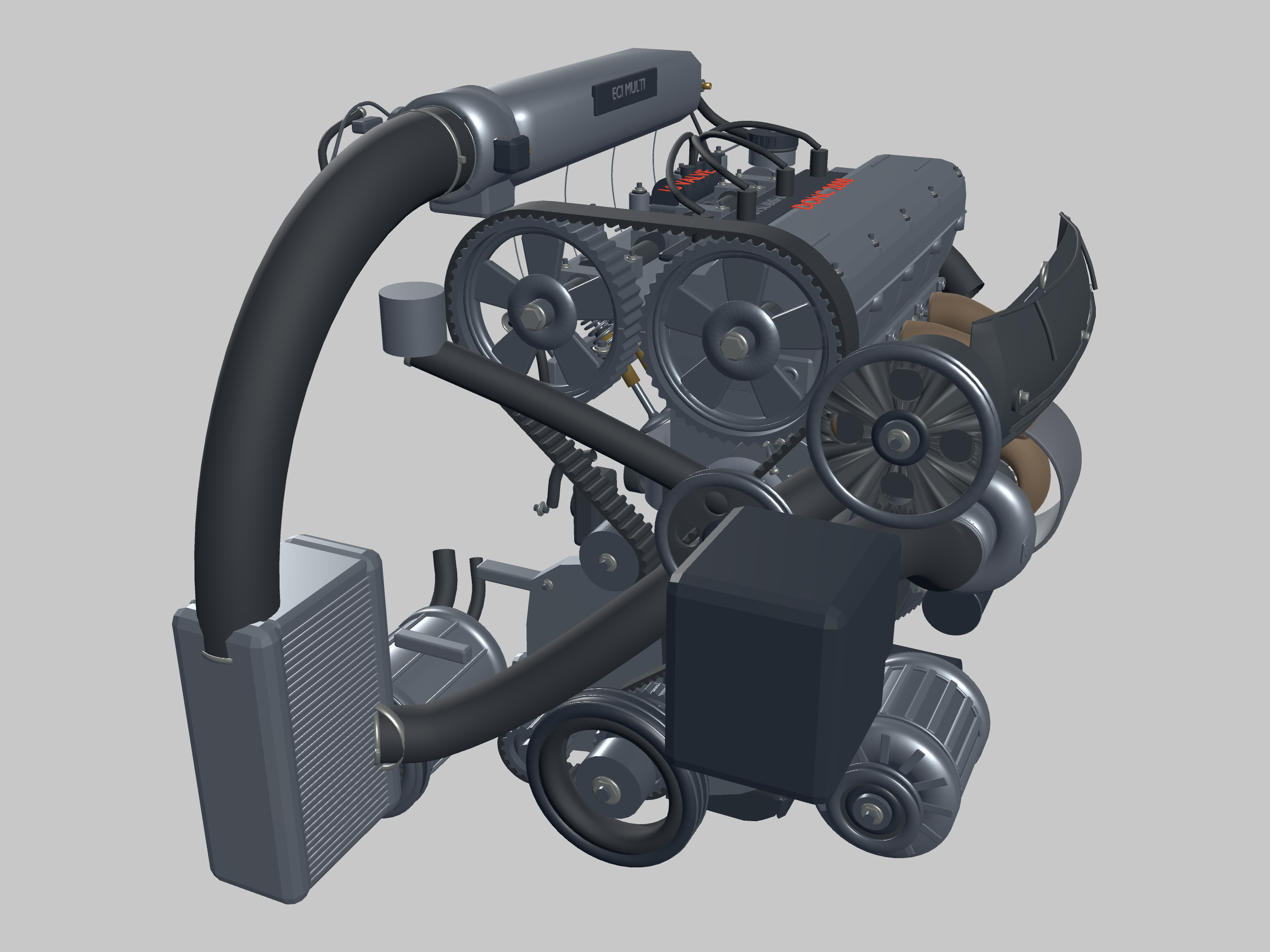 Image 4 of 8
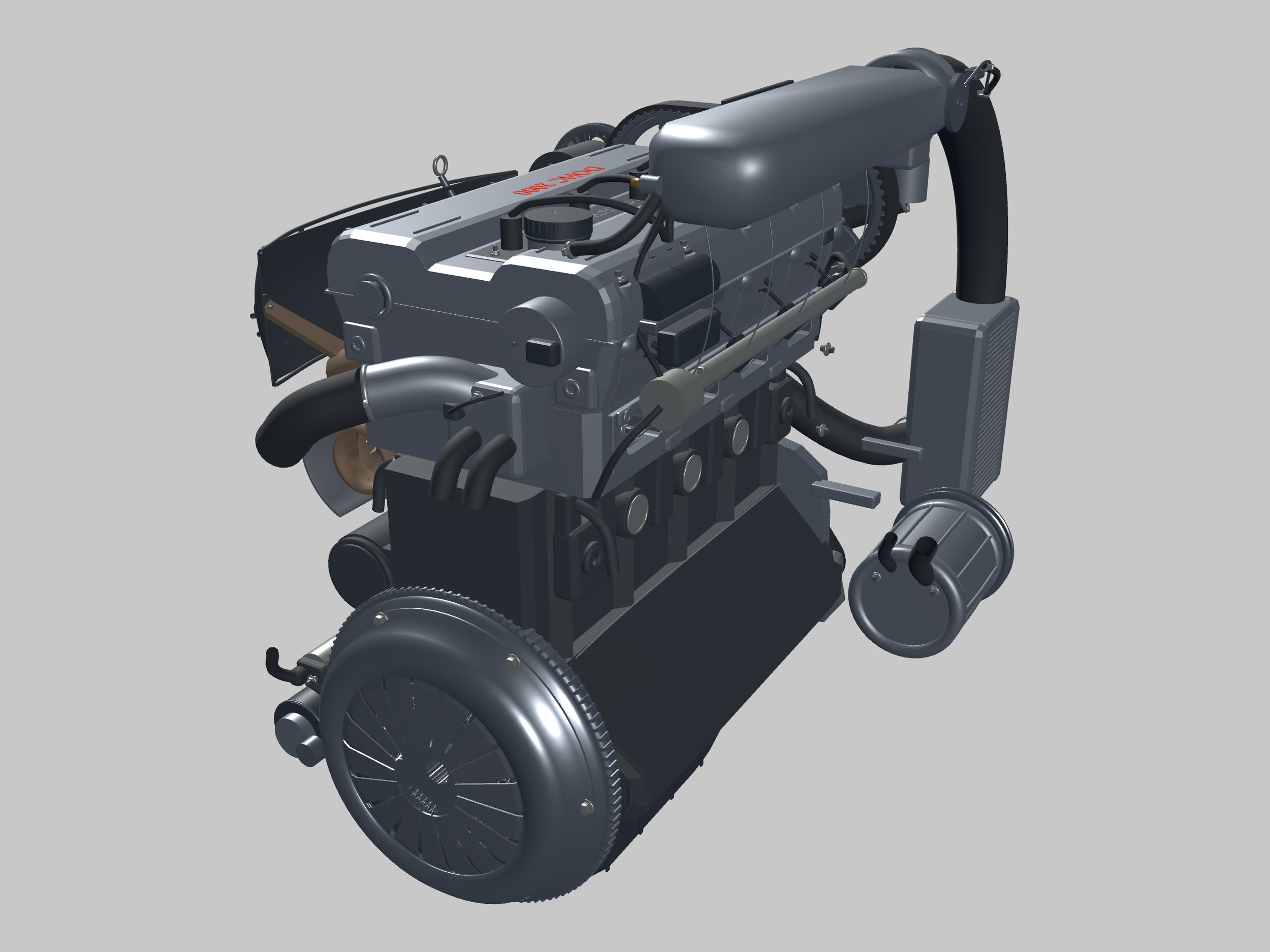 Image 5 of 8
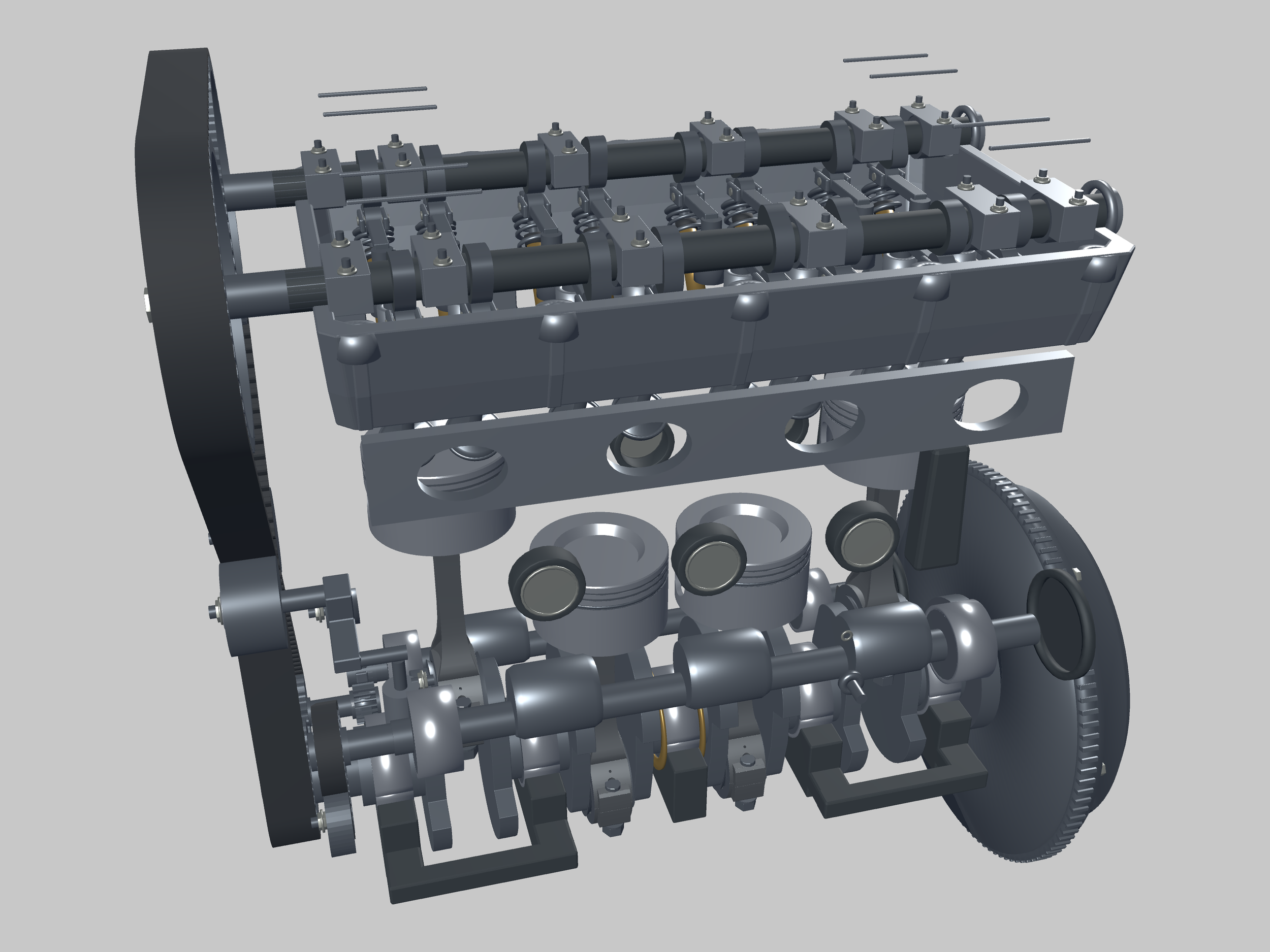 Image 6 of 8
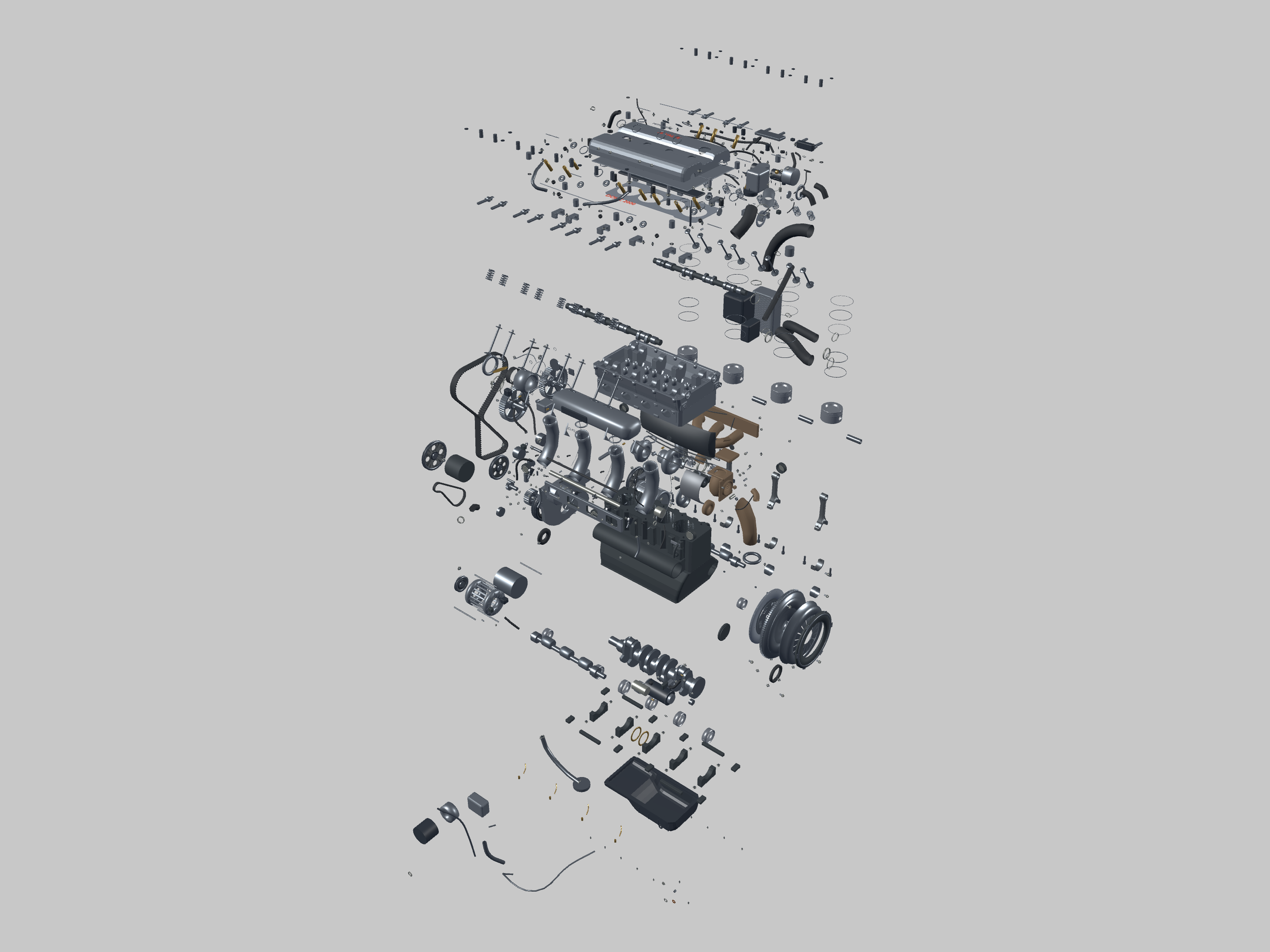 Image 7 of 8
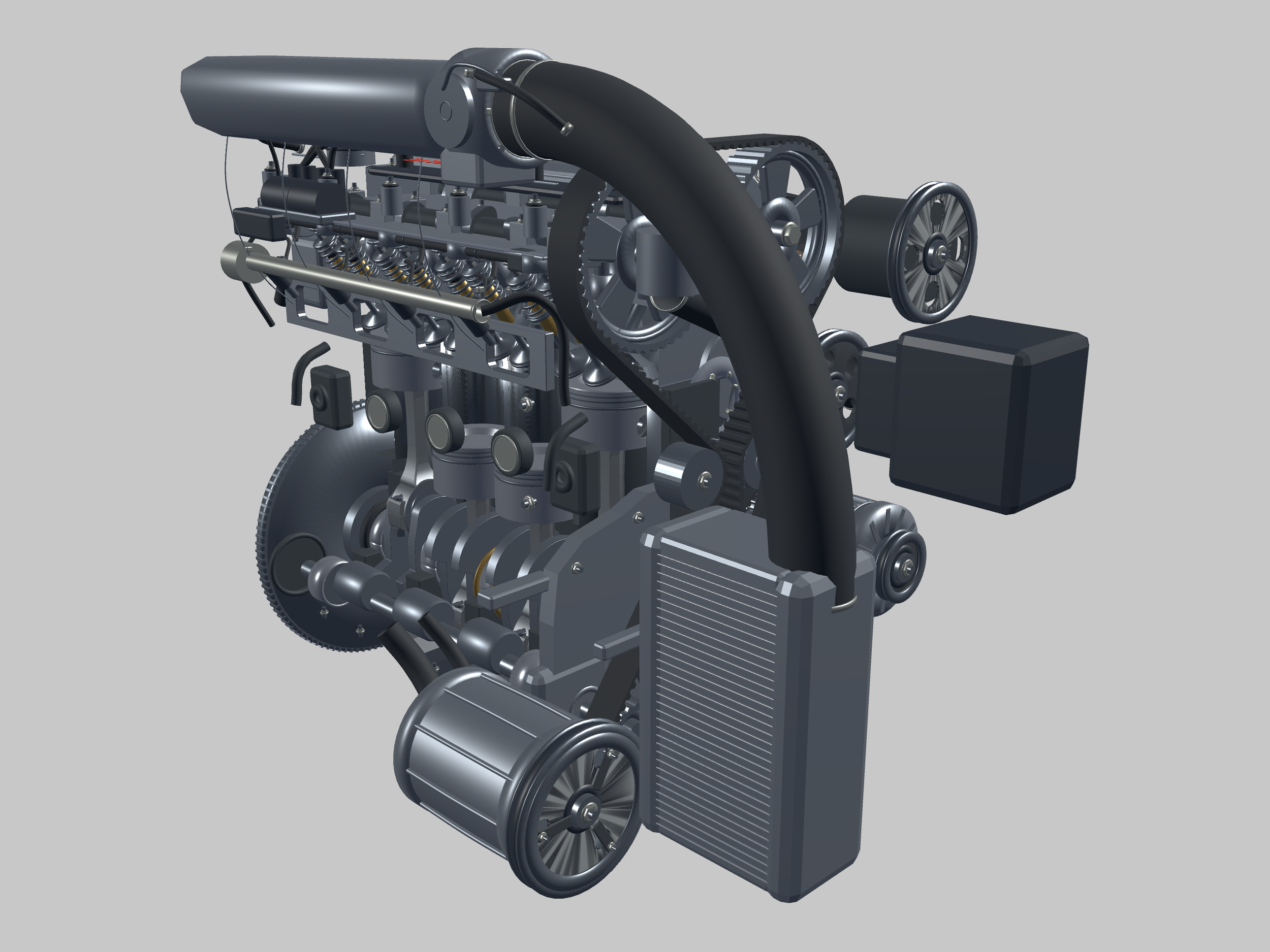 Image 8 of 8
An engine on your desktop
Run it. Open it. Explore it.
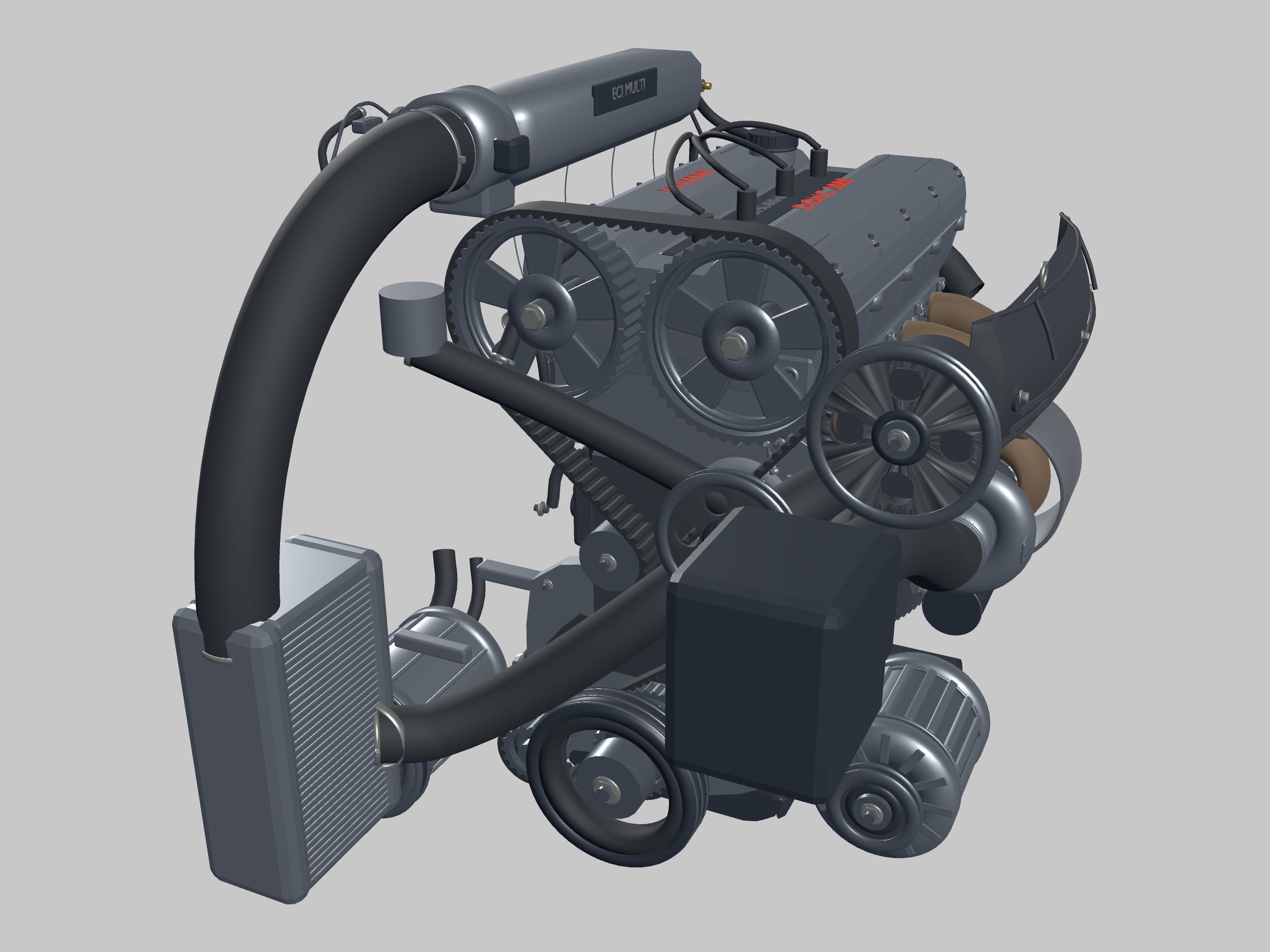
A transparent, borderless Windows application brings the 1991 Mitsubishi Eclipse GS Turbo 4G63T Engine to your desktop. Follow its animated mechanism, reveal the internals and examine the turbocharger and intercooler.
Interactive educational software — not a physical engine, STL file or video.
Actual GE-025 application screenshots
Explore the engineering.
Genuine views from the completed application geometry, framed against a clean background. No AI-generated product imagery.
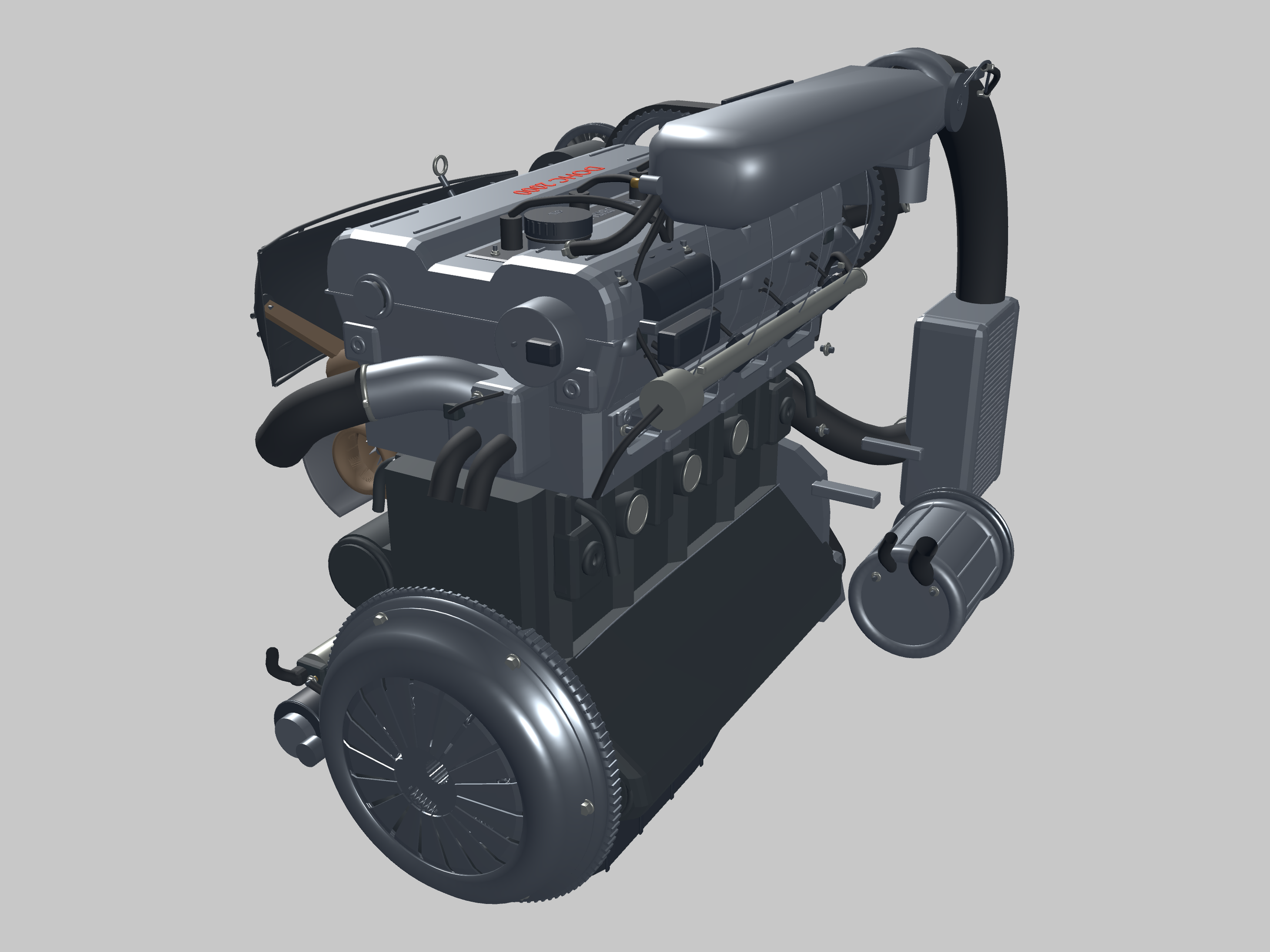
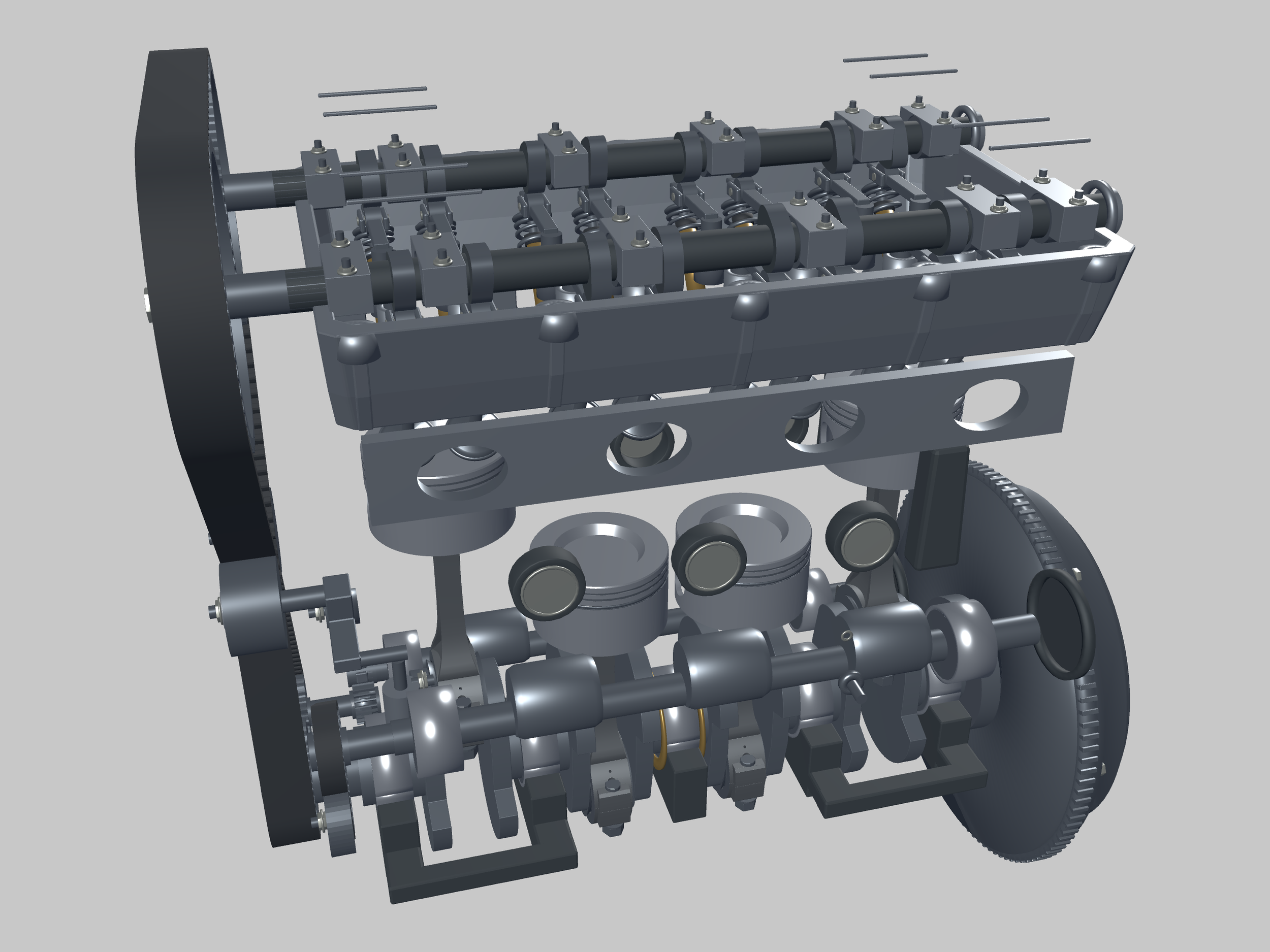
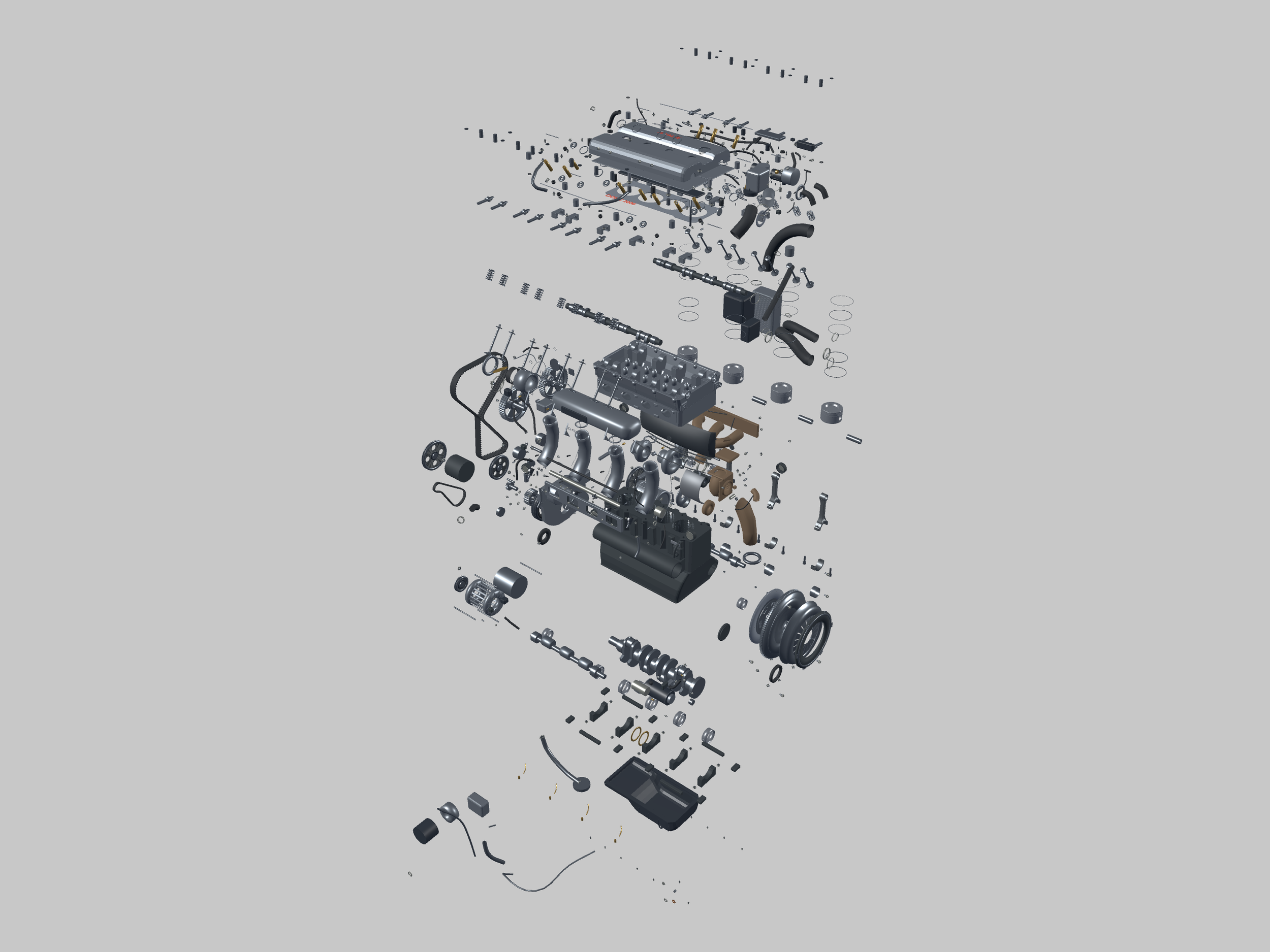
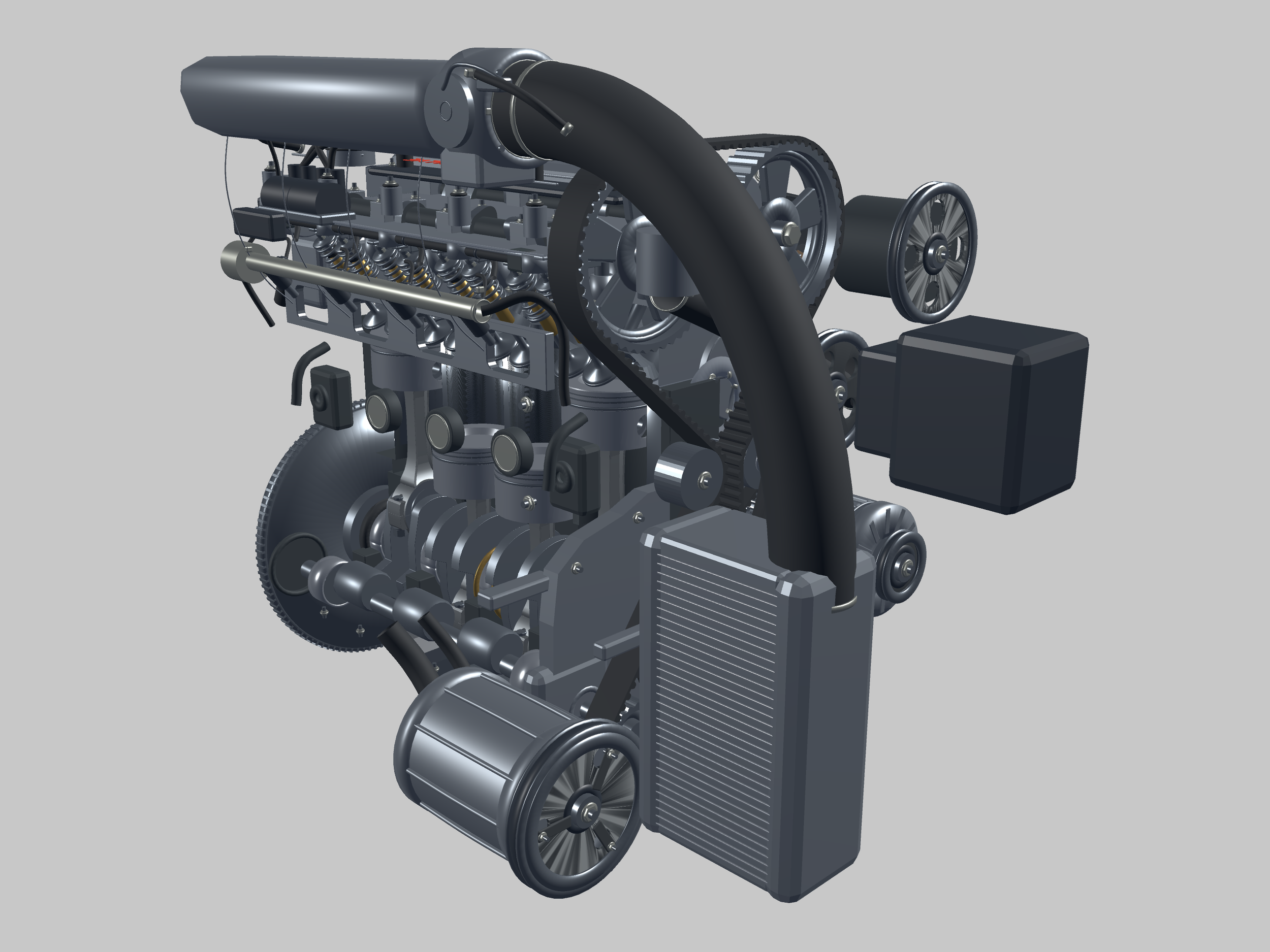
About the real engine
A turbocharged sport-compact classic.
The first-generation Eclipse paired a compact body with Mitsubishi’s 2.0-litre turbocharged 4G63 inline-four. Mitsubishi’s historical account identifies the turbo GS-T and GSX with up to 195 hp; the GS Turbo subject represented here is front-wheel drive, with a manual-transmission configuration.
The GE-025 reconstruction represents the 1991 U.S.-federal, six-bolt 4G63T configuration with retained balance shafts and a TD05H-14B turbocharger. Engine identity and model configuration follow the approved project handoff.
Historical background: Mitsubishi Motors. Historical output figures are not the animation slider’s range or a simulation result.
Interactive features
Explore at your own pace.
Follow the motion
Observe crankshaft, pistons, connecting rods, camshafts and valvetrain relationships, plus timing belts and retained balance-shaft systems. Pause and resume for examination.
Reveal the architecture
Explore the turbocharger, charge piping and intercooler. Use Dressed, Cutaway and multiple Inspect sections. Explode separates components while keeping each timing or balance belt intact; Inspect and Explode work together.
Control your viewpoint
Orbit, pan and zoom with mouse or keyboard. Adjust playback RPM, reset the view and lock desktop placement. Menu buttons, including Lock, fade when the pointer leaves.
Technical information / Windows download
Everything you need to get started.
One $45.00 USD Windows digital download. Extract the complete ZIP and run the application. No Blender, Godot editor or development tools required.
Controls and desktop interaction
- E / C / I
- Explode or assemble / Cutaway or Dressed / cycle inspection sections.
- Space / R / L
- Run or pause / Reset / Lock or unlock desktop placement.
- Mouse
- Left-drag moves the unlocked window; middle-drag orbits; right-drag pans; wheel zooms. Click the engine to reveal the menu.
- Camera keys
- Arrows orbit; + and − zoom; Shift gives fine adjustment; Home recovers the camera.
- X
- Close the app. Relaunch the executable to reopen.
Desktop position, camera, lock and operating preferences persist in the user profile. Mechanical motion is held during explosion and reassembly.
Windows requirements and installation
64-bit Windows with a graphics driver supporting OpenGL 3.3. Tested on Richard’s Windows desktop with an NVIDIA GeForce RTX 3050; performance varies with hardware. No minimum-FPS or cross-hardware guarantee is made.
Download 1991_Mitsubishi_Eclipse_GS_Turbo_4G63T_Windows.zip (57.1 MB). Extract the entire ZIP into a local folder. Open GE025_Mitsubishi_Eclipse_GS_Turbo and run GE025_Owner_Test_006.exe. Keep GE025_Owner_Test_006.pck and DesktopEngineHost.exe alongside it. Read the included README.
The Windows application is unsigned. Follow Windows security guidance; do not disable security protections. No installer or administrator access is required for normal use.
RPM display and rendering behavior
The centered vertical control displays 60–2200 RPM, with Idle at 850. Playback is deliberately reduced: actual crank animation RPM = displayed RPM × 1000 / 2200, capped at 1000. Displayed 60 gives approximately 27.27; 850 gives 386.36; 2200 gives 1000 animation RPM. These are educational playback settings, not historical engine operating limits.
Mechanical relationships follow a shared crank phase. Running rendering targets up to 60 FPS; idle rendering is reduced where supported. Actual frame rate depends on the computer.
Included download and build disclosure
The ZIP contains the approved final Owner Test 006 Windows application, required PCK and native desktop helper, README and SHA-256 manifest. The application retains its “Owner Test 006” title; this is the tested payload, not an older substituted build.
This purchase is interactive Windows software. Blender source files, STL models, a physical engine and a video are not included.
Educational scope and limitations
This is an educational visual and mechanical reconstruction. Some contours, dimensions and routing are inferred or approximated. Sampled motion checks are not exhaustive physical collision or force simulation. It is not OEM-certified dimensional data, manufacturing CAD, repair guidance or replacement-part information.
Mitsubishi names identify the historical subject only. Wolfgang Engineering is independent and is not affiliated with, sponsored by or endorsed by Mitsubishi.