
 Image 1 of 9
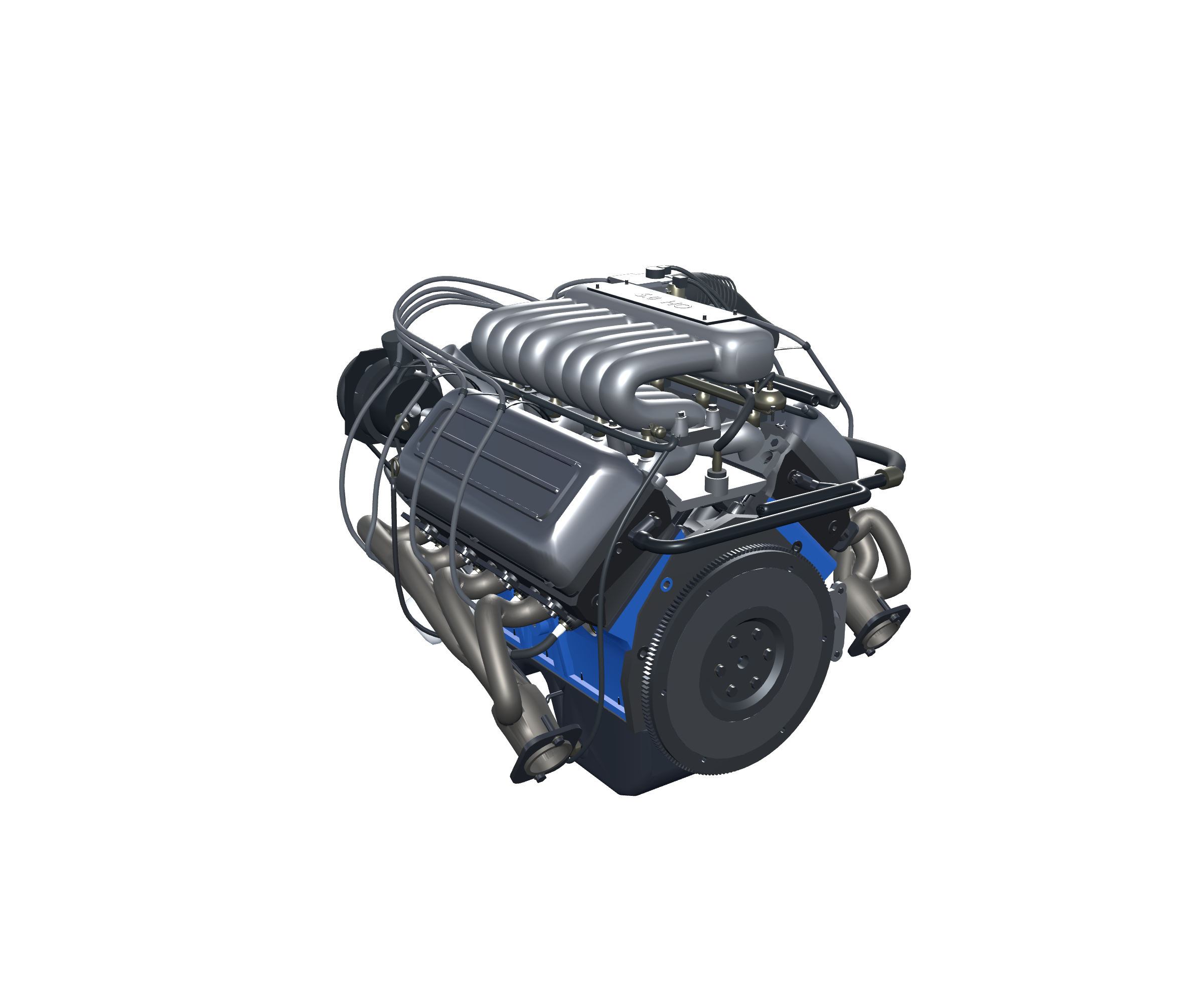 Image 2 of 9
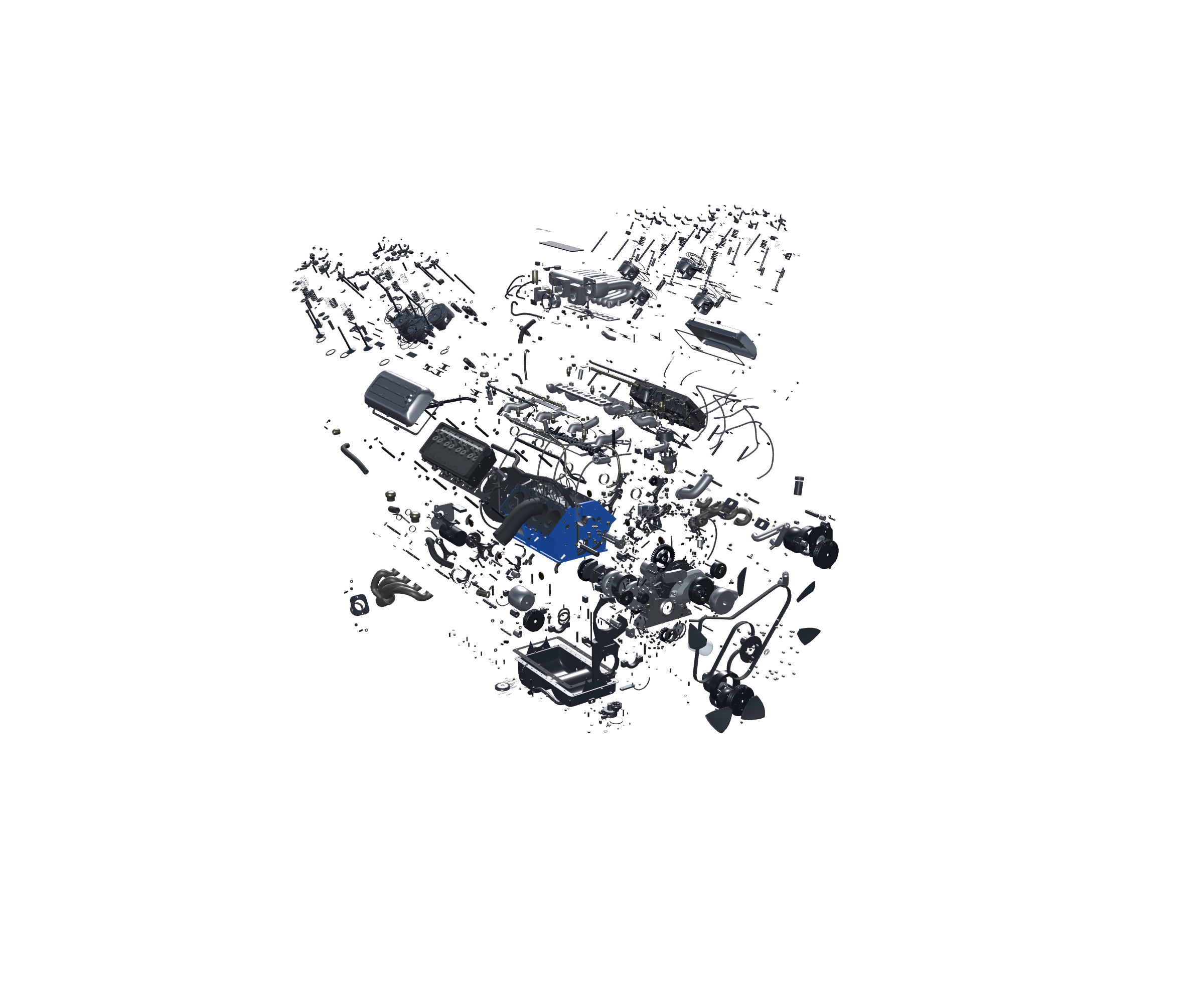 Image 3 of 9
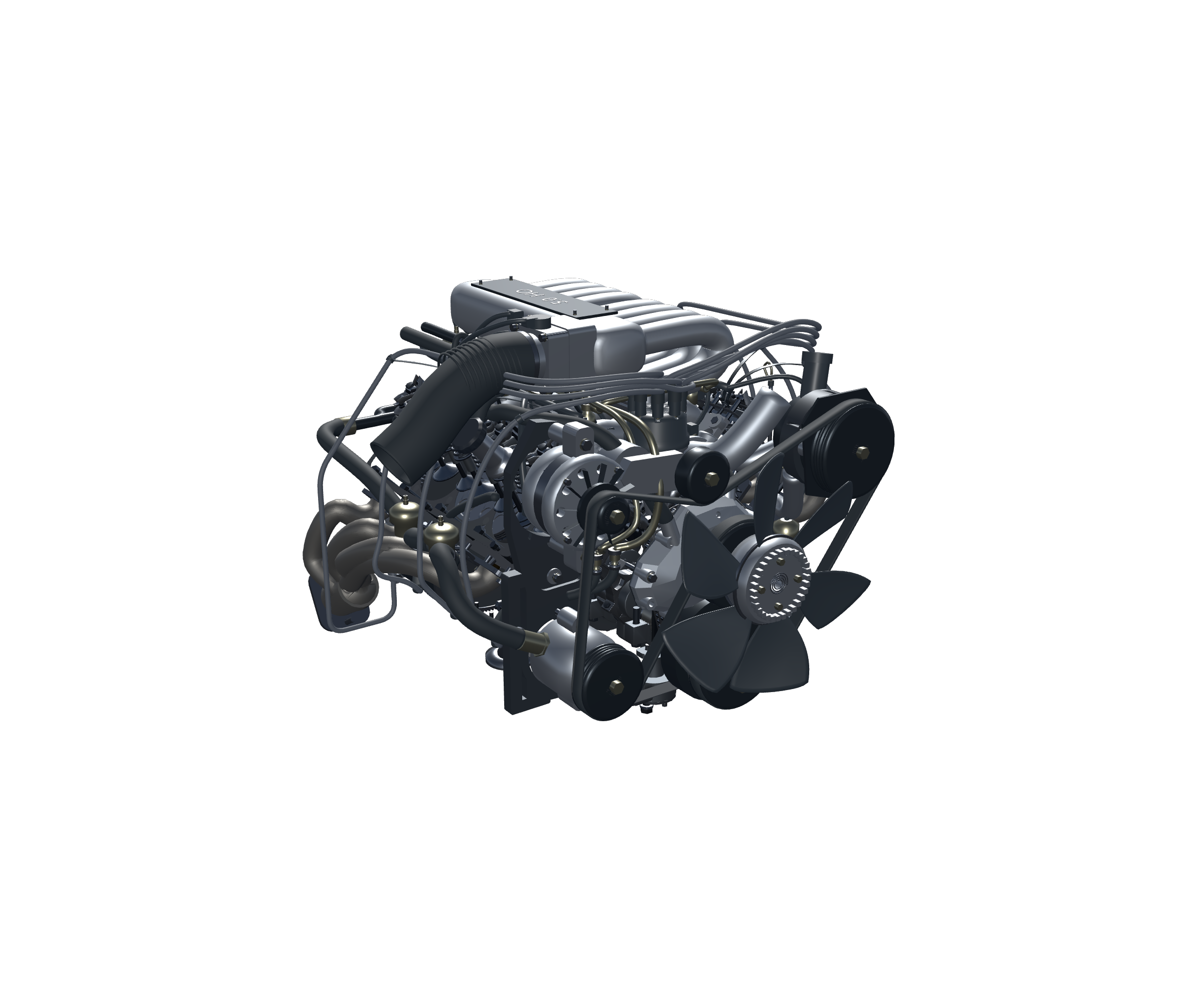 Image 4 of 9
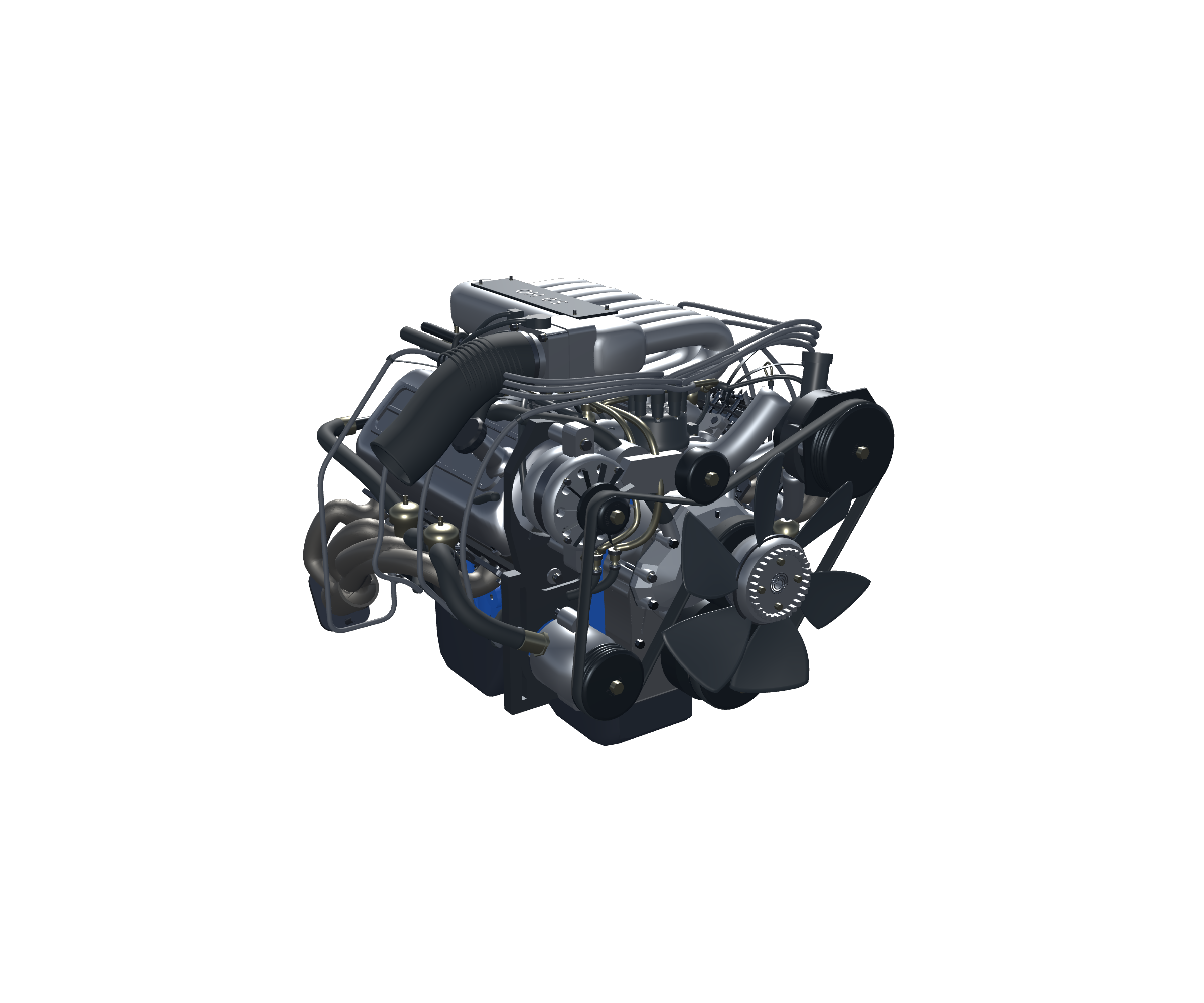 Image 5 of 9
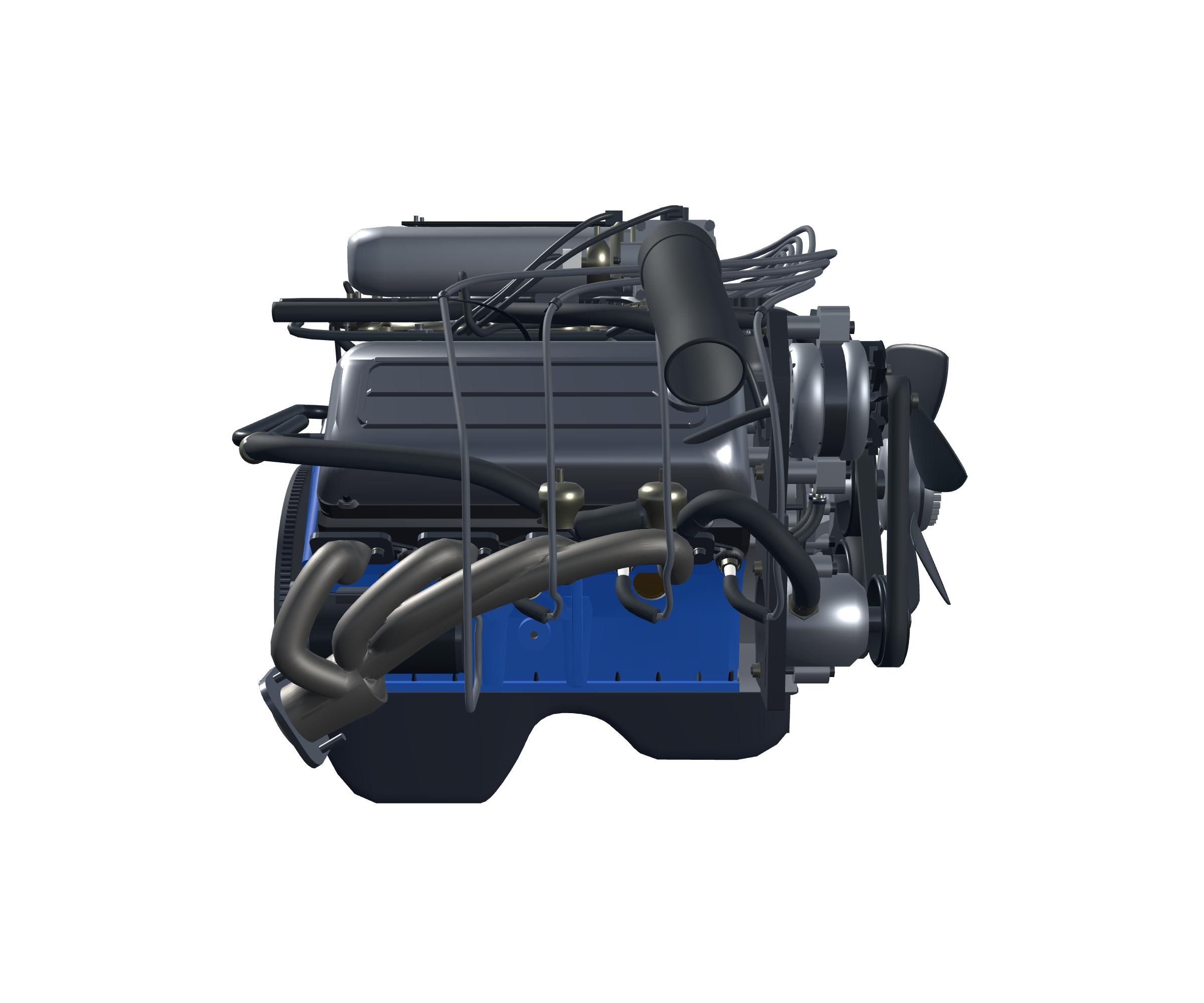 Image 6 of 9
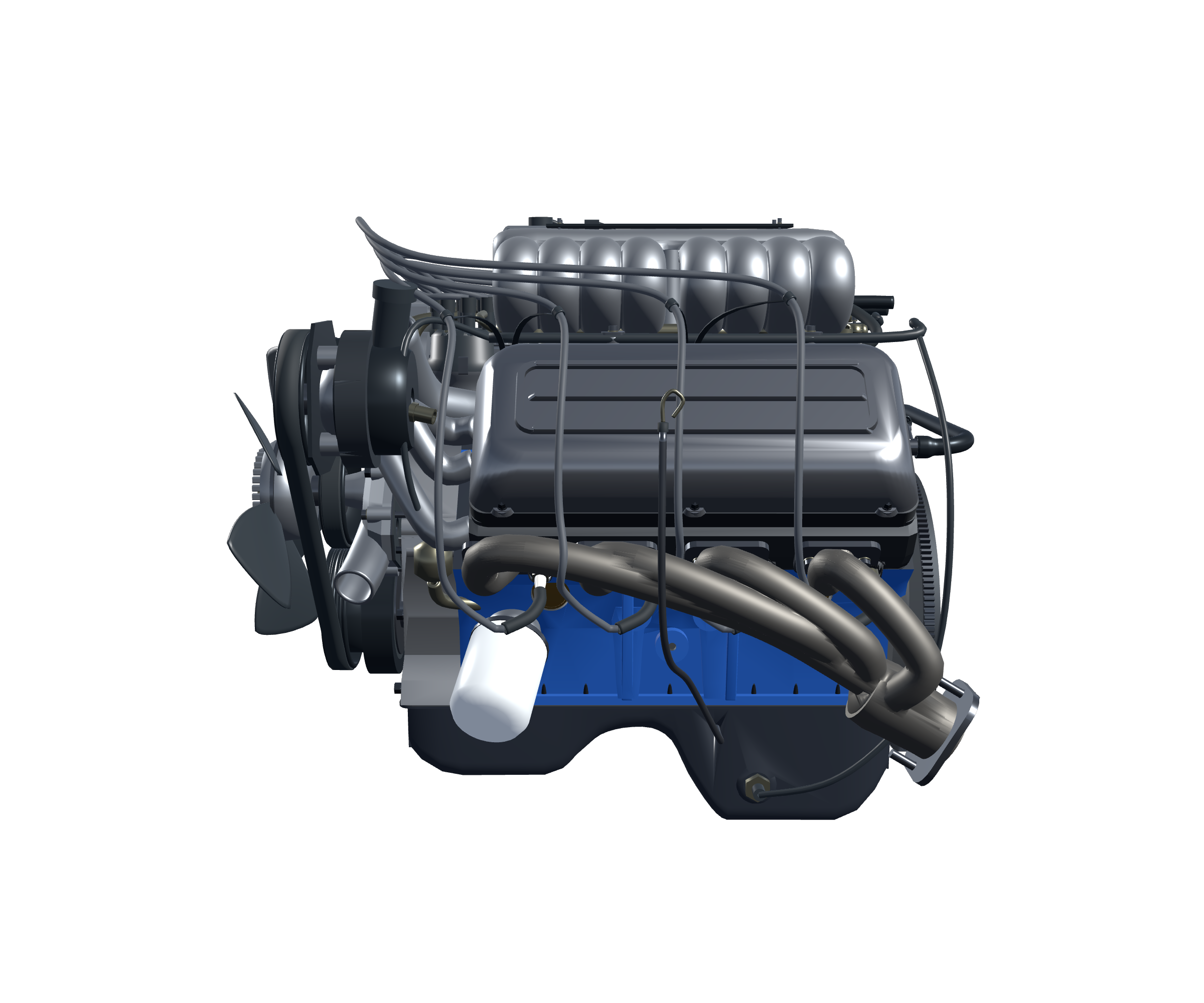 Image 7 of 9
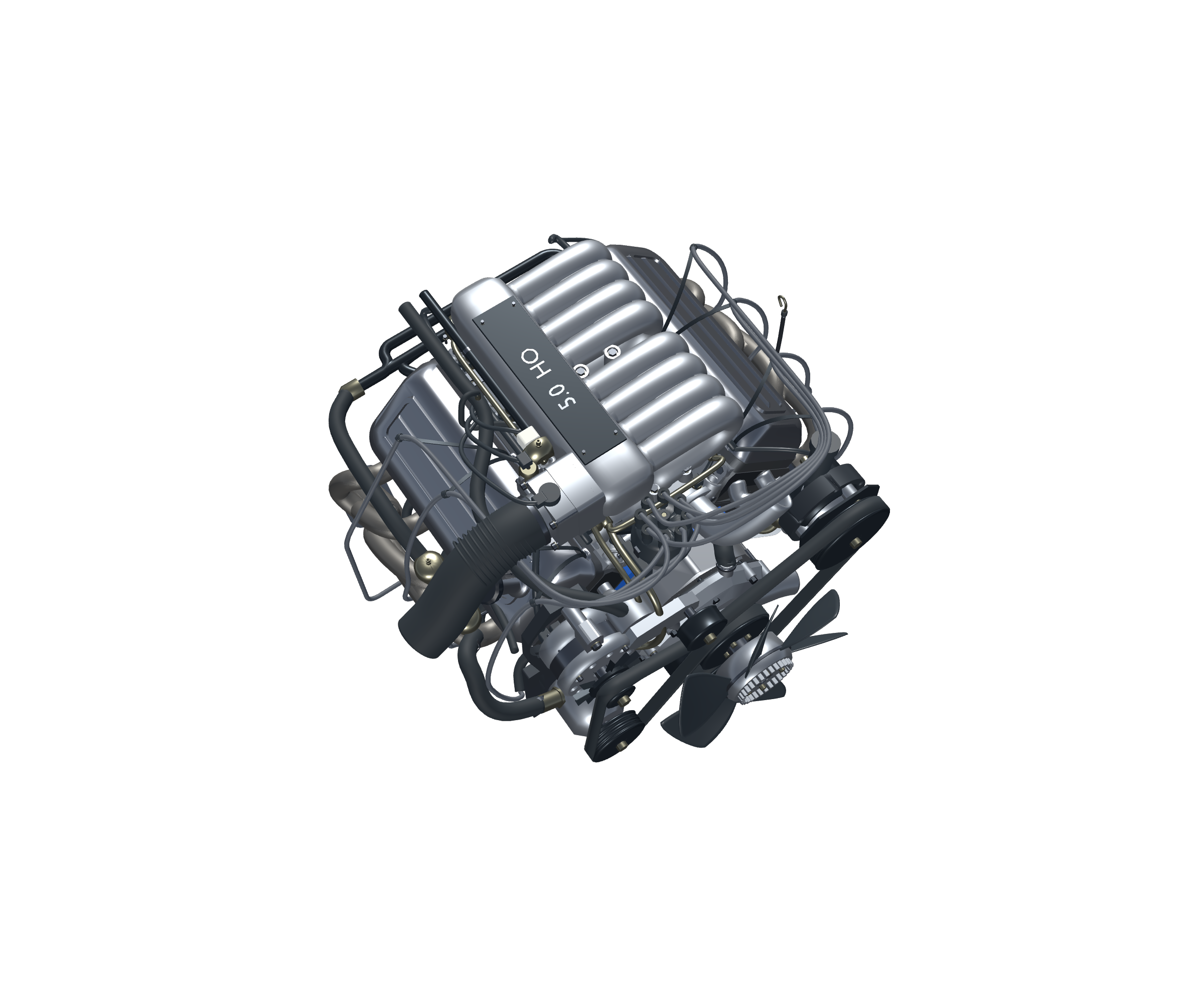 Image 8 of 9
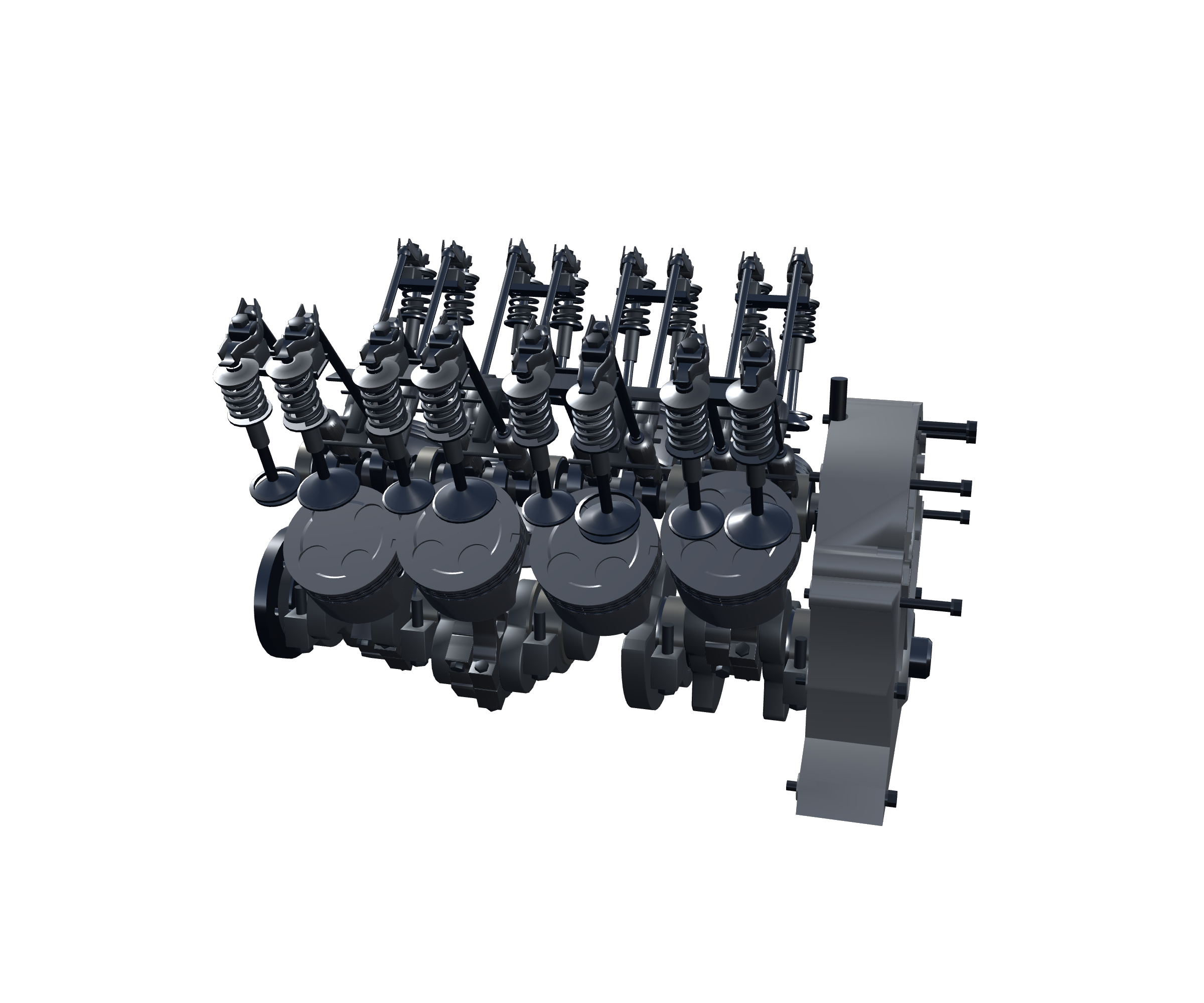 Image 9 of 9
An engine on your desktop / GE-015
Run it. Open it. Explore it.
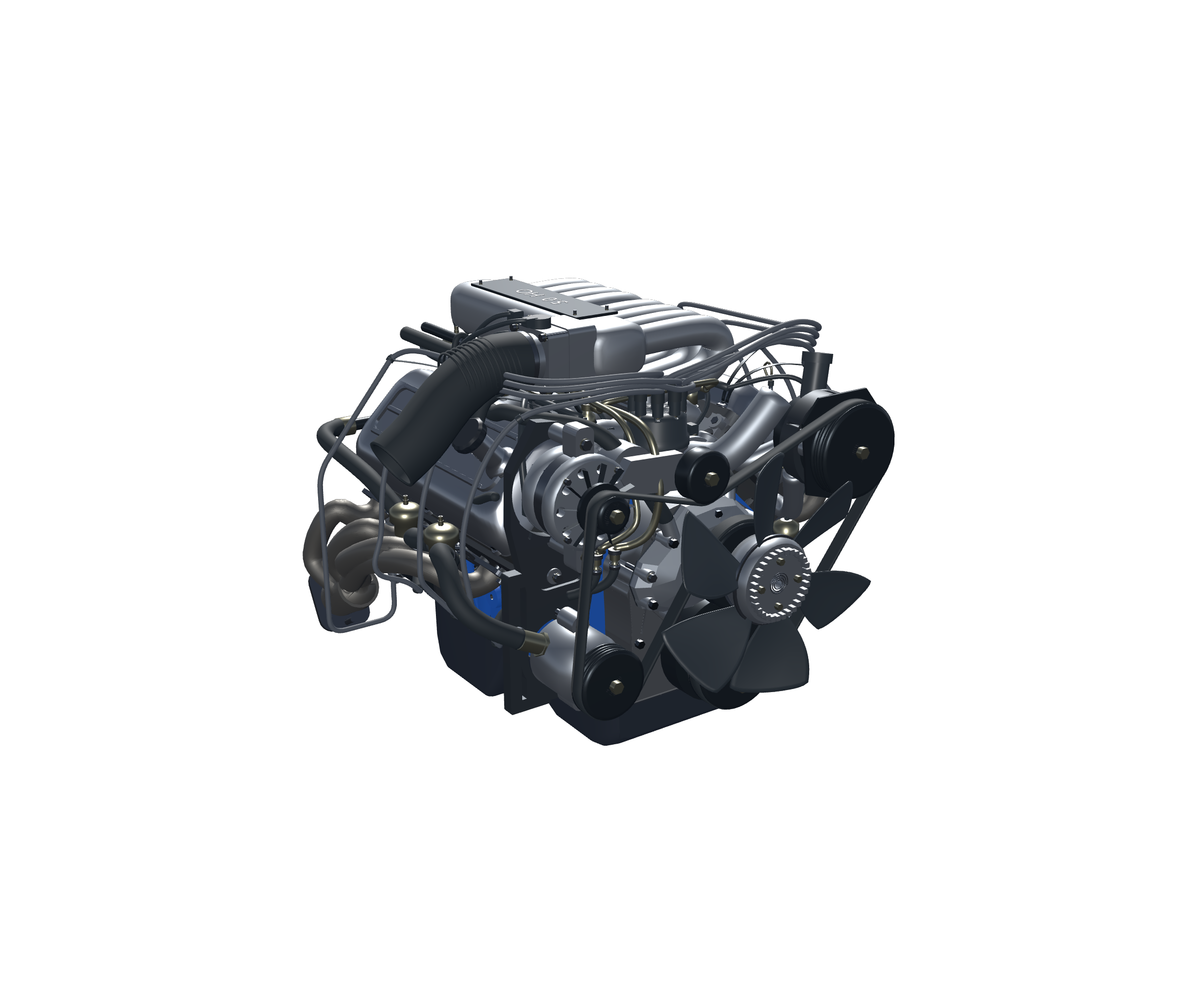
A transparent, borderless Windows application brings the Ford 302 to your desktop. Follow the pistons, reveal the pushrod valvetrain and explore the engine from several angles.
Interactive educational software — not a physical engine, manufacturing CAD file or video.
Orbit / Pan / Zoom
About the real engine
The 302 story: from 1968 to the EFI 5.0
Ford introduced the 302-cubic-inch small-block V8 in 1968, developing it from the closely related 289 through a longer stroke. It became a long-running member of Ford’s small-block family. The Mustang GT received a high-output 302 with a roller-tappet camshaft for 1985, followed by electronic fuel injection in 1986. The 1987 Mustang 5.0 HO EFI configuration represented here belongs to that later development. The original Boss 302 was a separate 1969–1970 performance version, known for its canted-valve cylinder heads and Trans-Am racing role. This educational model represents the later 1987 Mustang 5.0 HO EFI layout rather than the original 1969–1970 Boss engine. These dates document production introductions, rather than an unverified date when design work began. Source: Ford Racing’s engine history.
Explore the engineering
Separate the parts. Keep their size.
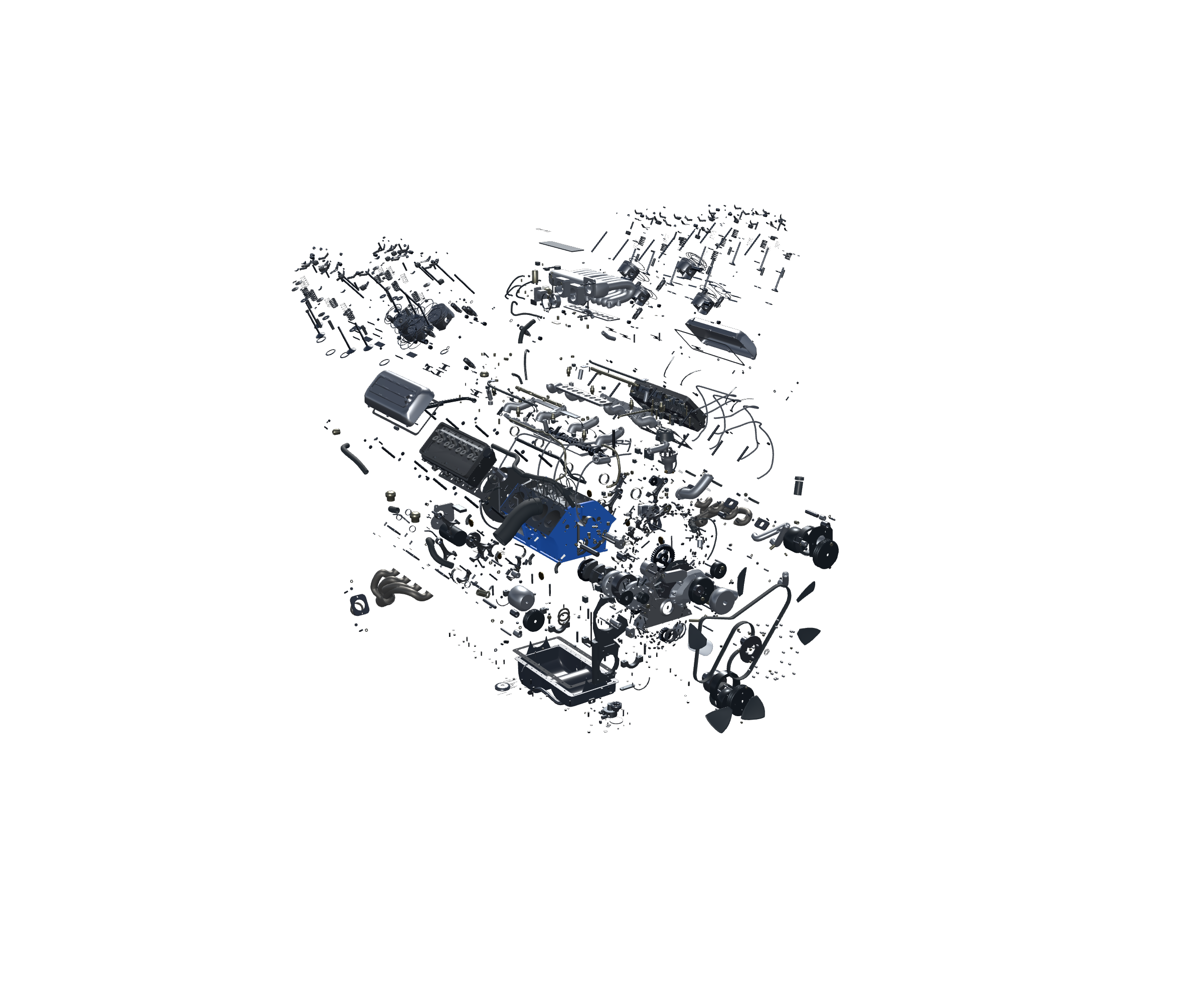
Exploded View separates the complete assembly using position offsets only. The crankshaft and camshaft each remain coherent, while the surrounding individual components spread apart for inspection. Parts keep their assembled scale and orientation. Explode does not move the camera or change its field of view. Use explicit camera targets, pan, orbit or zoom to navigate the wider assembly. Reassembly restores the exact assembled transforms. This is an educational breakdown, not a workshop disassembly sequence.
Explore the engineering
Eight pistons, one crankshaft
Connecting rods link the eight pistons to the crankshaft. As the crankshaft turns, each rod changes angle while its piston travels along its cylinder axis. Pause to compare positions around the cycle. The model illustrates supplied mechanical relationships; it does not calculate combustion pressure, bearing loads, torque or engine output.
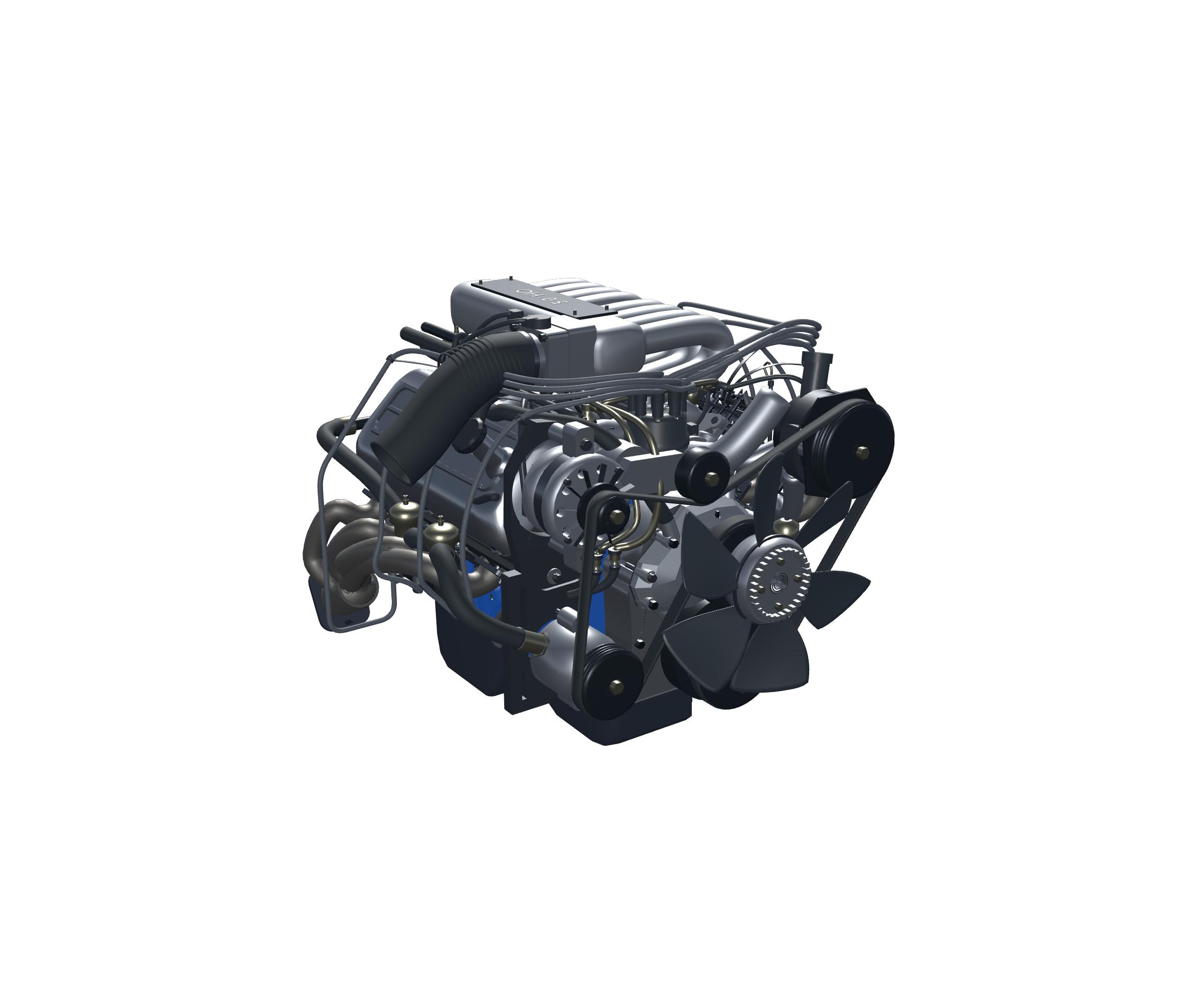
Interactive exploration
Reveal what the castings conceal
Cutaway reveals one side of the internal assembly through the outer castings. Rotate around the exposed assembly to compare the inner mechanism with the surrounding housings. Inspect separately cycles through Full, Internal and stripped Combustion views. Section views are presentation tools rather than freely movable engineering sections or a certification of hidden passages.
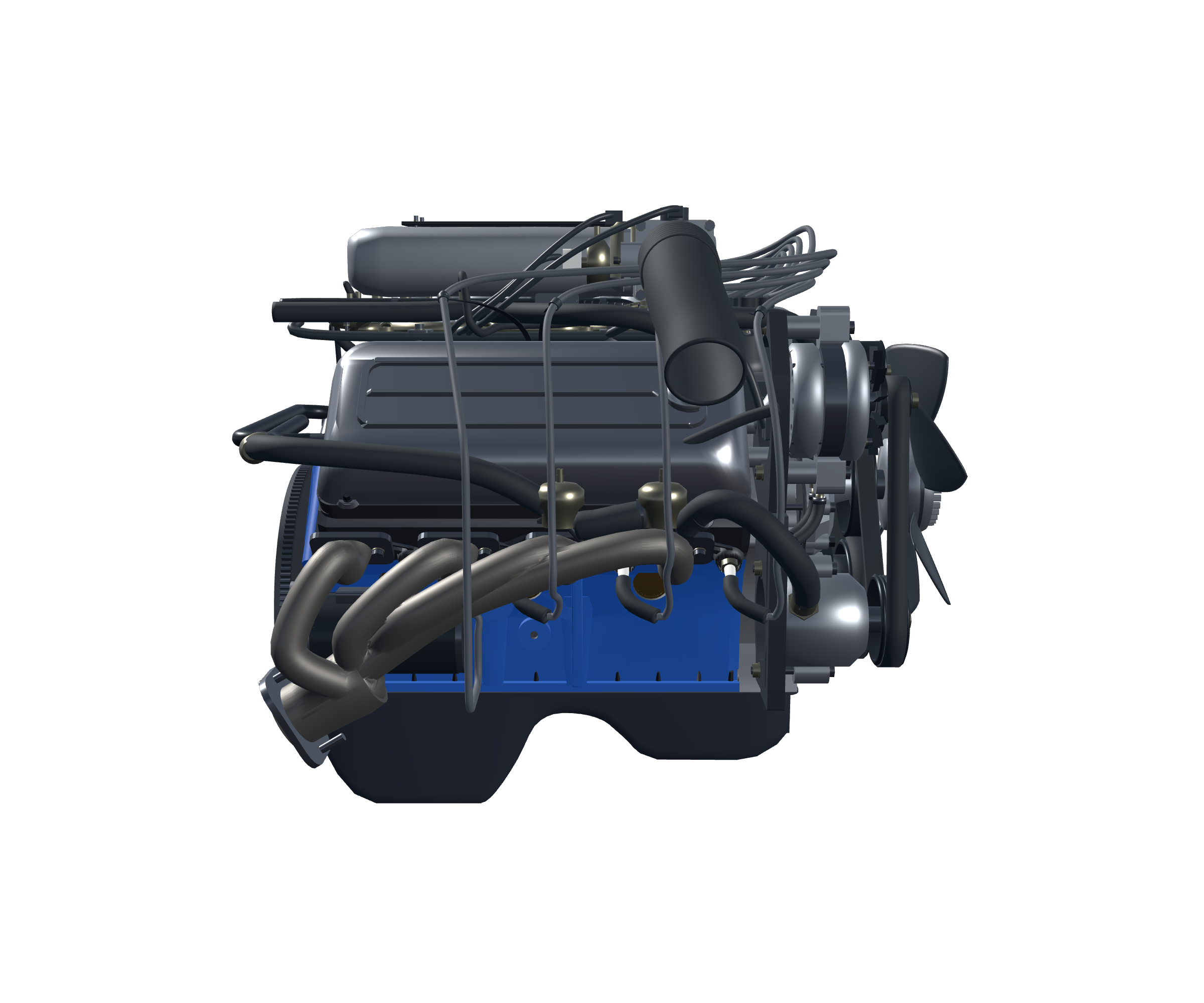
Explore the engineering
Intake, ignition and exhaust
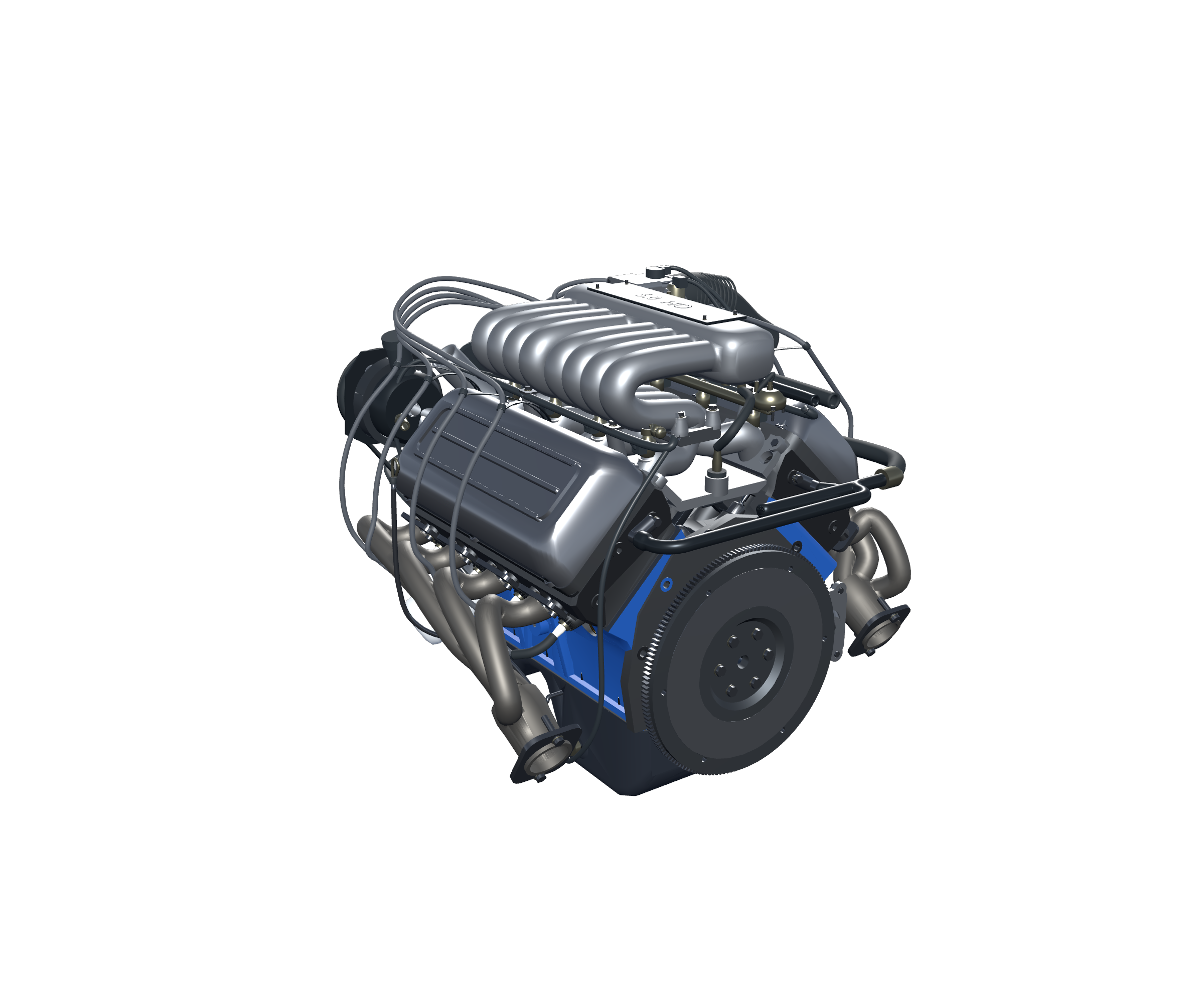
The EFI intake sits above the V8, while ignition wiring and the exhaust runners flank the cylinder heads. The side view shows how these systems surround the central mechanism. Compare the assembled and stripped views to locate connections and follow the shapes of the supplied components. The application does not simulate fuel flow, spark energy or exhaust acoustics.
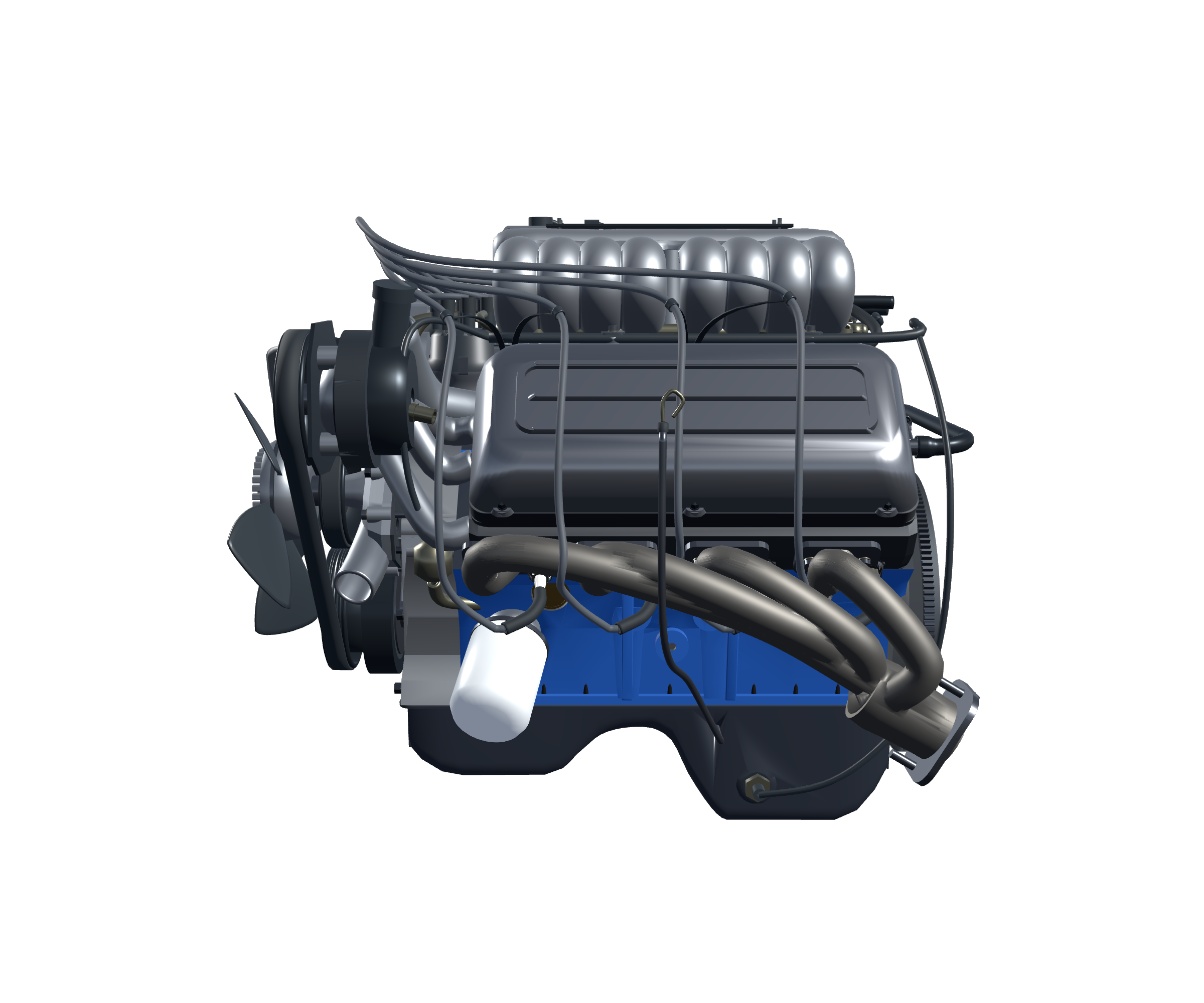
Explore the engineering
Cooling, lubrication and the front drive
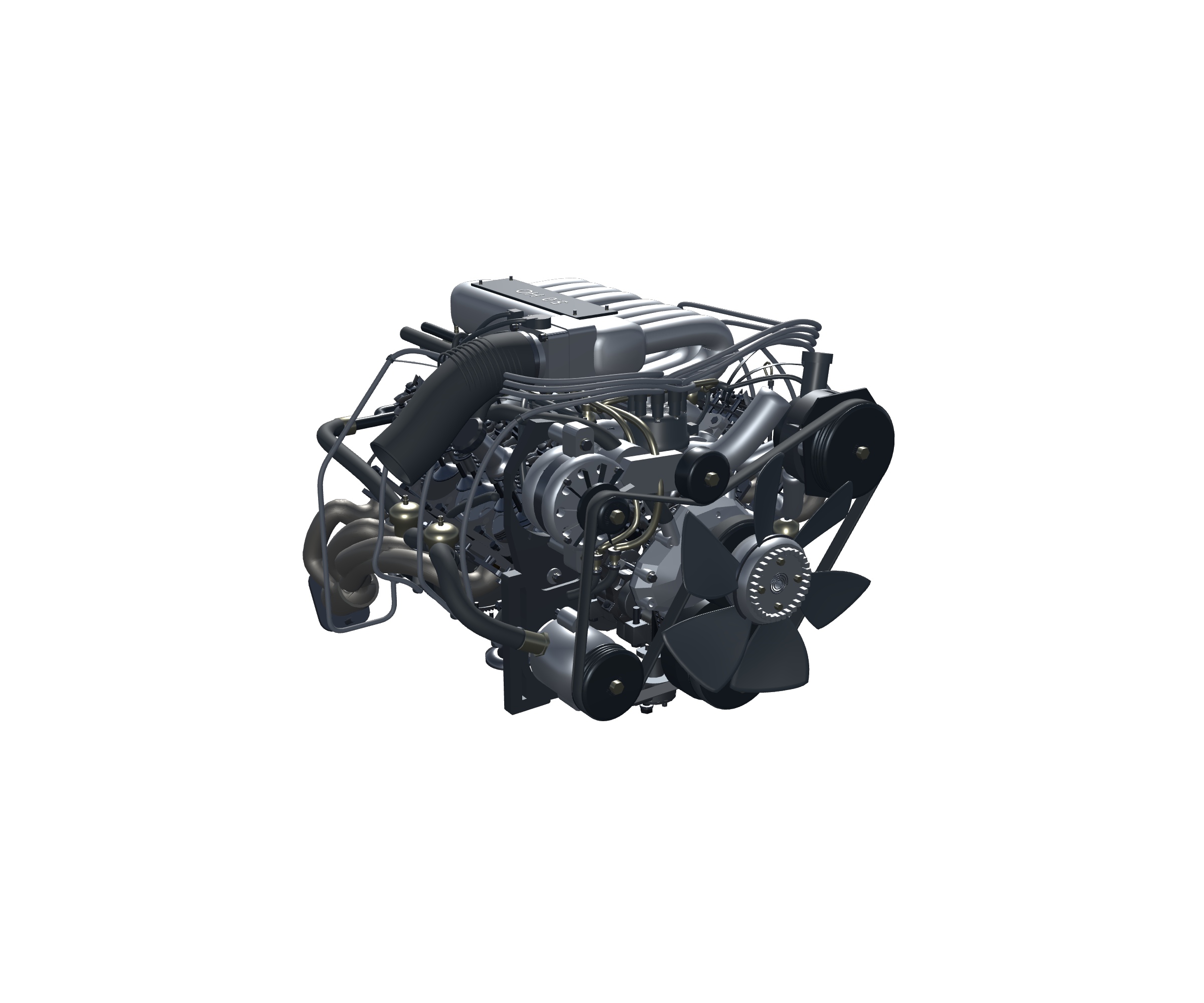
The water-pump housing, timing cover, accessory drive and oil pan provide useful landmarks around the engine. Orbit to compare them with the visible hoses, pulleys and brackets. Internal oil and coolant passages are largely hidden in real castings. This visual reconstruction does not certify complete fluid circuits, pressure, thermal performance or manufacturing dimensions.
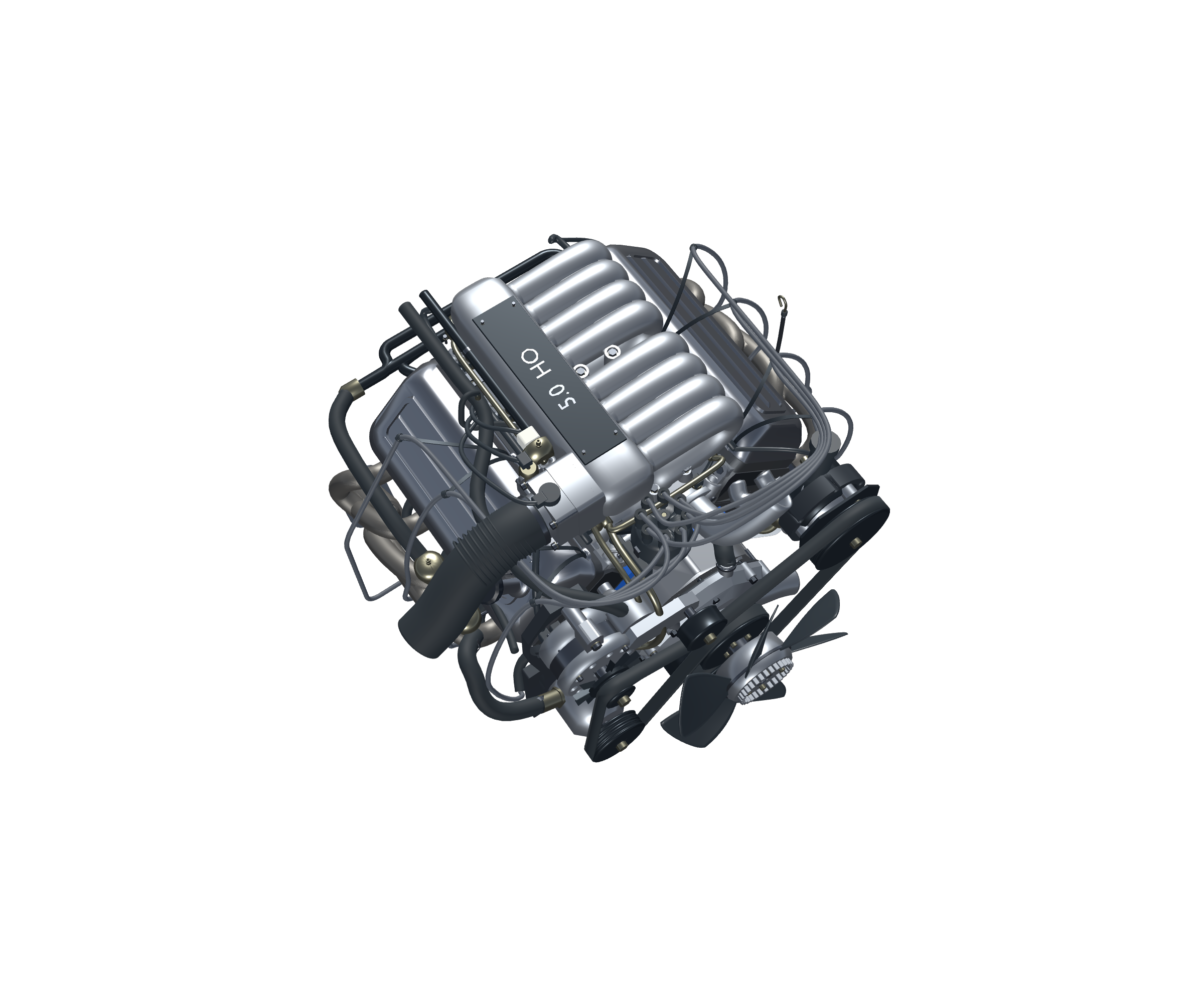
Nine-color personalization
Your finish. The original details.
Choose Original, Forest Green, White, Yellow, Red, Dark Blue, Black, Silver Grey or Bare Metal. The factory-inspired appearance remains the default. Alternate colors affect the block, head exterior castings, water-pump housing and timing-cover cast surfaces. Other aluminum and machined surfaces, rotating internals, rubber, wiring, exhaust and hardware retain their distinct materials. The application remembers the selected finish between sessions.
Explore the engineering
From camshaft to valves
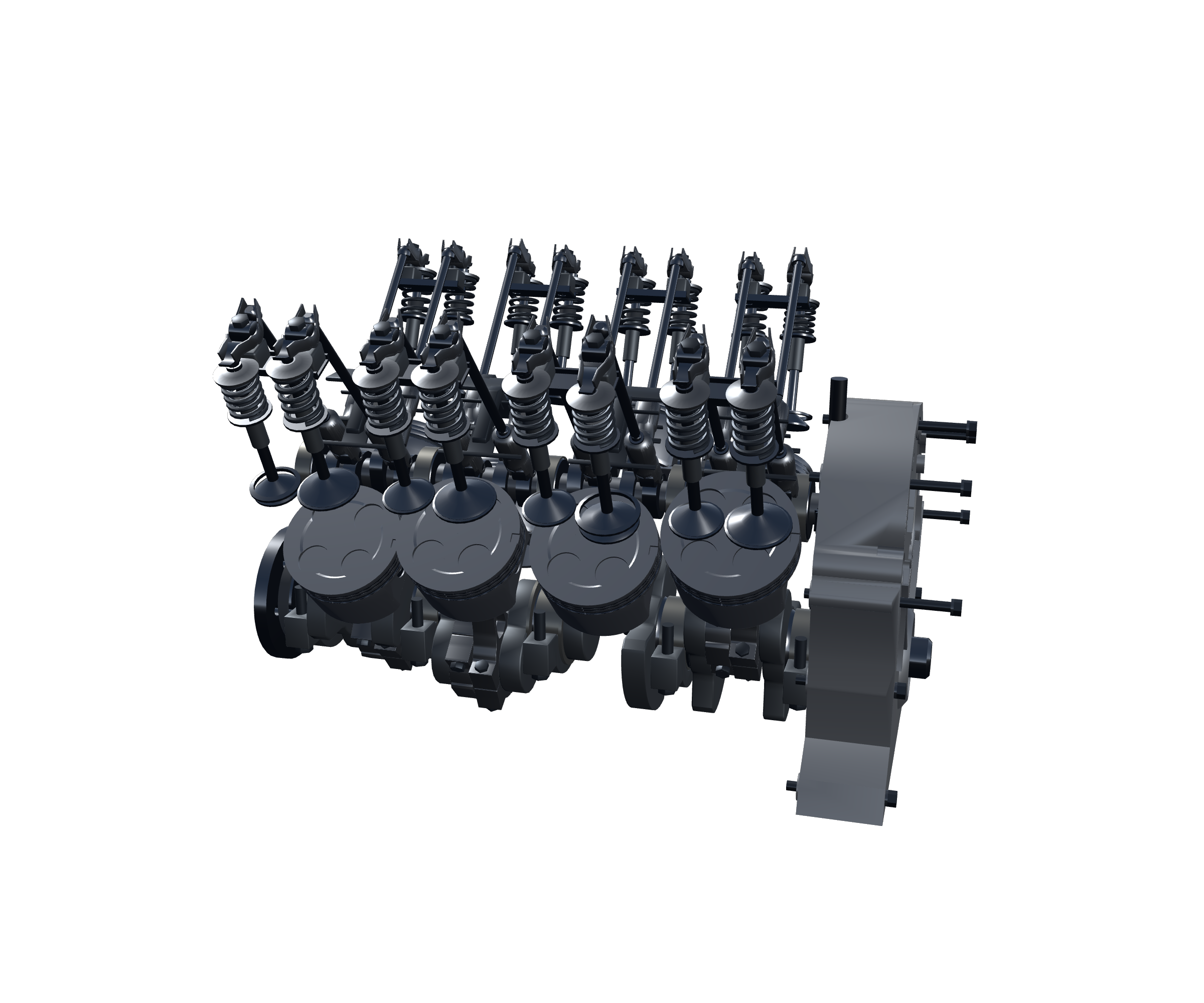
An in-block camshaft acts through hydraulic roller lifters, pushrods and rocker arms to move the valves against their springs. The third Inspect state removes external castings, exhaust, ignition wires and other exterior obstructions so the main combustion drivetrain is easier to see. Run, pause and adjust presentation speed to follow the supplied motion. The presentation follows supplied mechanical motion without simulating combustion or electronic engine control.
Technical information / Windows download
Everything you need to get started.
Windows digital download — $35.00 USD. GE-015 V1.0.
Controls and Windows compatibility
Click the engine to reveal controls. Left-drag positions the window; middle-drag or arrow keys orbit; right-drag pans; the wheel or +/− zooms. Shift gives finer keyboard adjustment. E toggles Explode, C toggles Cutaway, I cycles Full/Internal/Combustion inspection, R resets, L locks and Home recovers the view. Explore supplies four camera targets and component selection. The 60–2200 RPM slider controls animation playback, not a certified operating range or performance output. High speeds can exhibit rendering aliasing. No engine audio simulation is supplied.
Validated on Windows with an NVIDIA RTX3050. No minimum-hardware or all-GPU guarantee is claimed.
Download and first launch
Extract the complete ZIP into a writable folder, then launch Ford302_V8_Owner_Test.exe. Keep its .pck and DesktopEngineHost.exe together. No Blender or Godot installation is required.
Educational scope and V1.0 limitations
Educational reconstruction, not factory CAD, repair instructions, parts-ordering data, dimensional certification or fabrication guidance. Manufactured forms, hidden passages and mechanism profiles include approximations. The accepted V1 cylinder-bank stagger/block-casting mismatch is retained for a future V2 improvement. Fluid dynamics, combustion forces, fuel consumption and acoustics are not simulated. Ford and Mustang names identify the subject; Wolfgang Engineering is independent.
Product support · Contact Wolfgang Engineering · Engine Library